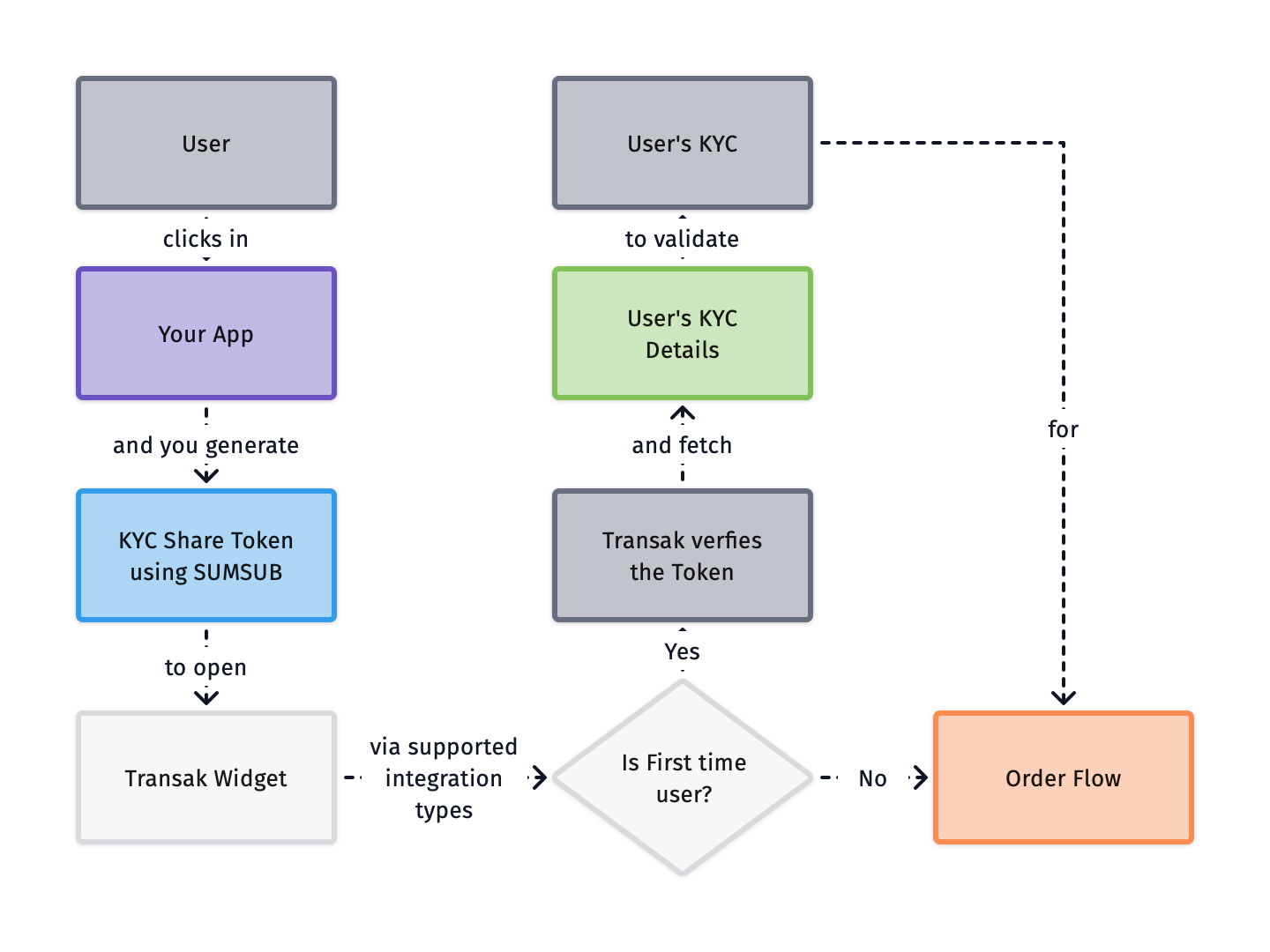
*** title: KYC Reliance using Sumsub slug: features/kyc-reliance-sumsub subtitle: Reuse existing Sumsub KYC data to eliminate redundant user verification --------------------------------------------------------------------------------- **KYC Reliance using Sumsub** allows partners to reuse their existing Sumsub KYC data with Transak, eliminating the need for users to complete verification again. ## Problem Statement Traditional integration flows require users to complete KYC verification separately for each platform, creating unnecessary friction and delays in the user journey. Here are some of the **key challenges** with duplicate KYC processes:
Redundant verification
Users must repeat KYC verification even though they're already verified on partner platform.
Slower onboarding
Additional KYC steps significantly delay user onboarding and increase time to first transaction.
Poor user experience
Users are frustrated by having to upload documents and complete verification multiple times.
Lower conversion rates
Duplicate KYC requirements create drop-off points that reduce user conversion and activation.
## Our Solution KYC Reliance allows partners to share their existing KYC data with Transak using Sumsub, eliminating duplicate verification and creating a seamless one-click onboarding experience. Here are some of the **key benefits** of the KYC Reliance solution:
Instant Onboarding
Onboard verified users to Transak in under a minute without additional verification.
No Repeat KYC
Users leverage their existing KYC verification without re-uploading documents or repeating checks.
Secure Data Sharing
Self-serve, secure integration through Sumsub's token-based KYC data sharing.
Higher Conversion
Eliminate KYC friction to significantly improve user activation and conversion rates.
## How does it work? kyc-reliance-sumsub ### Mandatory Fields For seamless user onboarding, ensure the following fields are validated in Sumsub and included in the shared token:
Field Validation Valid Format
First Name 1 to 50 characters John
Last Name 1 to 50 characters Doe
Date of Birth (DOB) Age 18–150 years dd/mm/yyyy, dd-mm-yyyy, dd.mm.yyyy
Mobile Number Valid number with + and country code +11234567890, +919876543210
Address Line 1 1 to 200 chars, at least one alphabetic, valid postcode format 123 Main Street, 2nd Avenue
Address Line 2 Optional, 1 to 200 chars
City 1 to 50 characters Austin
State 1 to 100 characters Texas
Post Code Valid postcode 45123
Country Code Valid country code FRA, IND
ID Document Valid supported country document Passport, Driver's License, Residence Permit, ID Card
Advanced Liveliness Valid live selfie Live selfie
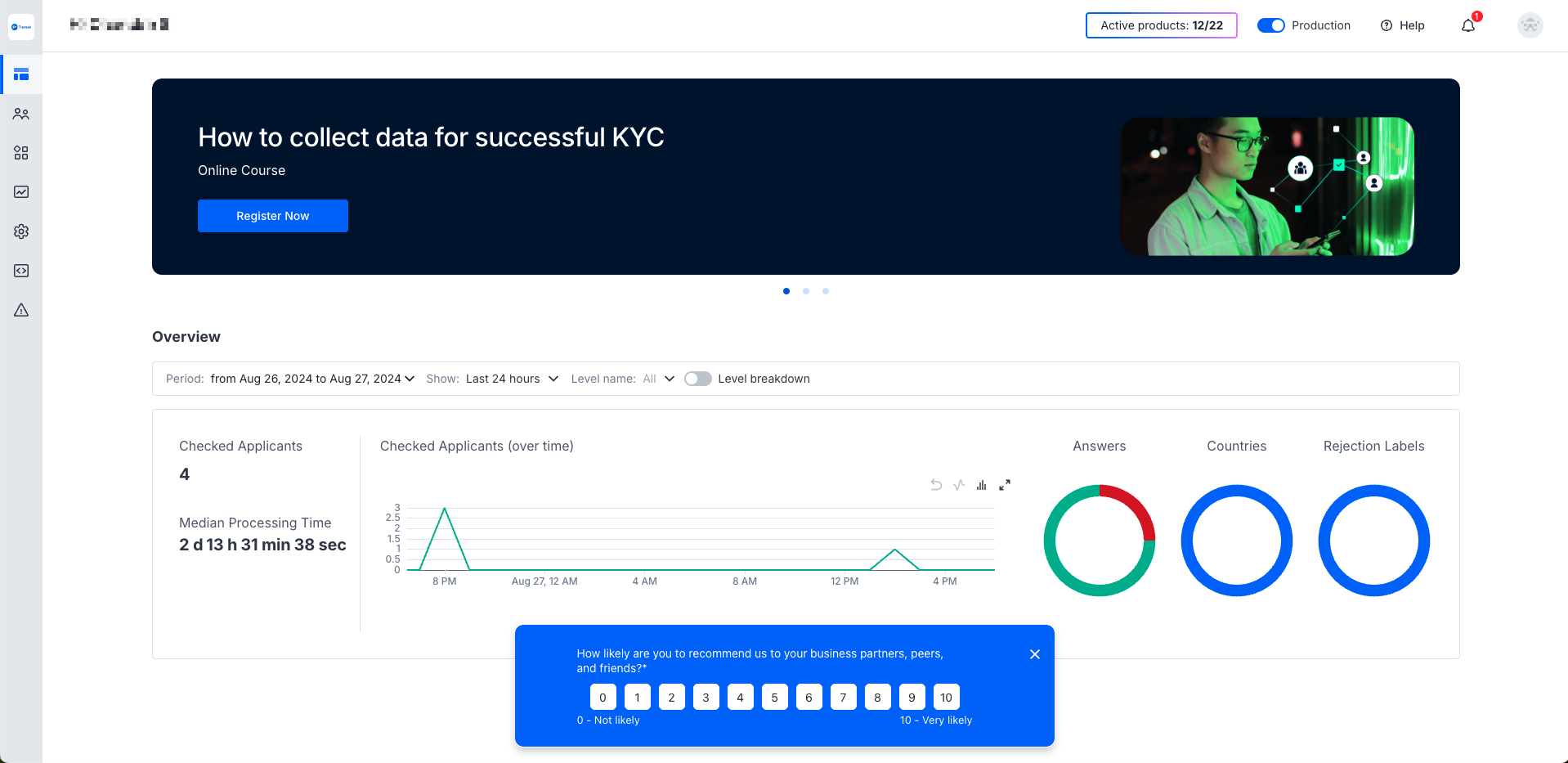
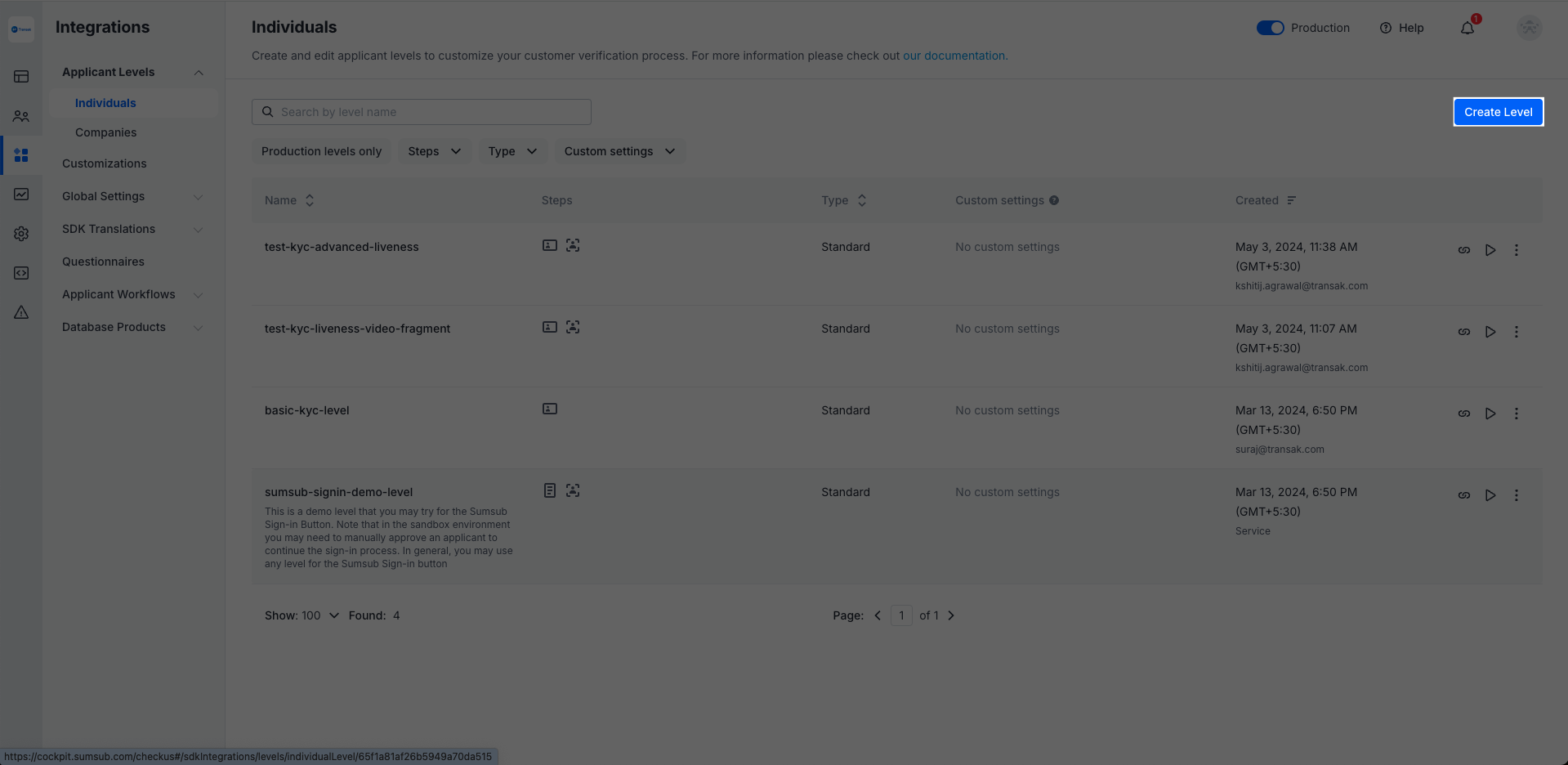
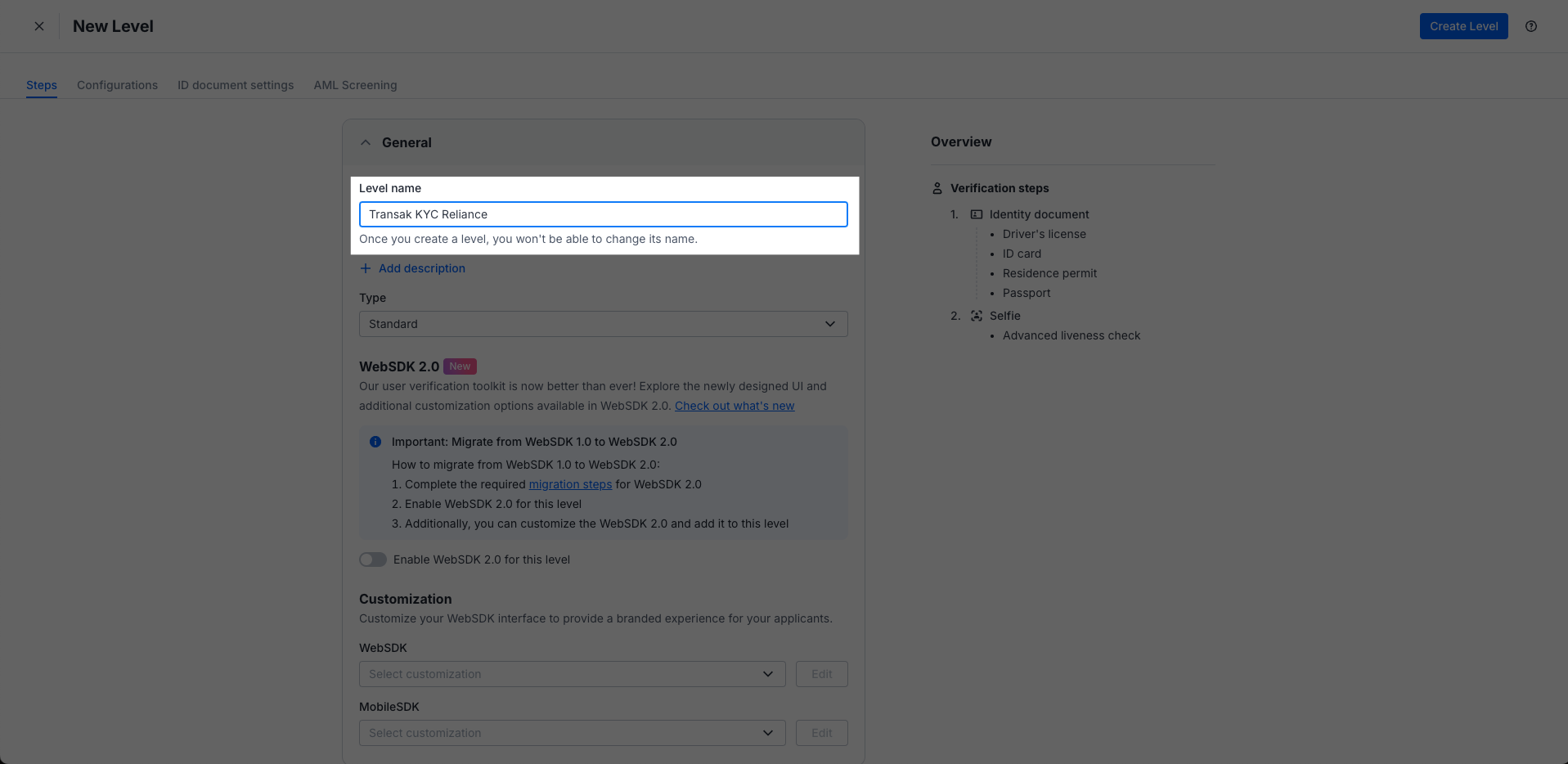
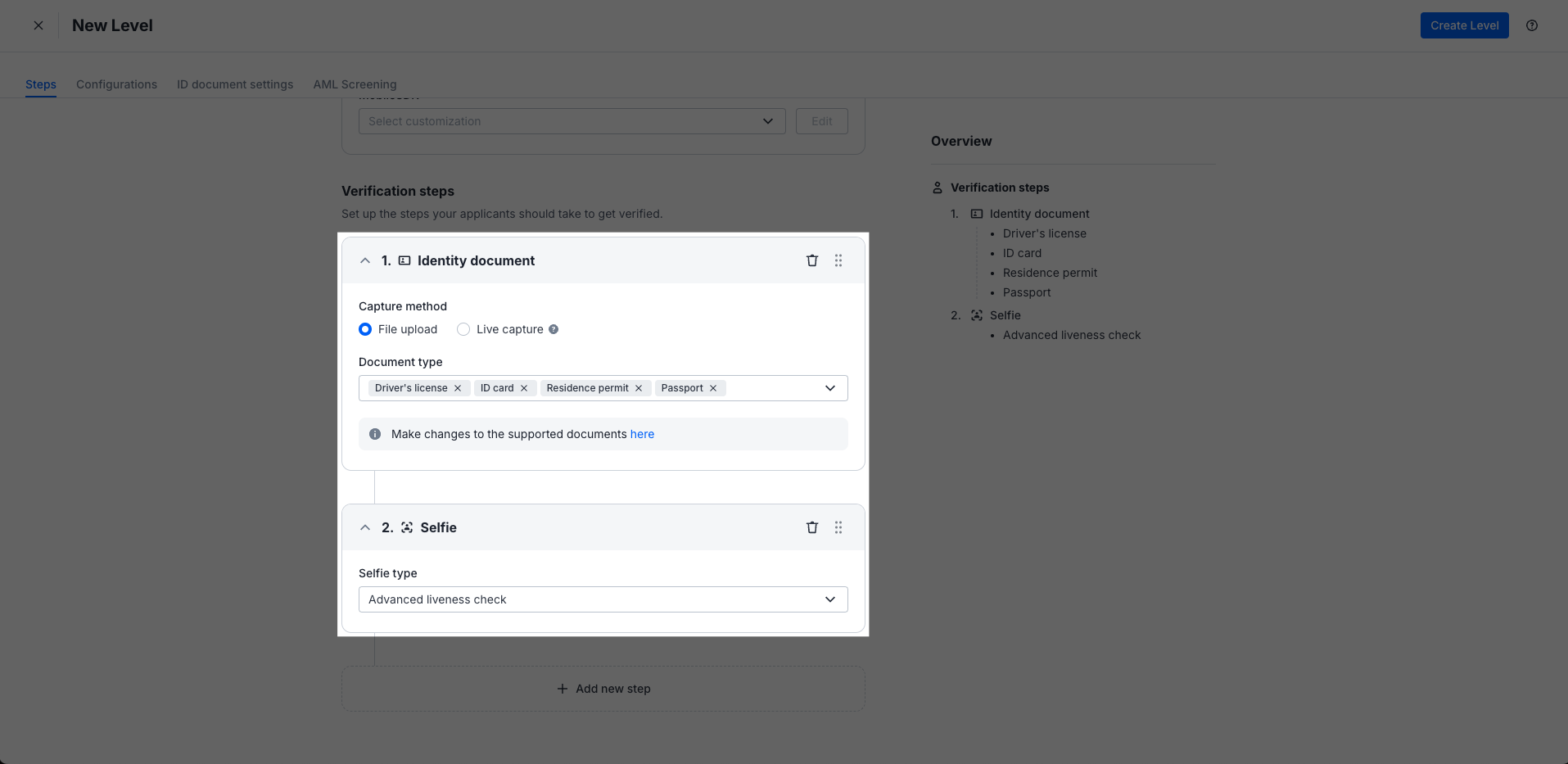
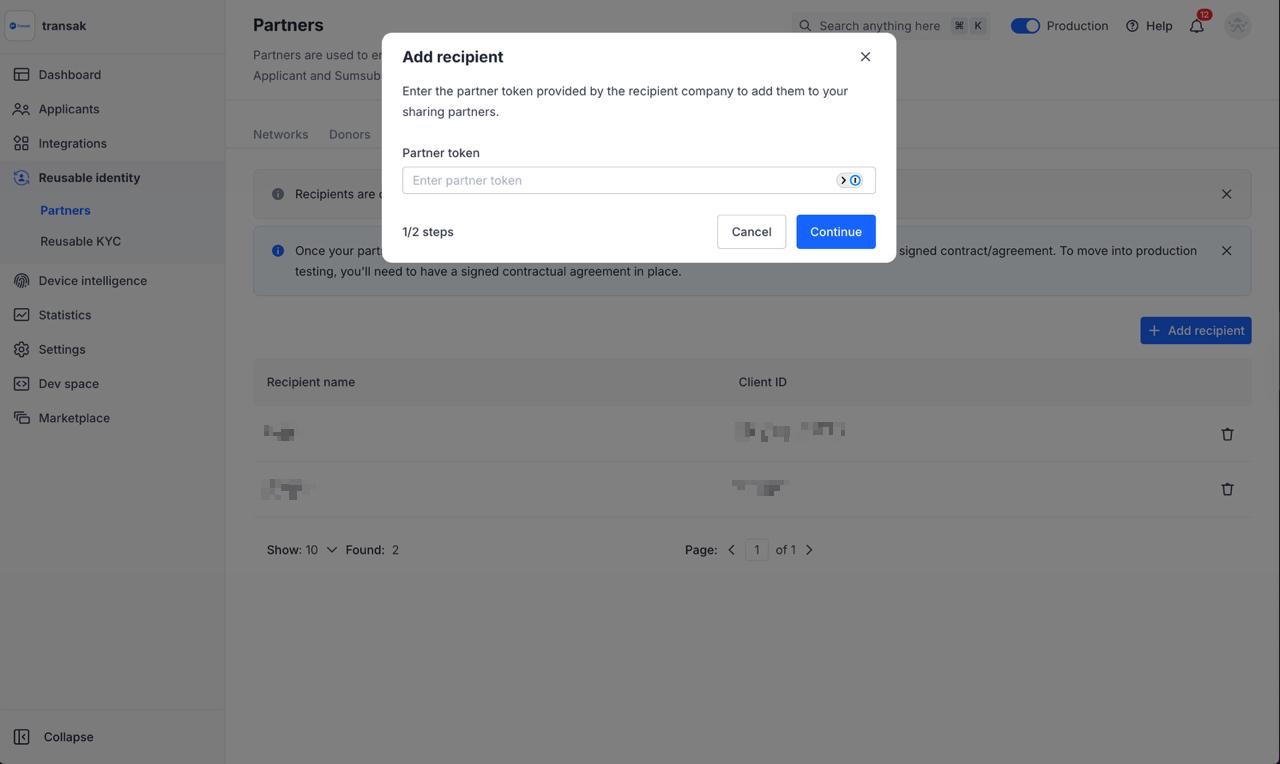
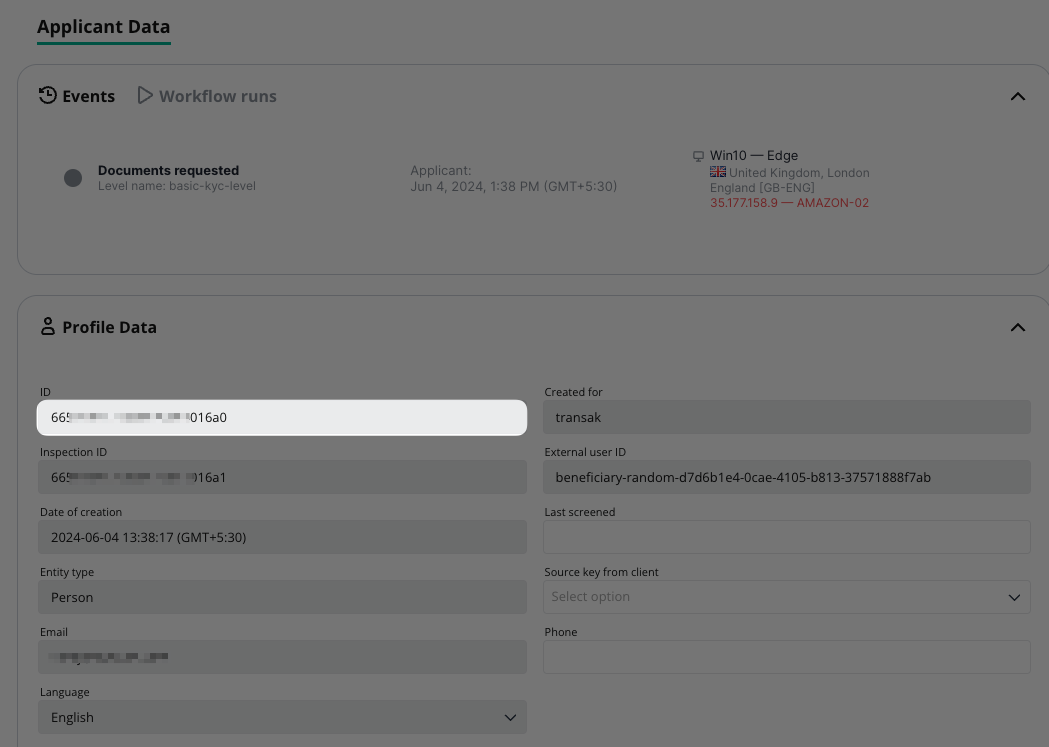
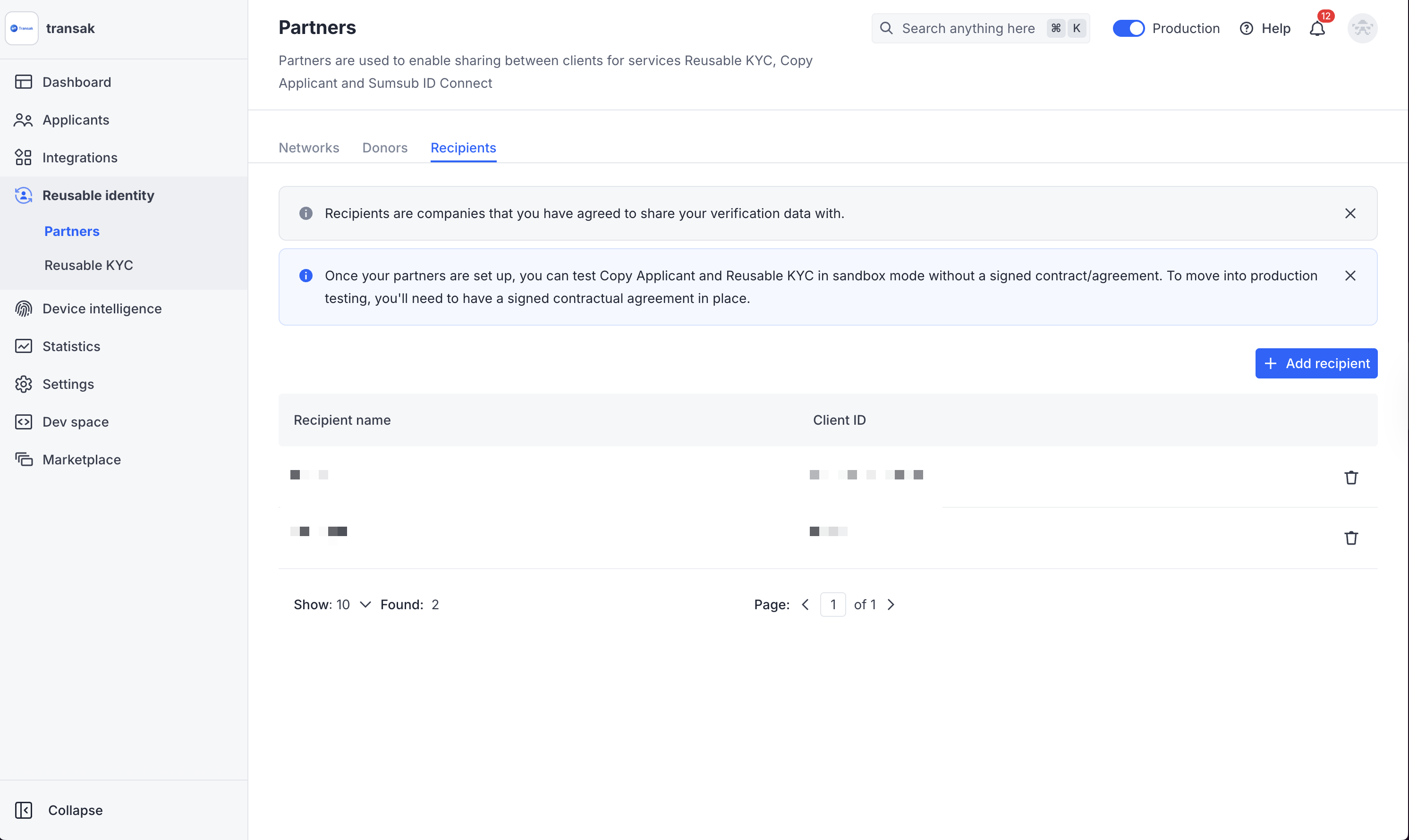
## How to integrate? ### Sumsub Configurations Access your Sumsub account at [cockpit.sumsub.com](https://cockpit.sumsub.com/). Sumsub Dashboard Go to `Integrations → Application Levels → Individual`, click **Create Level**, and name it `Transak KYC Reliance` (or use your preferred identifier). Create Application Level Level Name Enable **Identity document** and **Selfie** verification types. Ensure all document types and selfie options are properly configured. Document Configuration Partners need to share their respective email IDs with Transak to receive the donor access token via a secure link. Access your Sumsub account at [cockpit.sumsub.com](https://cockpit.sumsub.com/). Go to the Partners section in your Sumsub dashboard. Sumsub Dashboard Click **Add Recipient** and enter the donor token provided via secure link in the pop-up. Add Recipient ### Integration Options Integrate our APIs in your backend to build a fully custom UI and user journey. Redirect users to Transak's hosted flow via the Web to complete their seamless KYC data sharing. Add the Transak Embed to your web app using an iframe. Add the Transak Embed to your JavaScript app with our SDK. Add the Transak Embed to your Android app. Add the Transak Embed to your iOS app. Add the Transak Embed to your React Native app. ### Integration Steps Access your Sumsub dashboard at [cockpit.sumsub.com](https://cockpit.sumsub.com/) and open your project. Sumsub Dashboard Retrieve your `APPLICANT_ID` (e.g., 665xxxxxxxxxxxx6a0) from the dashboard. Generate your KYC share token using the Sumsub API with the following parameters:
The Applicant ID retrieved from Step 2
Must be set to `transak` to share data with Transak
Token validity in seconds (e.g., 600 for 10 minutes). Maximum 1200 seconds (20 minutes).
**API Request:** ```bash curl --request POST \ --url https://api.sumsub.com/resources/accessTokens/shareToken \ --header 'content-type: application/json' \ --data '{ "applicantId": "APPLICANT_ID", "forClientId": "transak", "ttlInSecs": "600" }' ```
Include the KYC share token in your [Create Widget URL](/api/public/create-widget-url) with the following parameters:
Set to `SUMSUB` (hardcoded value for Sumsub provider)
The secured KYC share token generated in Step 3
**API Request:** ```bash curl --request POST \ --url https://api-gateway-stg.transak.com/api/v2/auth/session \ --header 'accept: application/json' \ --header 'access-token: YOUR_ACCESS_TOKEN' \ --header 'authorization: YOUR_USER_AUTH_TOKEN' \ --header 'content-type: application/json' \ --data '{ "widgetParams": { "apiKey": "YOUR_API_KEY", "referrerDomain": "yourdomain.com", "kycShareTokenProvider": "SUMSUB", "kycShareToken": "eyJhbGciOiJub25lIn0..." } }' ```
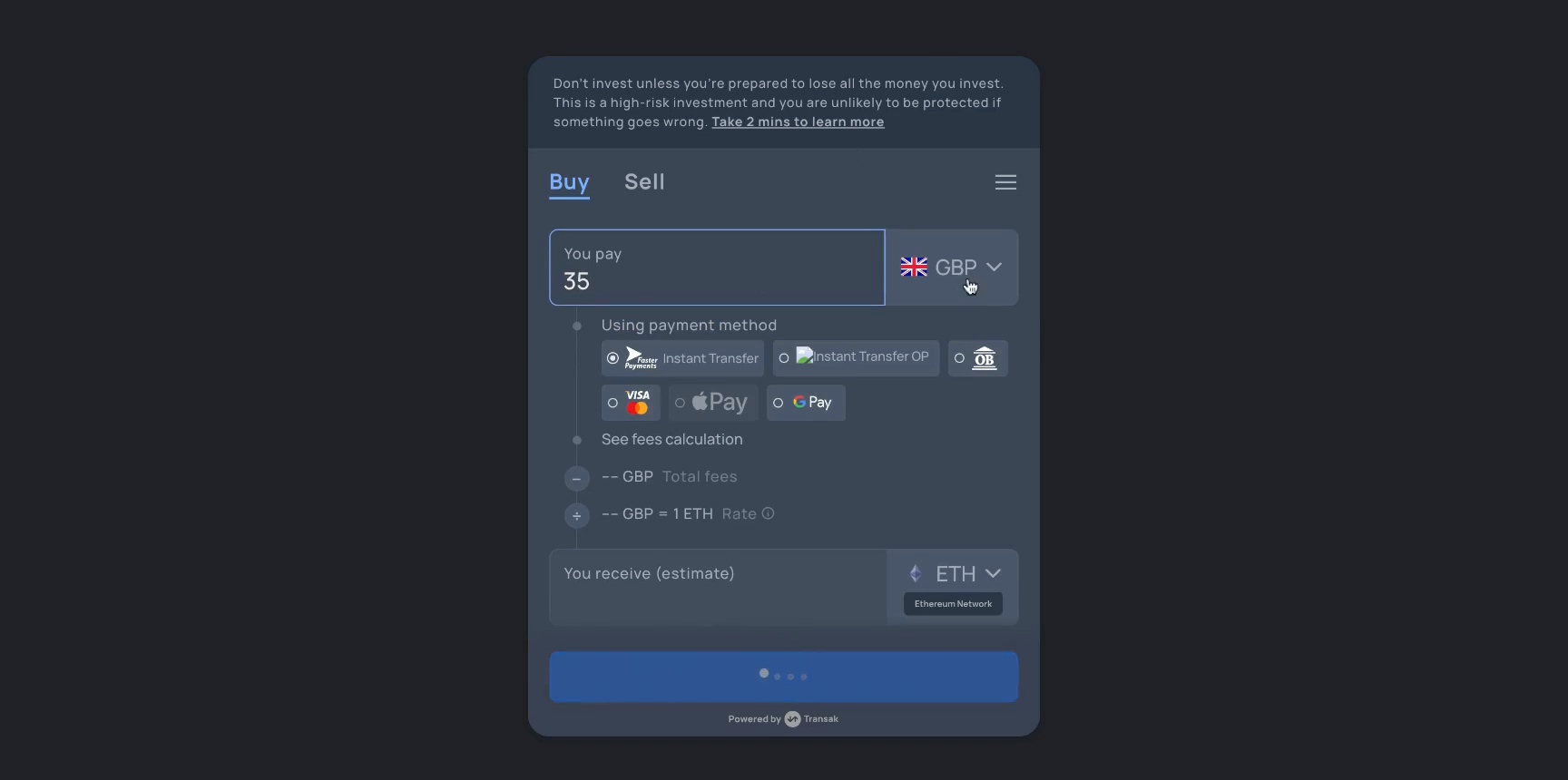
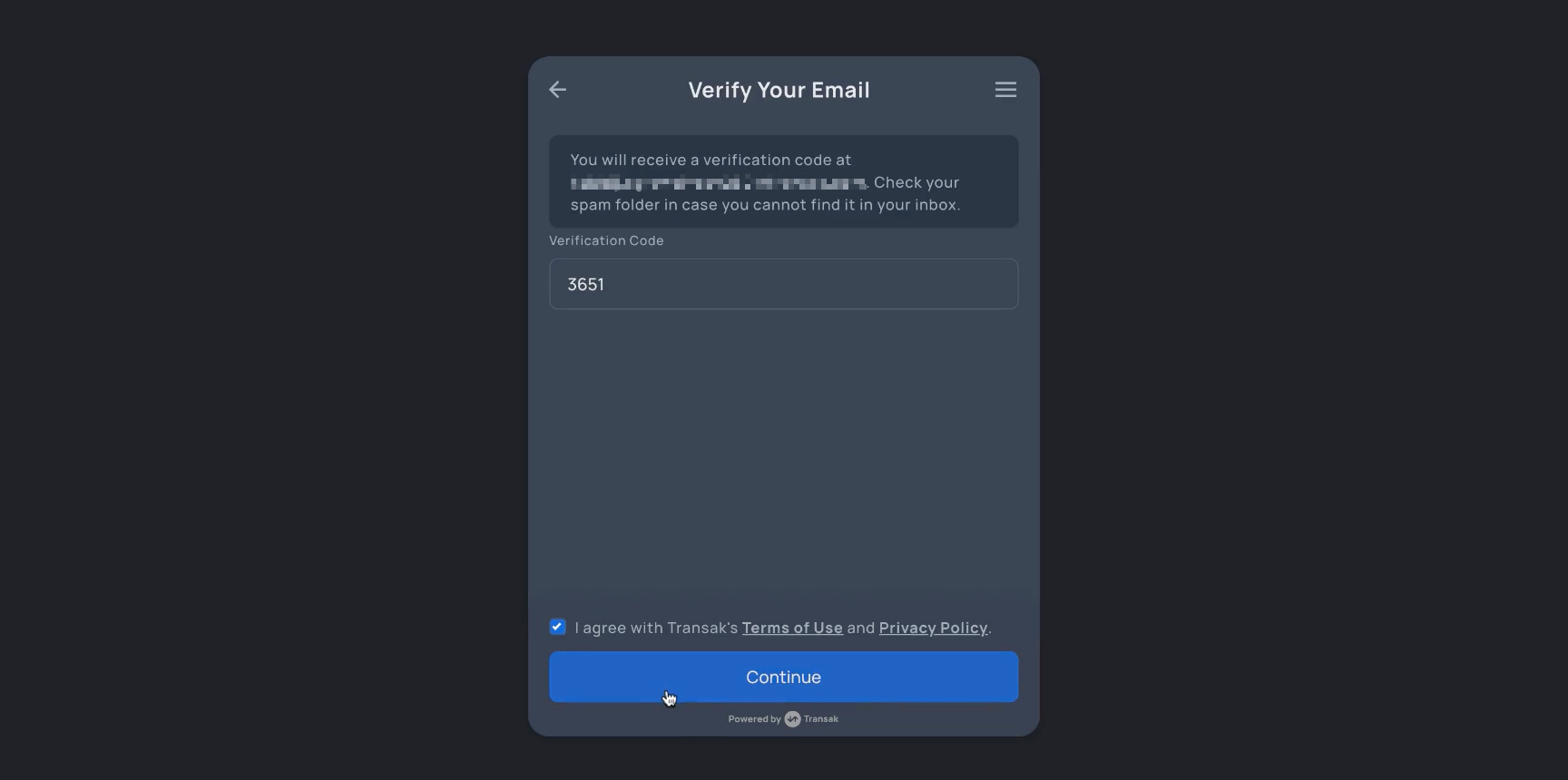
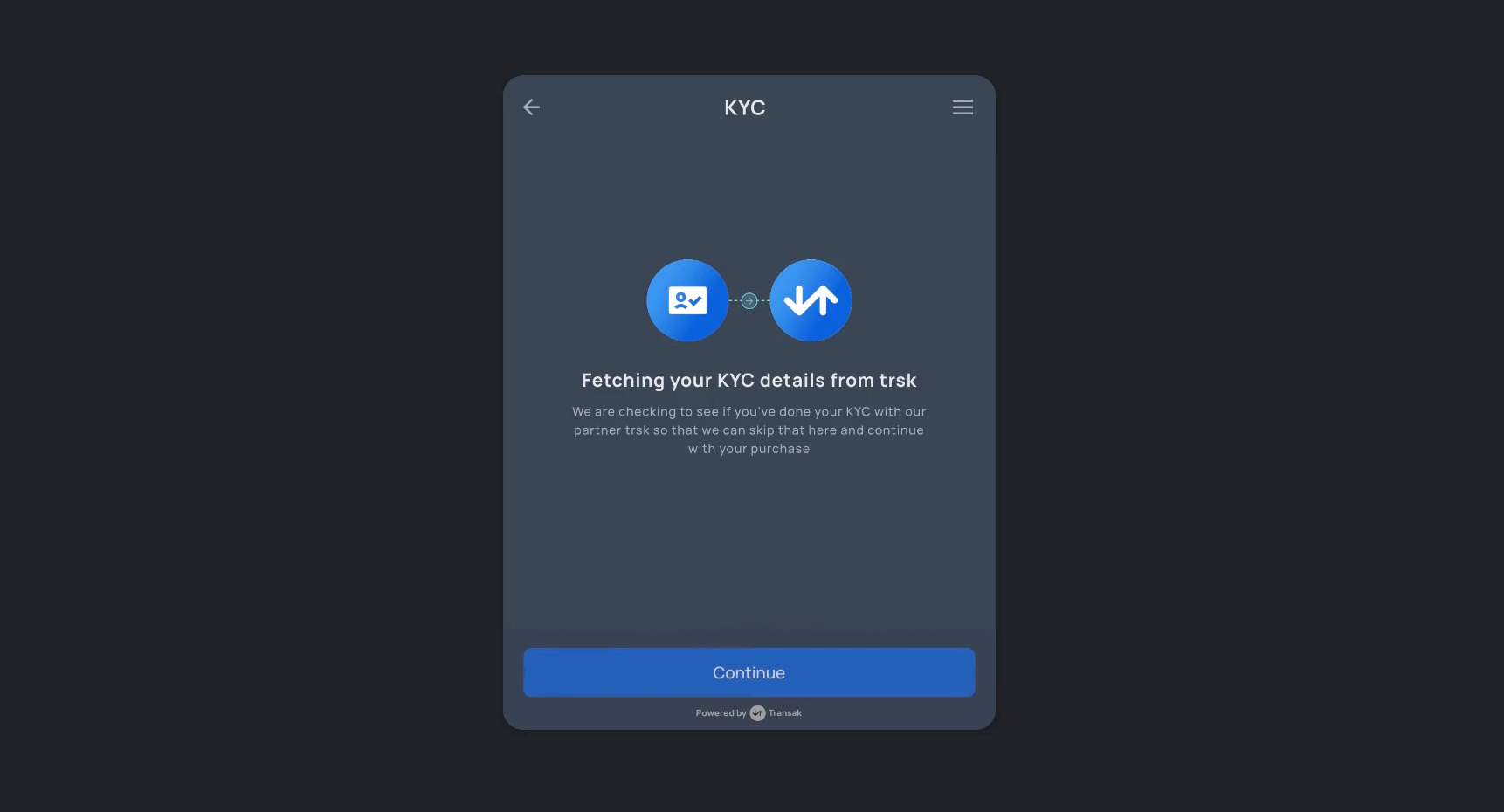
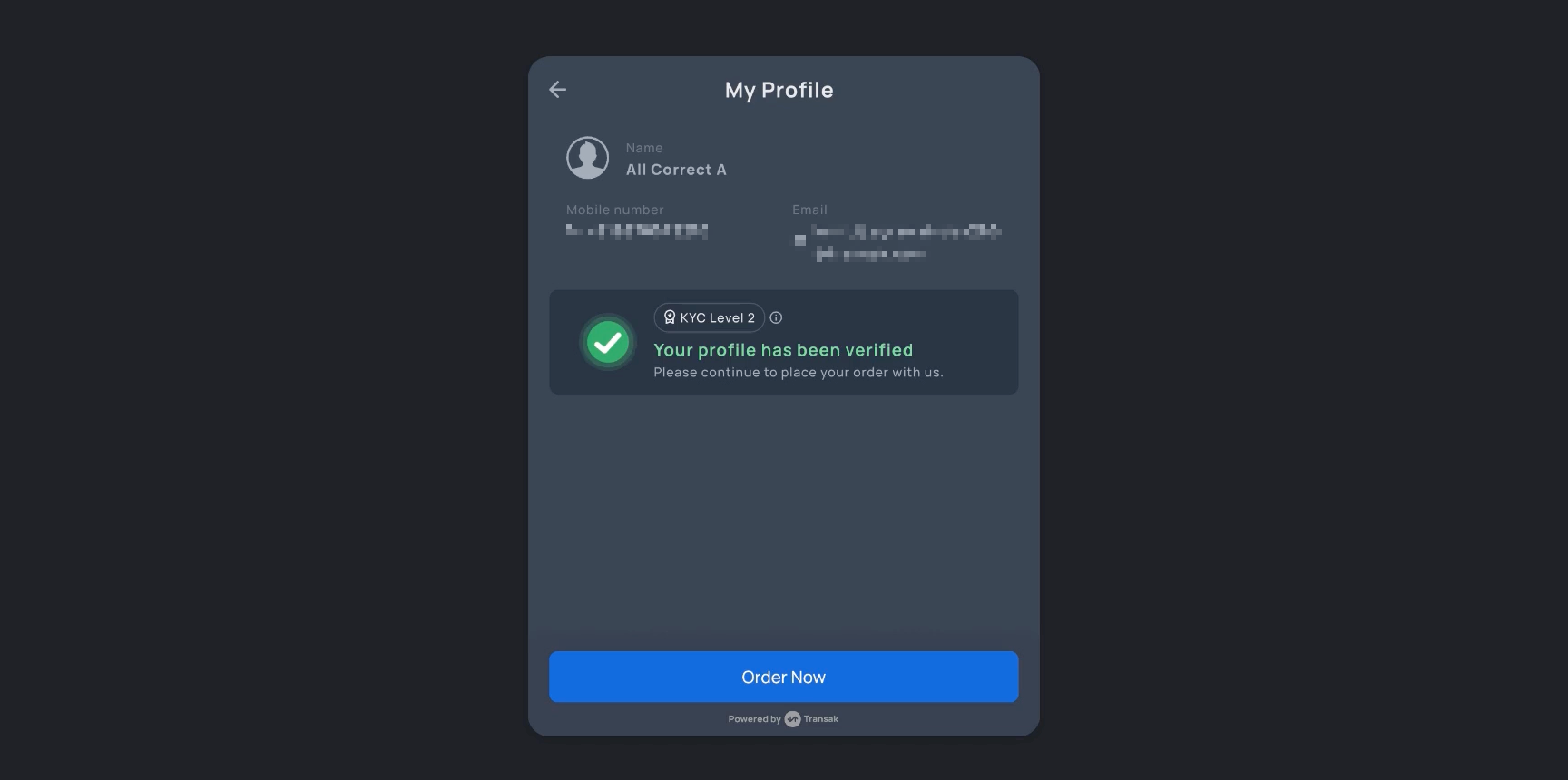
## User Flow Demo Initialize the widget with the appropriate query parameters using any integration method. Load the Widget Enter your email address and verify using the OTP sent to your inbox. Proceed upon successful verification. Email Verification The system fetches KYC data using the shared token from Sumsub. KYC Data Transak has secured the KYC data. The user is ready to place an order instantly. Order Placement