> For a complete page index, fetch https://docs.transak.com/llms.txt

# Webhooks

Transak uses webhooks to push real-time event notifications to your server. Instead of polling the API for updates, Transak sends event data directly to a URL you provide to ensure faster updates and fewer unnecessary API calls.

## Supported Webhook Types

Real-time notifications for order lifecycle events. Available for both **Widget** and **Whitelabel API** integrations.

Real-time notifications for KYC lifecycle events. Available **only** for **Whitelabel API** integrations.

## Add or Update Webhook

Webhook URLs can only be added or updated after `KYB approval` in the production environment.

Follow the steps in the [Need help in Integration](/getting-started/help-and-support#need-help-in-integration) section. Provide the following details:

<table>
  <thead>
    <tr>
      <th>
        Field
      </th>

      <th>
        Description
      </th>
    </tr>
  </thead>

  <tbody>
    <tr>
      <td>
        <strong>Order Webhook URL</strong>
      </td>

      <td>
        Your HTTPS endpoint for order events
      </td>
    </tr>

    <tr>
      <td>
        <strong>KYC Webhook URL</strong>
      </td>

      <td>
        Your HTTPS endpoint for KYC events
      </td>
    </tr>

    <tr>
      <td>
        <strong>Environment</strong>
      </td>

      <td>
        <code>STAGING</code>

         or 

        <code>PRODUCTION</code>
      </td>
    </tr>
  </tbody>
</table>

Both Order and KYC webhook URLs must use `HTTPS` and be `publicly accessible` before they can be registered.

Our team will review your request and notify you once the webhook URL has been successfully added or updated.

## Order Webhooks

Notify the partner’s backend in real time when an order’s status changes. These events allow partners to track order creation, status updates, completion, and failures.

### Events

<thead>
  <tr>
    <th>
      Screen
    </th>

    <th>
      Webhook Event Code
    </th>

    <th>
      Status
    </th>

    <th>
      Description
    </th>

    <th>
      Response JSON
    </th>
  </tr>
</thead>

<tbody>
  <tr>
    <td>
      <img src="https://assets.transak.com/doc/confirm_order.png" />
    </td>

    <td>
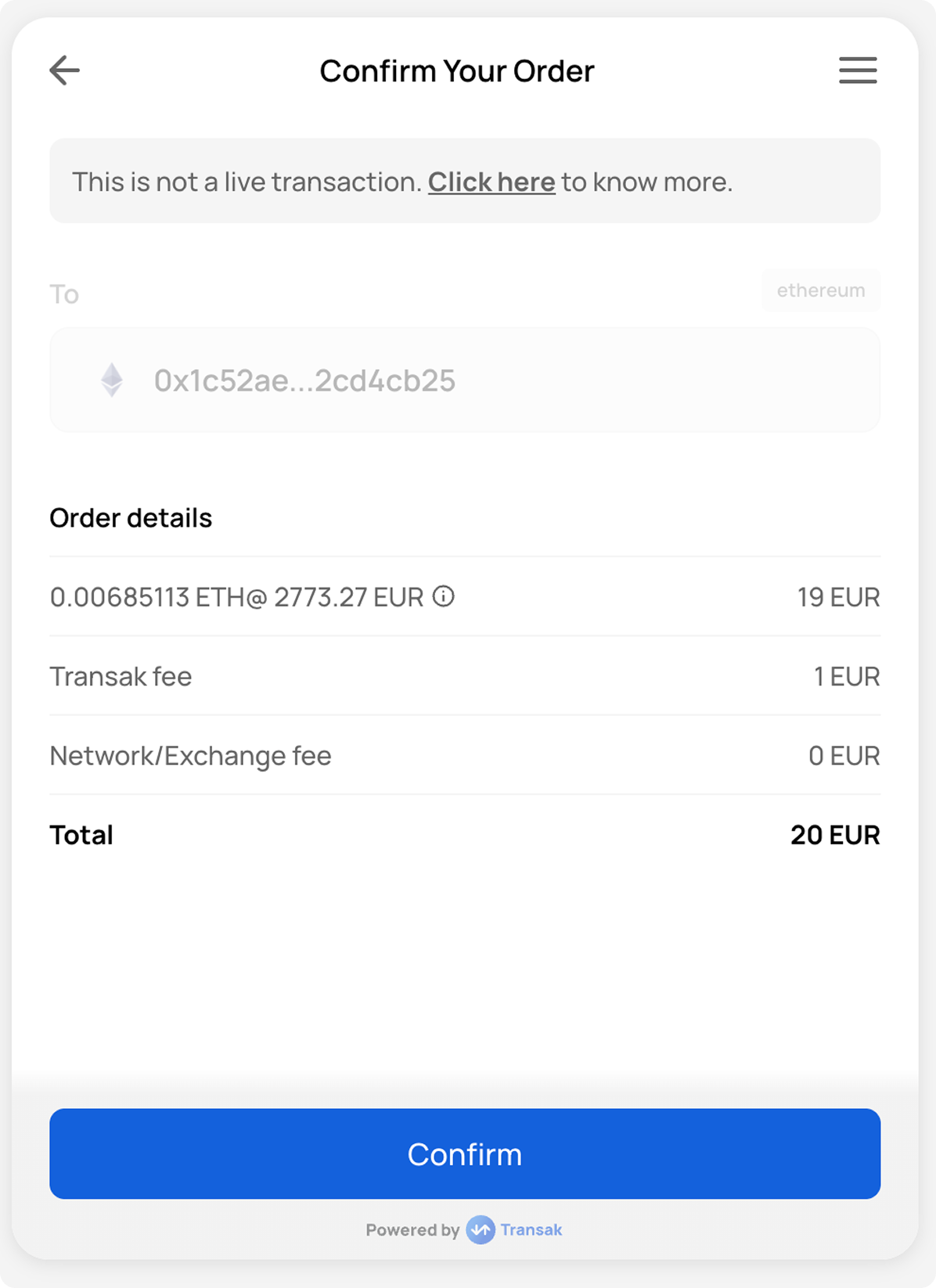
      ORDER_CREATED
    </td>

    <td>
      `AWAITING_PAYMENT_FROM_USER`
    </td>

    <td>
      When the order is created, but the payment has not been received yet.
    </td>

    <td>
      `{ webhookData: { id: '37969614-...', ... }, eventID: 'ORDER_CREATED' }`
    </td>
  </tr>

  <tr>
    <td>
      <img src="https://assets.transak.com/doc/complete_order.png" />
    </td>

    <td>
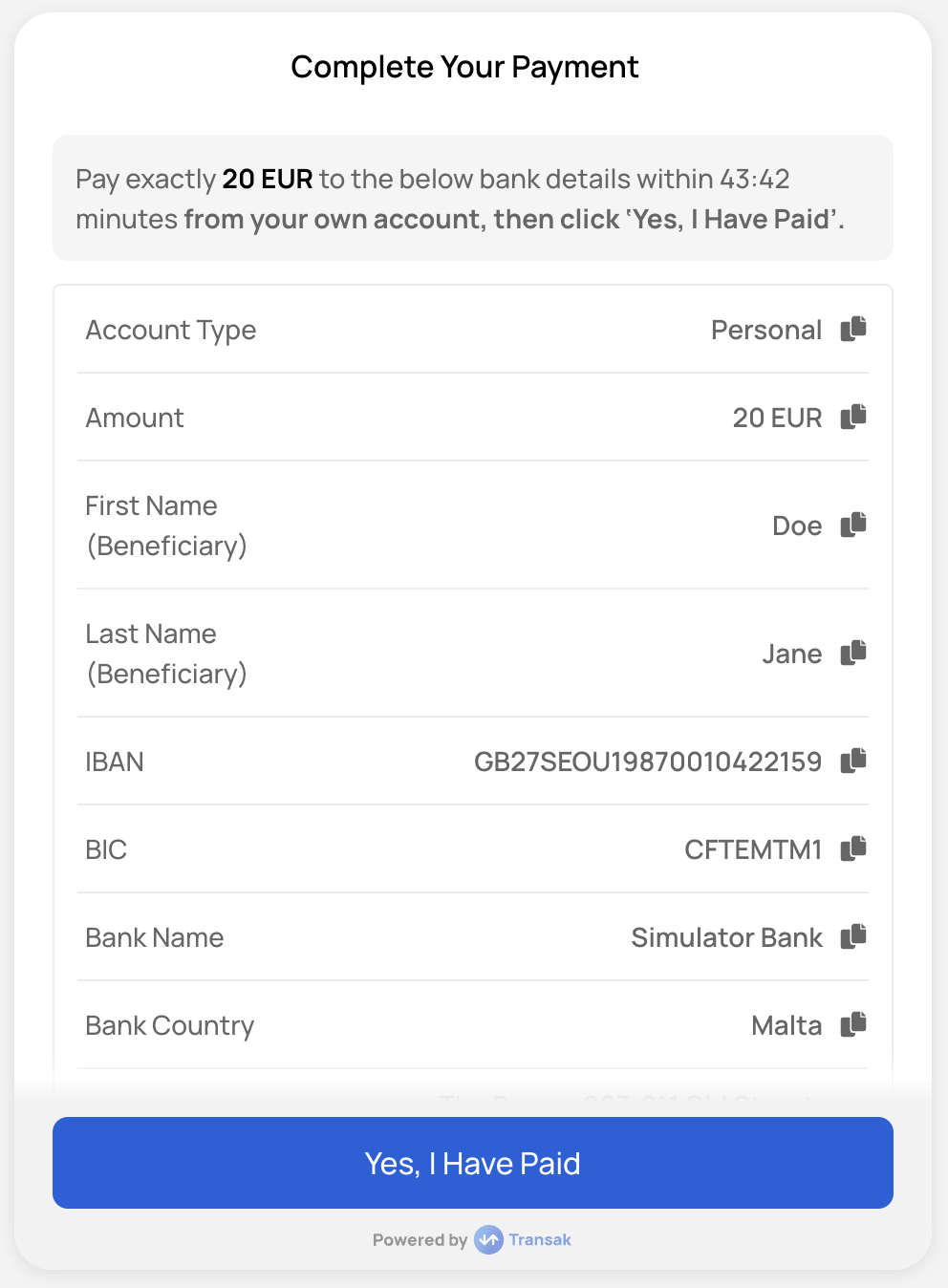
      ORDER_PAYMENT_VERIFYING
    </td>

    <td>
      `PAYMENT_DONE_MARKED_BY_USER`
    </td>

    <td>
      When the user marks the payment as done but it is not received by us yet.
    </td>

    <td />
  </tr>

  <tr>
    <td>
      <img src="https://assets.transak.com/doc/payment_status.png" />
    </td>

    <td>
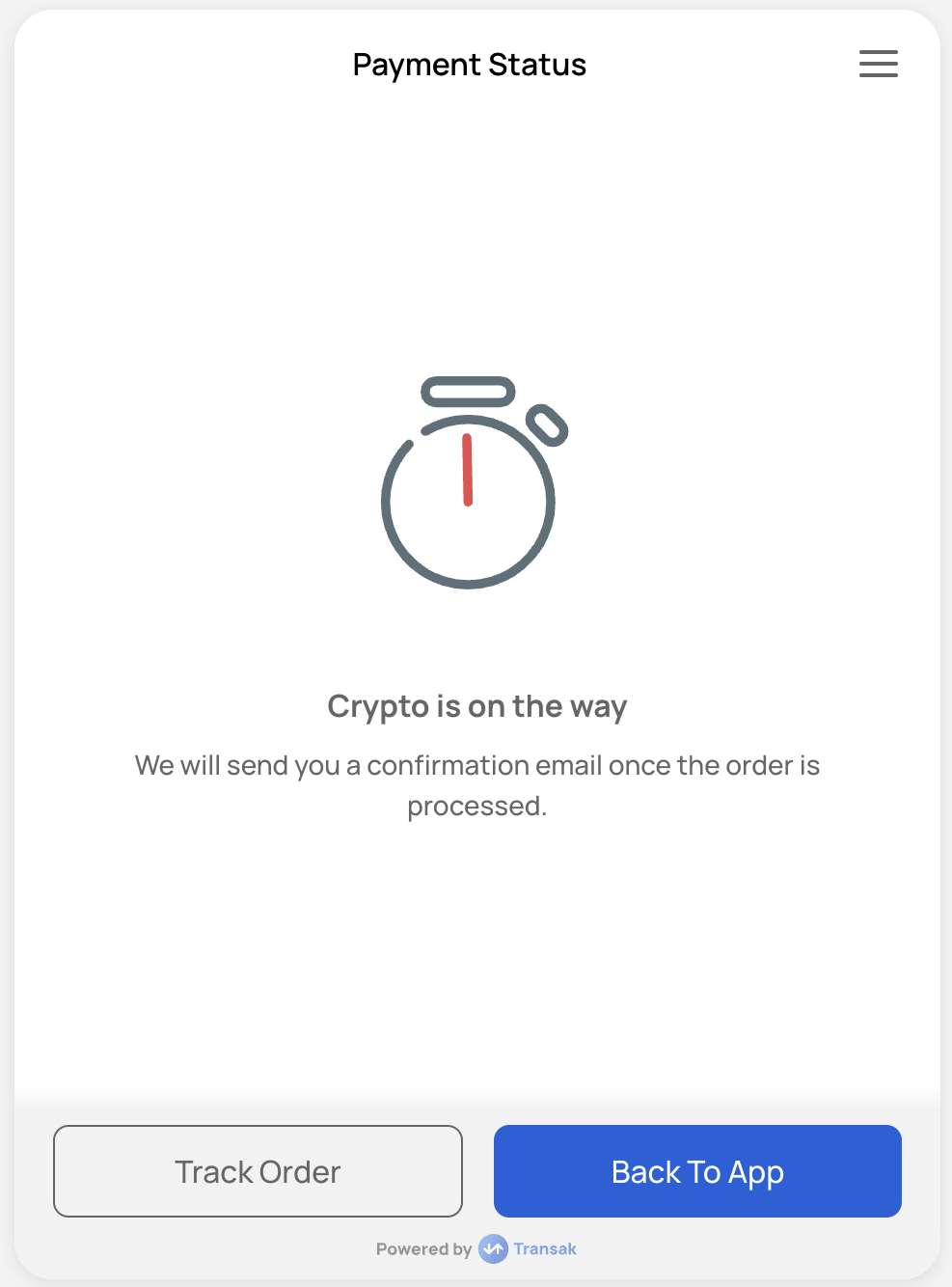
      ORDER_PROCESSING
    </td>

    <td>
      `PROCESSING`
    </td>

    <td>
      Orders in the PROCESSING state have passed the checks and the user's payment information has been validated.
    </td>

    <td>
      `{ webhookData: { id: 'e0d9f47a-...', ... }, eventID: 'ORDER_PROCESSING' }`
    </td>
  </tr>

  <tr>
    <td>
      <img src="https://assets.transak.com/doc/processing_order.png" />
    </td>

    <td>
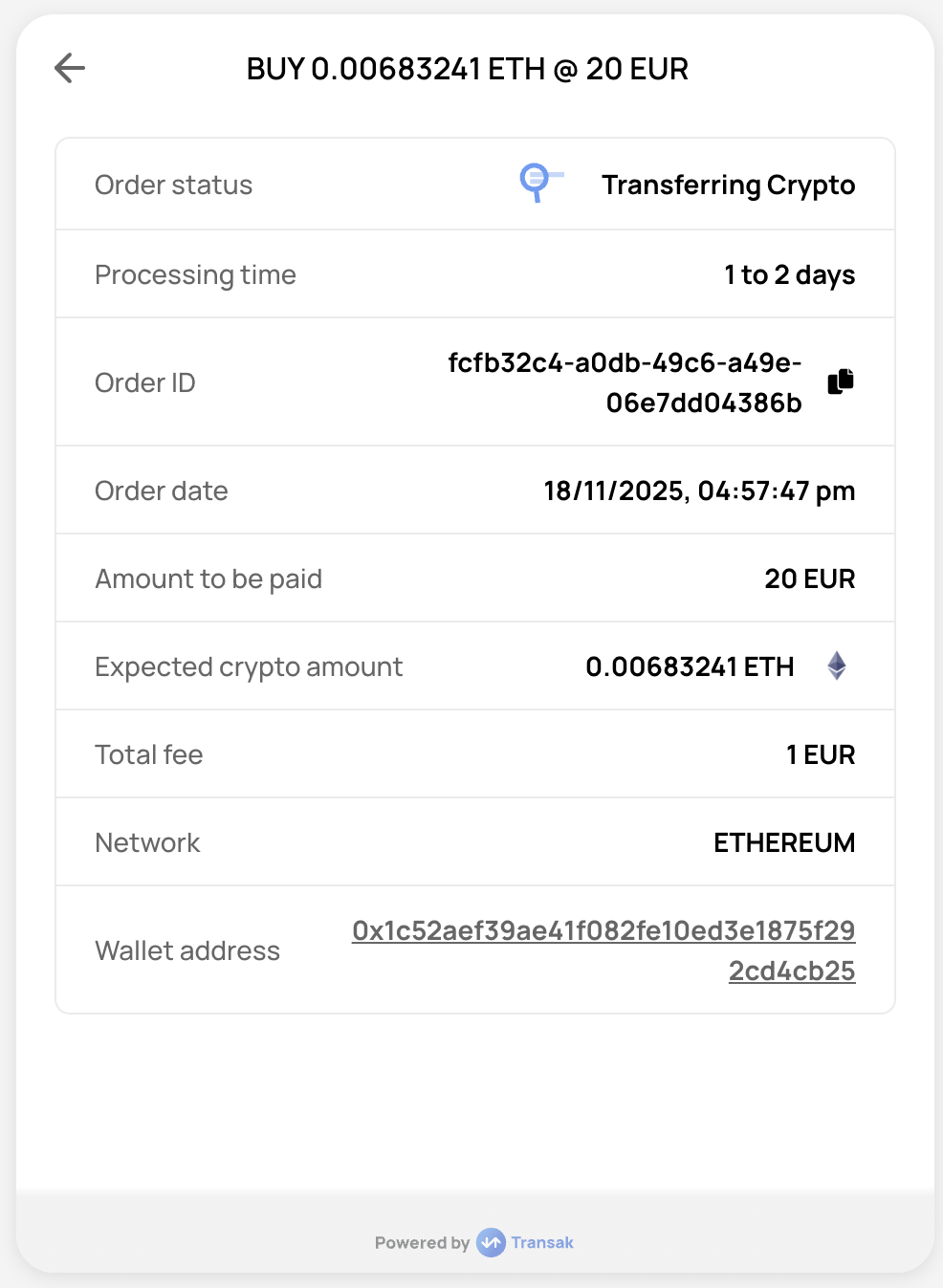
      ORDER_PROCESSING
    </td>

    <td>
      `PENDING_DELIVERY_FROM_TRANSAK`
    </td>

    <td>
      When the payment is received and is being exchanged & transferred via us or our liquidity partner.
    </td>

    <td>
      `{ webhookData: { id: 'e0d9f47a-...', ... }, eventID: 'ORDER_PROCESSING' }`
    </td>
  </tr>

  <tr>
    <td>
      <img src="https://assets.transak.com/doc/completed_order.png" />
    </td>

    <td>
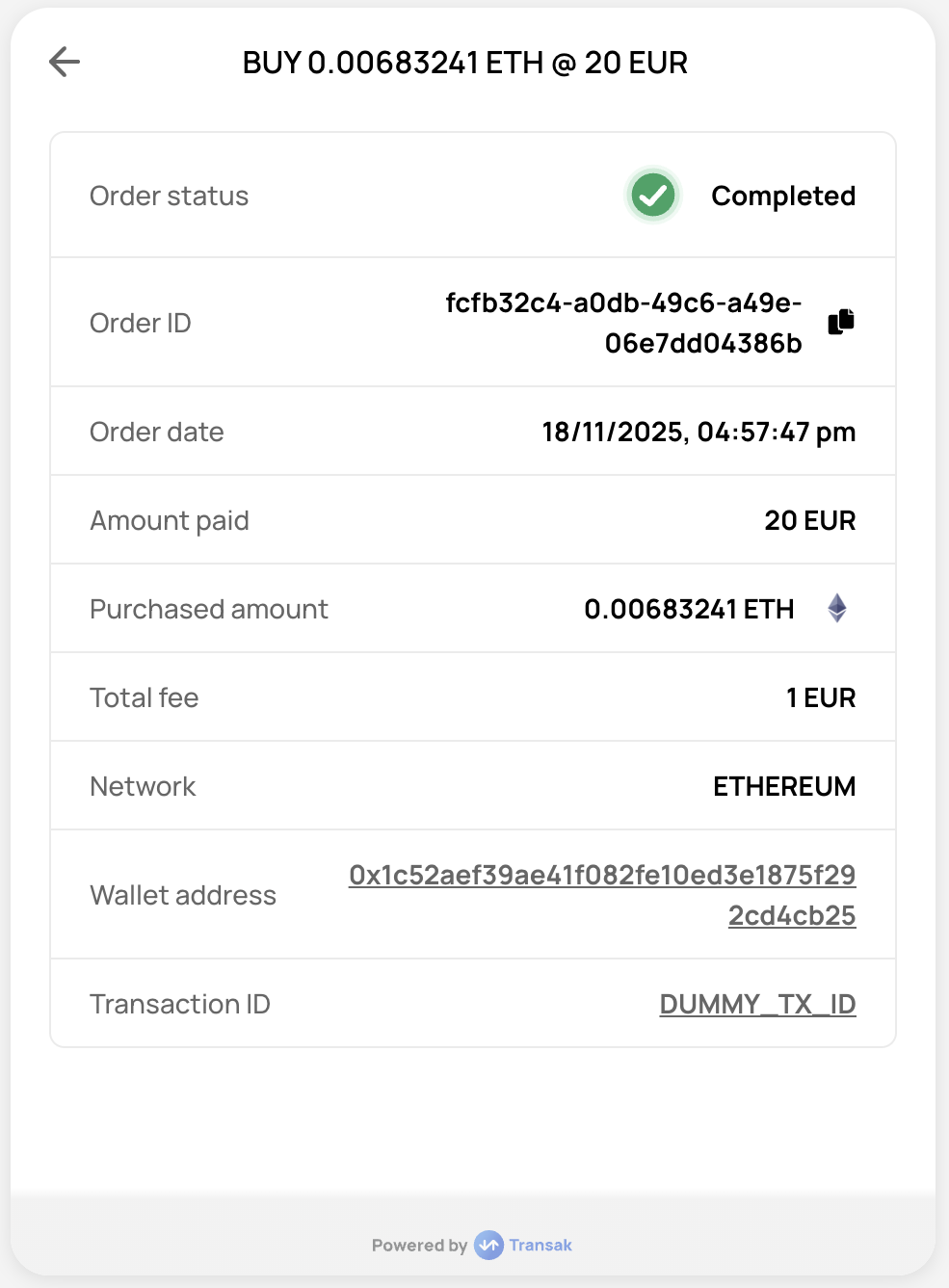
      ORDER_COMPLETED
    </td>

    <td>
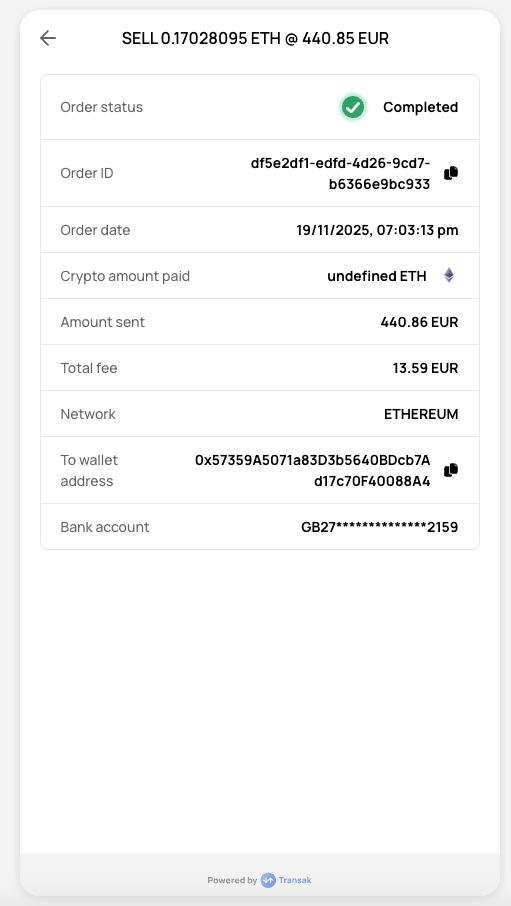
      `COMPLETED`
    </td>

    <td>
      When we have received the payment and the crypto is sent successfully to the user.
    </td>

    <td>
      `{ webhookData: { id: 'e0d9f47a-...', ... }, eventID: 'ORDER_COMPLETED' }`
    </td>
  </tr>

  <tr>
    <td>
      <img src="https://assets.transak.com/doc/cancelled_order.png" />
    </td>

    <td>
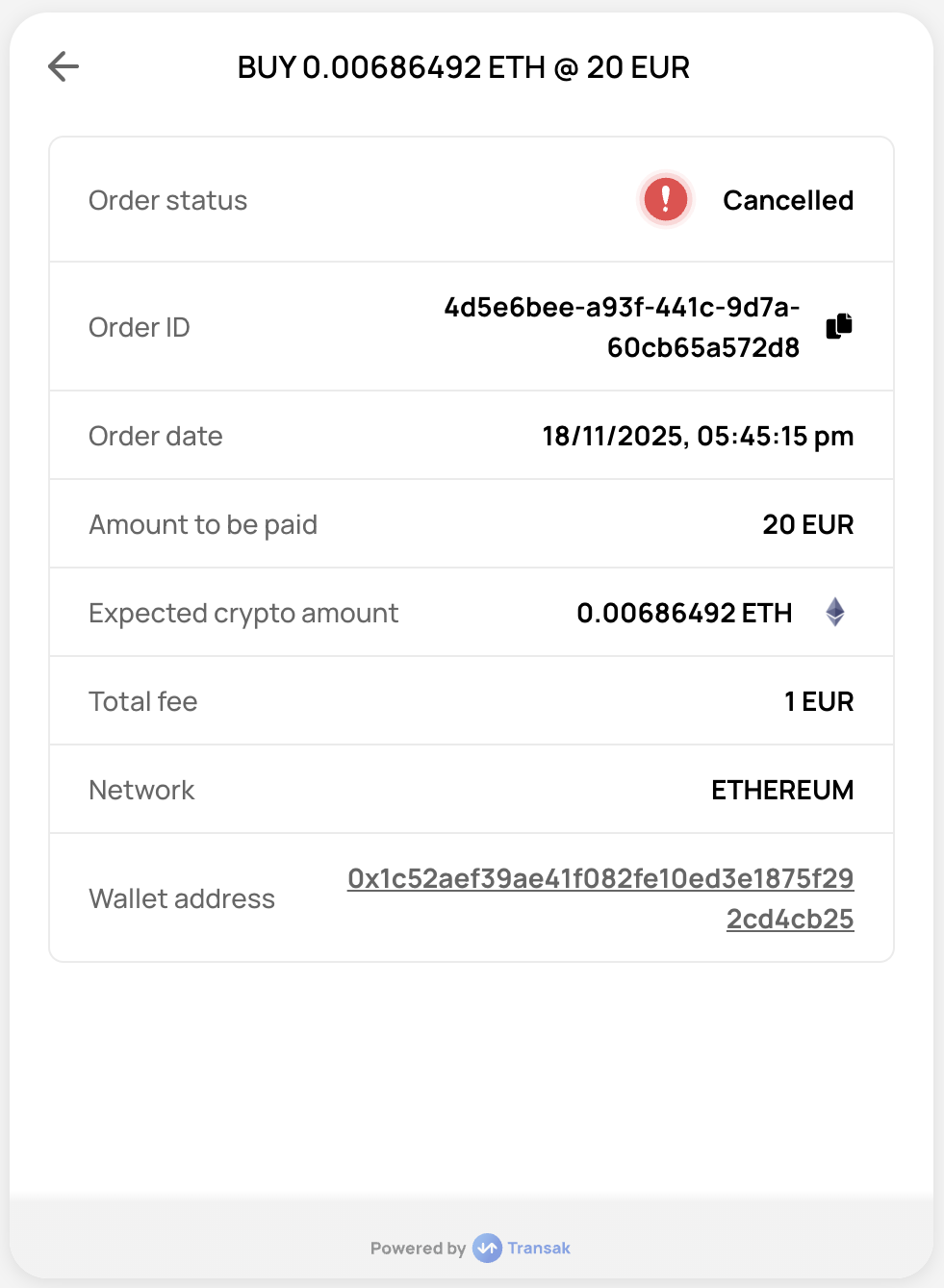
      ORDER_FAILED
    </td>

    <td>
      `CANCELLED`
    </td>

    <td>
      When the user cancels the order.
    </td>

    <td>
      `{ webhookData: { id: '08c570cf-...', ... }, eventID: 'ORDER_FAILED' }`
    </td>
  </tr>

  <tr>
    <td>
      <img src="https://assets.transak.com/doc/faild.png" />
    </td>

    <td>
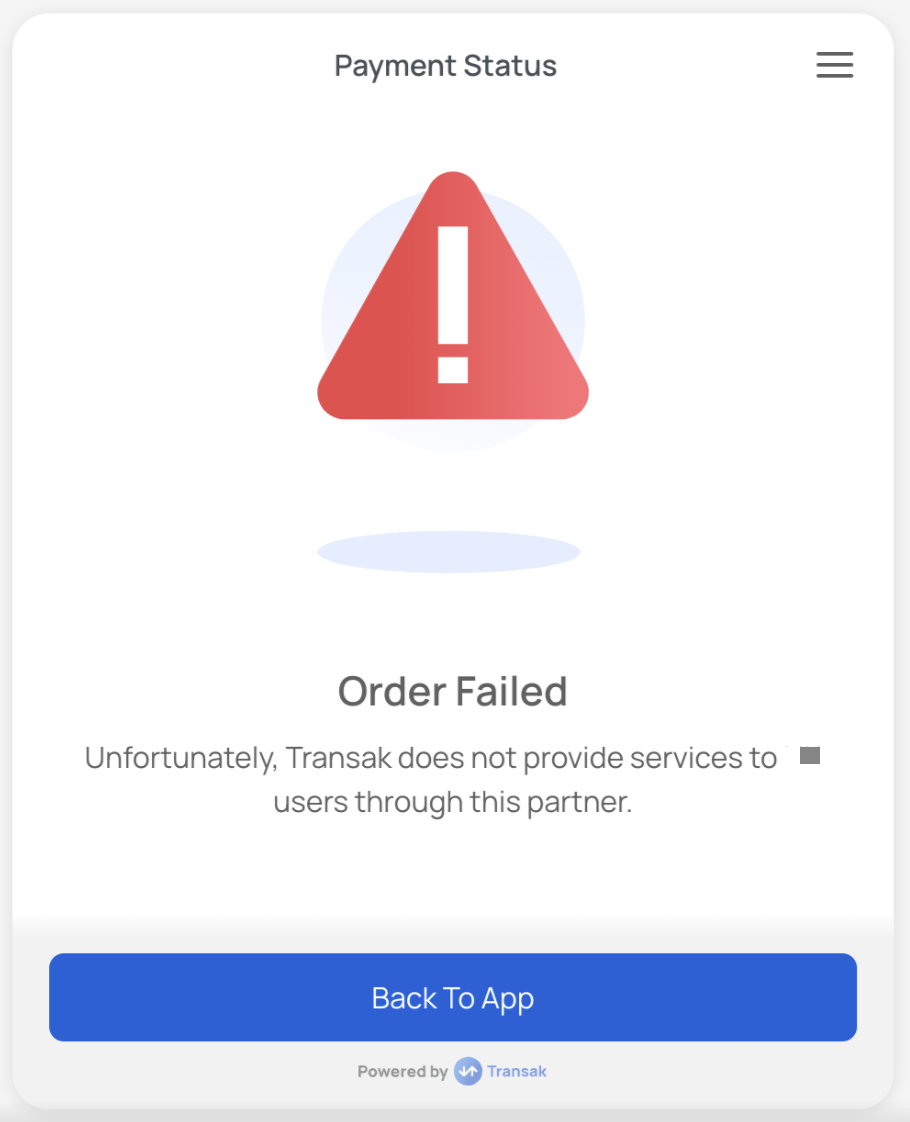
      ORDER_FAILED
    </td>

    <td>
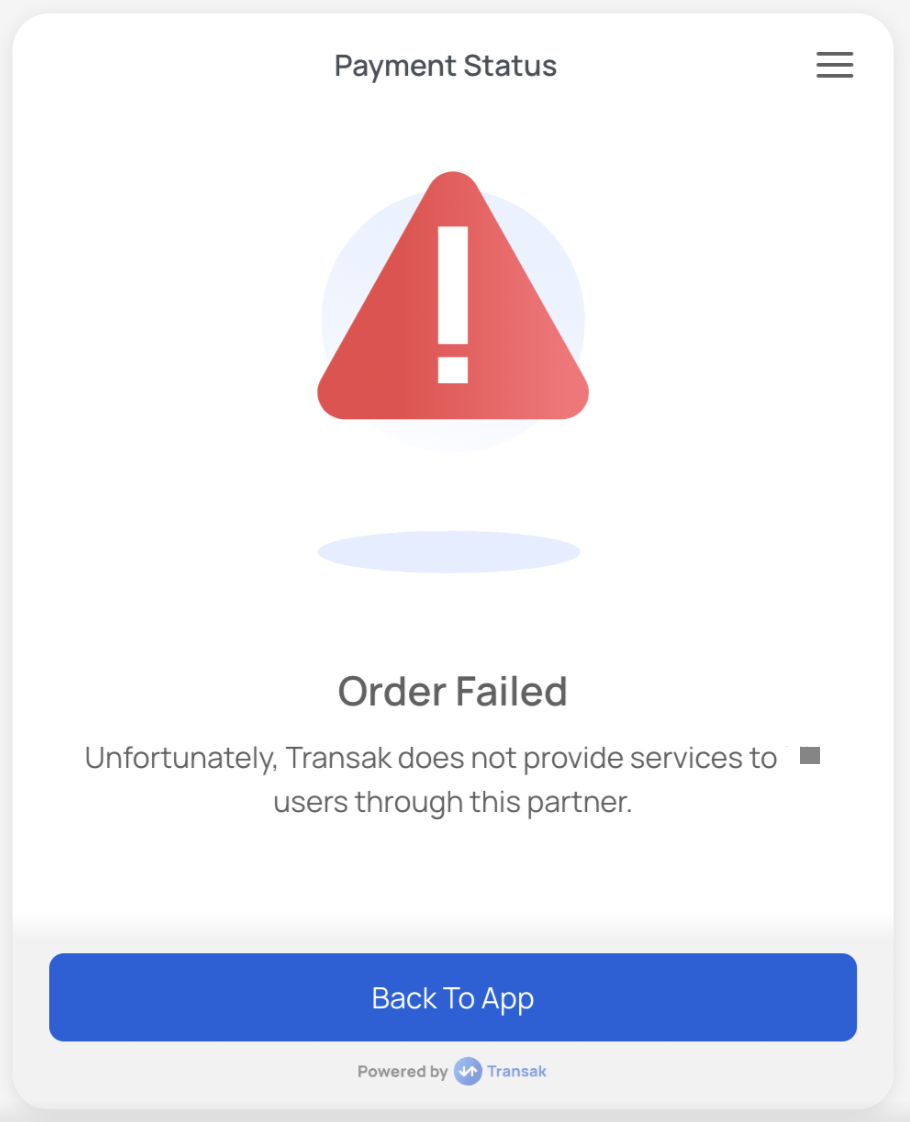
      `FAILED`
    </td>

    <td>
      When the order failed because of a card decline.
    </td>

    <td>
      `{ webhookData: { id: '08c570cf-...', ... }, eventID: 'ORDER_FAILED' }`
    </td>
  </tr>

  <tr>
    <td>
      <img src="https://assets.transak.com/doc/refunded_order.png" />
    </td>

    <td>
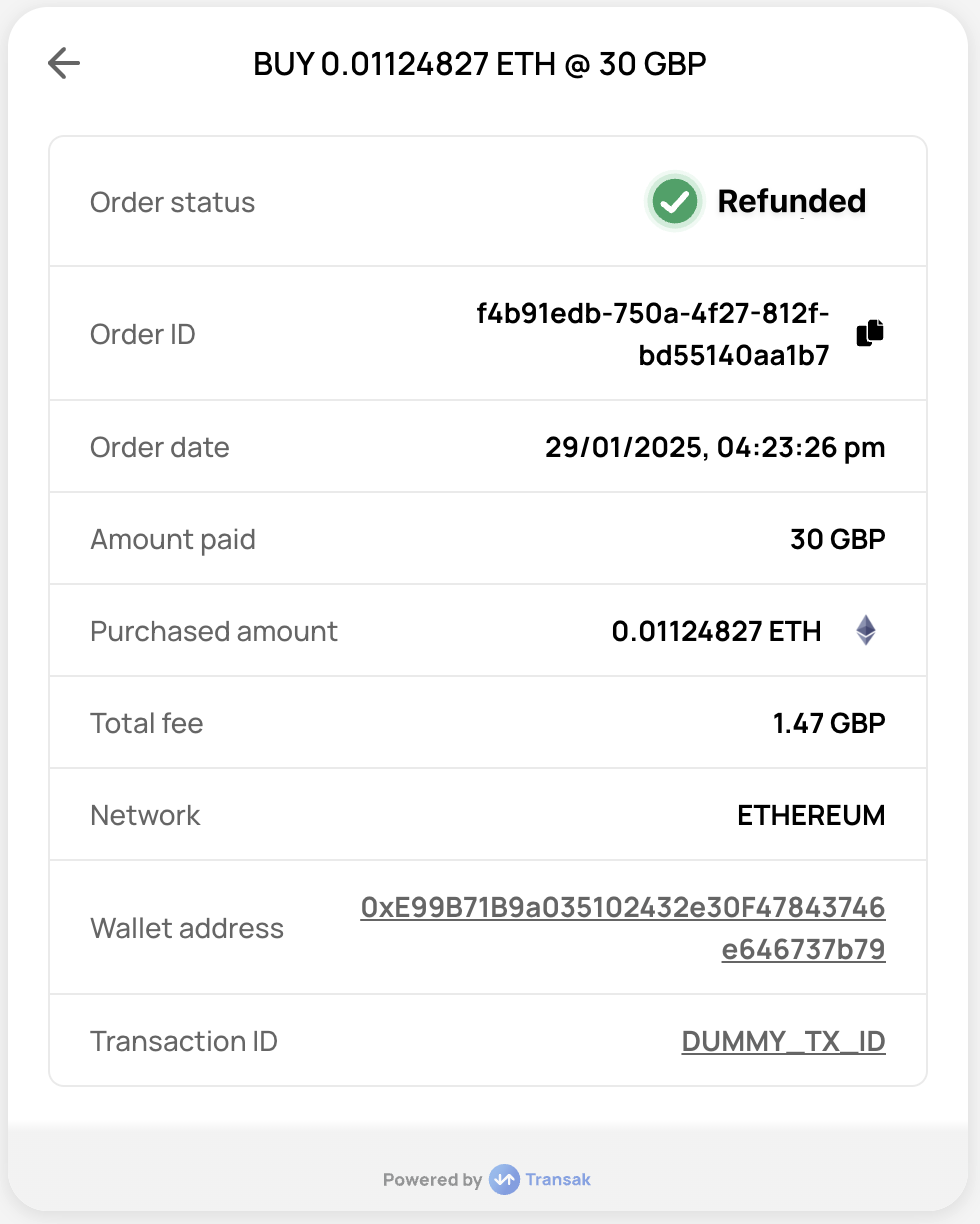
      ORDER_REFUNDED
    </td>

    <td>
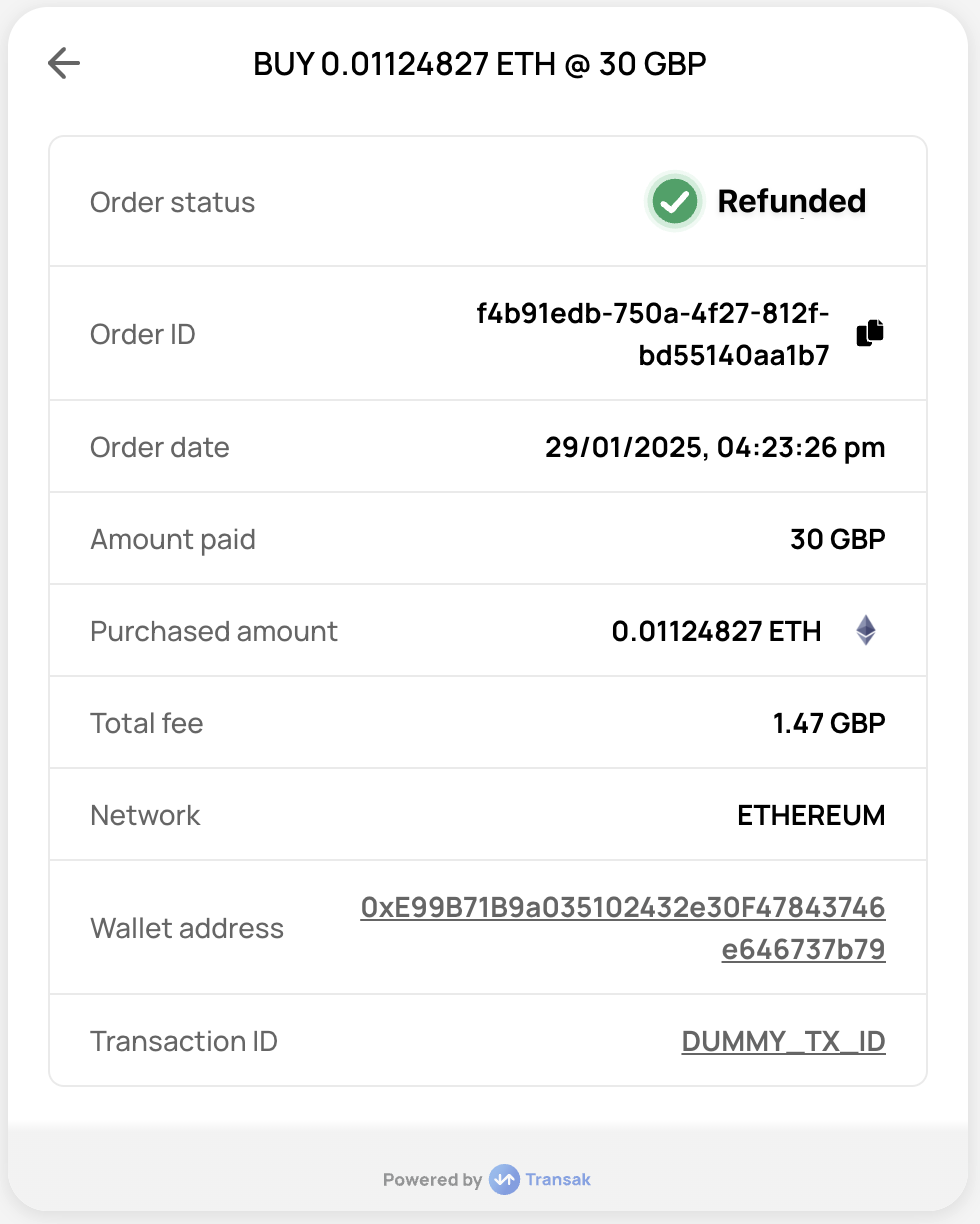
      `REFUNDED`
    </td>

    <td>
      When fiat payment received from the user is refunded back to their payment instrument as cryptocurrency could not be fulfilled due to some reason.
    </td>

    <td>
      `{ webhookData: { id: '08c570cf-...', ... }, eventID: 'ORDER_REFUNDED' }`
    </td>
  </tr>

  <tr>
    <td>
      <img src="https://assets.transak.com/doc/expired_order.png" />
    </td>

    <td>
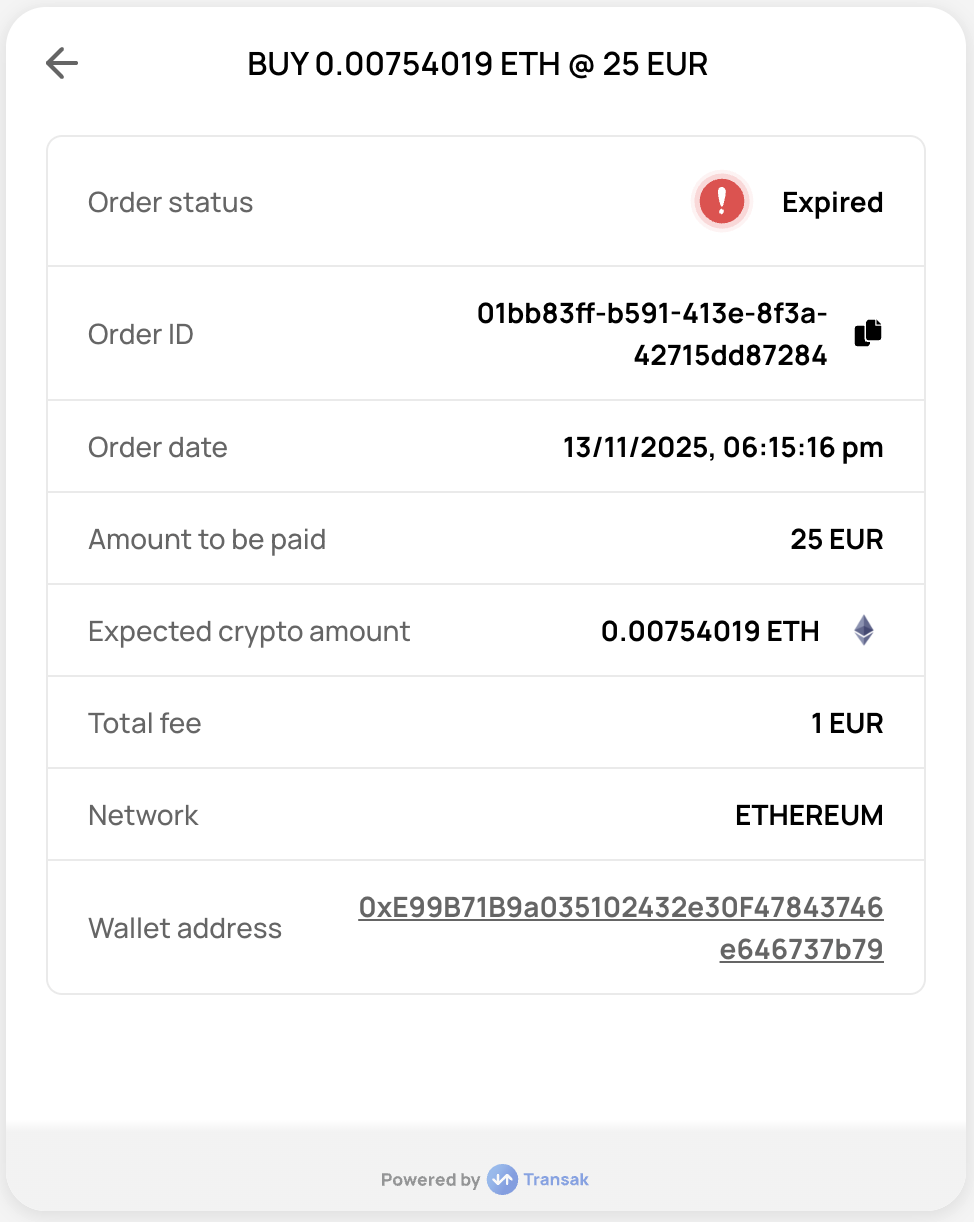
      ORDER_FAILED
    </td>

    <td>
      `EXPIRED`
    </td>

    <td>
      When the user failed to make the payment within the timeframe.
    </td>

    <td>
      `{ webhookData: { id: '08c570cf-...', ... }, eventID: 'ORDER_EXPIRED' }`
    </td>
  </tr>
</tbody>

<thead>
  <tr>
    <th>
      Screen
    </th>

    <th>
      Webhook Event Code
    </th>

    <th>
      Status
    </th>

    <th>
      Description
    </th>
  </tr>
</thead>

<tbody>
  <tr>
    <td>
      <img src="https://assets.transak.com/doc/confirm_sell.png" />
    </td>

    <td>
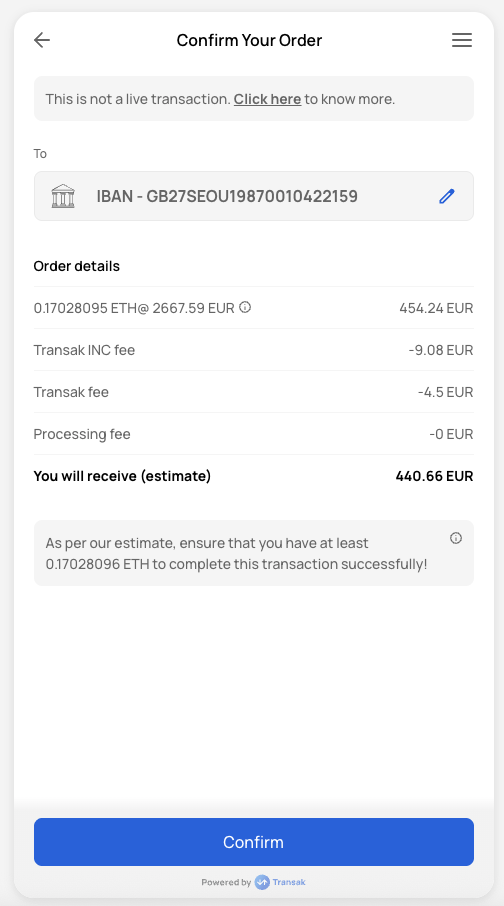
      ORDER_CREATED
    </td>

    <td>
      `AWAITING_PAYMENT_FROM_USER`
    </td>

    <td>
      When the order is created but the payment has not been received yet.
    </td>
  </tr>

  <tr>
    <td>
      <img src="https://assets.transak.com/doc/complete_sell.png" />
    </td>

    <td>
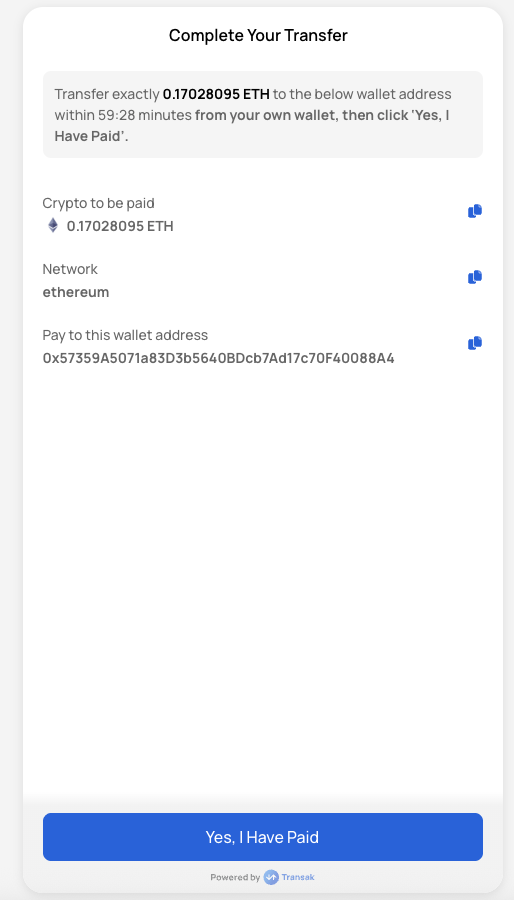
      ORDER_PAYMENT_VERIFYING
    </td>

    <td>
      `PAYMENT_DONE_MARKED_BY_USER`
    </td>

    <td>
      When the user marks the payment as done but it is not received by us yet.
    </td>
  </tr>

  <tr>
    <td>
      <img src="https://assets.transak.com/doc/processing_sell.png" />
    </td>

    <td>
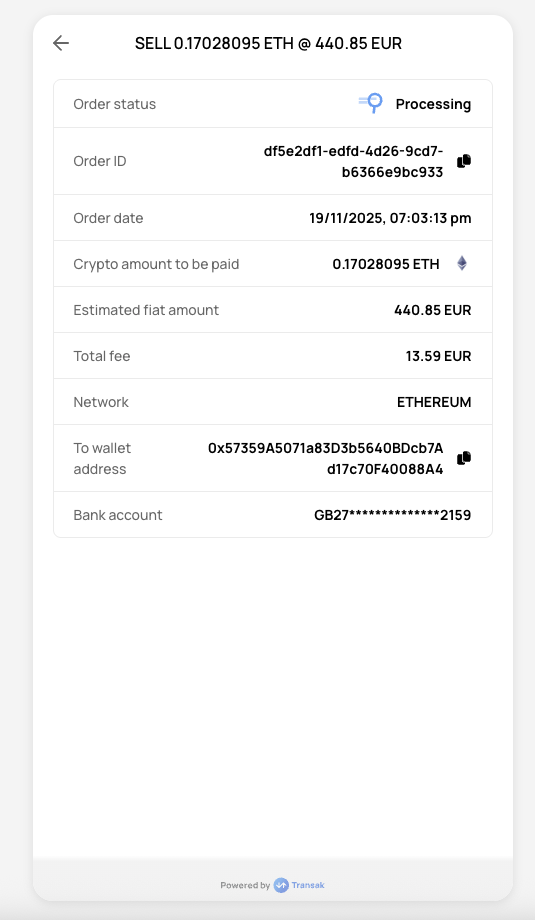
      ORDER_PROCESSING
    </td>

    <td>
      `PENDING_DELIVERY_FROM_TRANSAK`
    </td>

    <td>
      When the payment is received and reconciled and we have initiated a fiat transfer to the user.
    </td>
  </tr>

  <tr>
    <td>
      <img src="https://assets.transak.com/doc/processing_sell.png" />
    </td>

    <td>
      ORDER_PROCESSING
    </td>

    <td>
      `ON_HOLD_PENDING_DELIVERY_FROM_TRANSAK`
    </td>

    <td>
      When the crypto payment is received & fiat is being transferred via our banking partner but our system is unable to send the fiat to the user.
    </td>
  </tr>

  <tr>
    <td>
      <img src="https://assets.transak.com/doc/completed_sell.png" />
    </td>

    <td>
      ORDER_COMPLETED
    </td>

    <td>
      `COMPLETED`
    </td>

    <td>
      When the fiat has been sent successfully to the user.
    </td>
  </tr>

  <tr>
    <td>
      <img src="https://assets.transak.com/doc/faild.png" />
    </td>

    <td>
      ORDER_FAILED
    </td>

    <td>
      `EXPIRED`
    </td>

    <td>
      When the user failed to make the payment within the timeframe.
    </td>
  </tr>

  <tr>
    <td>
      <img src="https://assets.transak.com/doc/failed_sell.png" />
    </td>

    <td>
      ORDER_FAILED
    </td>

    <td>
      `FAILED`
    </td>

    <td>
      Due to third-party failure.
    </td>
  </tr>

  <tr>
    <td>
      <img src="https://assets.transak.com/doc/cancelled_sell.png" />
    </td>

    <td>
      ORDER_FAILED
    </td>

    <td>
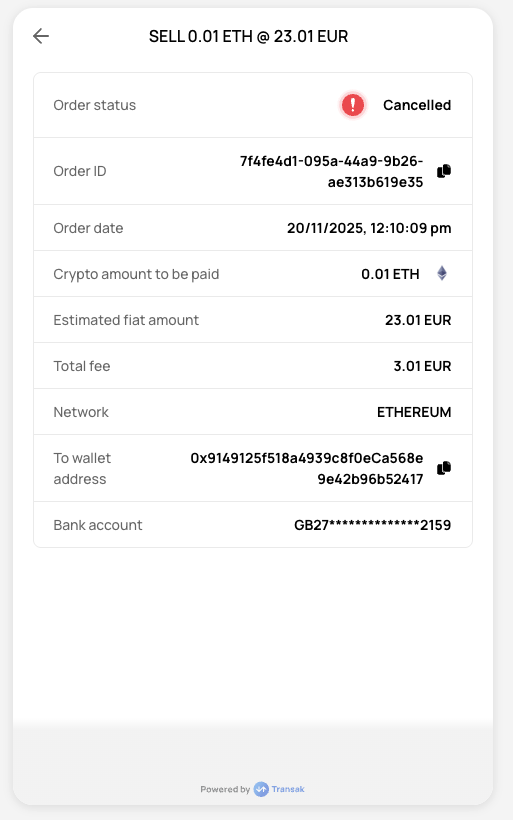
      `CANCELLED`
    </td>

    <td>
      When the user manually cancels the order.
    </td>
  </tr>

  <tr>
    <td>
      <img src="https://assets.transak.com/doc/refund_sell.png" />
    </td>

    <td>
      ORDER_REFUNDED
    </td>

    <td>
      `REFUNDED`
    </td>

    <td>
      When cryptocurrency payment received from the user is refunded back to their wallet as fiat payout could not be fulfilled due to some reason.
    </td>
  </tr>
</tbody>

### Decrypting the Webhook Payload

The webhook `data` field is a signed JWT that should be verified using your **Partner Access Token** before you process it on your backend.

Follow the step-by-step guide with JavaScript, Java, and Go examples to verify and decode the webhook `data` field.

## KYC Webhooks

Notify partner's backend in real-time when a user's KYC verification status changes. These events allow to track KYC submissions, approvals and rejections.

### Events

The following Event IDs are triggered during the KYC lifecycle and sent via webhook

<table>
  <thead>
    <tr>
      <th>
        Event ID
      </th>

      <th>
        KYC Status
      </th>

      <th>
        Description
      </th>
    </tr>
  </thead>

  <tbody>
    <tr>
      <td>
        <code>
          KYC_SUBMITTED
        </code>
      </td>

      <td>
        SUBMITTED
      </td>

      <td>
        Triggered when a user submits their KYC details
      </td>
    </tr>

    <tr>
      <td>
        <code>
          KYC_APPROVED
        </code>
      </td>

      <td>
        APPROVED
      </td>

      <td>
        Triggered when the user's KYC verification is approved
      </td>
    </tr>

    <tr>
      <td>
        <code>
          KYC_REJECTED
        </code>
      </td>

      <td>
        REJECTED
      </td>

      <td>
        Triggered when the user's KYC verification is rejected
      </td>
    </tr>
  </tbody>
</table>

### Webhook Response

#### Schema

The KYC verification status (SUBMITTED, APPROVED, or REJECTED)

The event identifier (KYC\_SUBMITTED, KYC\_APPROVED, or KYC\_REJECTED)

The unique identifier for the user in the partner's system

Custom identifier for the customer. Returned only if provided in the [Quote API](/api/whitelabel/lookup/get-quote) request.

```json Response Schema
{
  "data": {
    "kycStatus": "string",
    "eventID": "string",
    "partnerUserId": "string",
    "partnerCustomerId": "string" //Optional
  }
}
```

#### Sample Response

```json
{
  "data": {
    "kycStatus": "SUBMITTED",
    "eventID": "KYC_SUBMITTED",
    "partnerUserId": "0870c29f-75a8-4091-a068-775fa4577172",
    "partnerCustomerId": "12345"
  }
}
```

```json
{
  "data": {
    "kycStatus": "SUBMITTED",
    "eventID": "KYC_SUBMITTED",
    "partnerUserId": "0870c29f-75a8-4091-a068-775fa4577172"
  }
}
```

```json
{
  "data": {
    "kycStatus": "APPROVED",
    "eventID": "KYC_APPROVED",
    "partnerUserId": "0870c29f-75a8-4091-a068-775fa4577172",
    "partnerCustomerId": "12345"
  }
}
```

```json
{
  "data": {
    "kycStatus": "APPROVED",
    "eventID": "KYC_APPROVED",
    "partnerUserId": "0870c29f-75a8-4091-a068-775fa4577172"
  }
}
```

```json
{
  "data": {
    "kycStatus": "REJECTED",
    "eventID": "KYC_REJECTED",
    "partnerUserId": "0870c29f-75a8-4091-a068-775fa4577172",
    "partnerCustomerId": "12345"
  }
}
```

```json
{
  "data": {
    "kycStatus": "REJECTED",
    "eventID": "KYC_REJECTED",
    "partnerUserId": "0870c29f-75a8-4091-a068-775fa4577172"
  }
}
```