***
title: How To Create a Partner Dashboard Account
slug: guides/how-to-create-partner-dashboard-account
subtitle: >-
Create your partner dashboard account and get your staging and production API
keys
----
A Transak **Partner Dashboard** account is the starting point for every integration. Once created, you get your **staging API key** immediately and unlock your **production API key** after KYB approval.
A corporate email address to sign up at the Partner Dashboard.
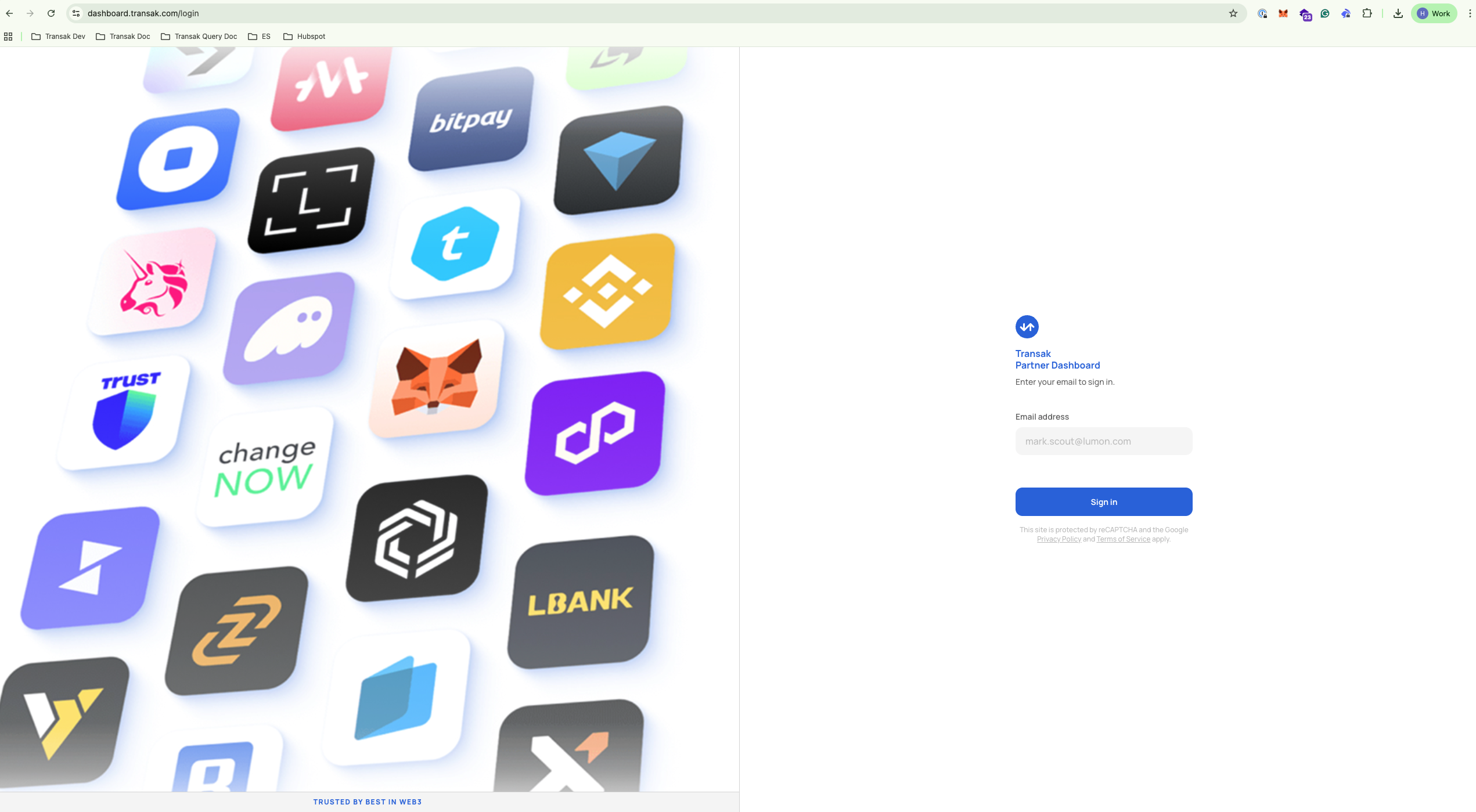
Go to [dashboard.transak.com](https://dashboard.transak.com/) and sign up using your **corporate email address**.
After signing up, log in at [dashboard.transak.com](https://dashboard.transak.com/) with your credentials.
 Submit your business verification at [forms.transak.com/kyb](https://forms.transak.com/kyb) using the **same email address** as your partner account.
KYB approval is required to use your **production API key**. Your staging API key is available immediately.
Use the **Environment** dropdown at the top of the page to switch between **Staging** and **Production**.
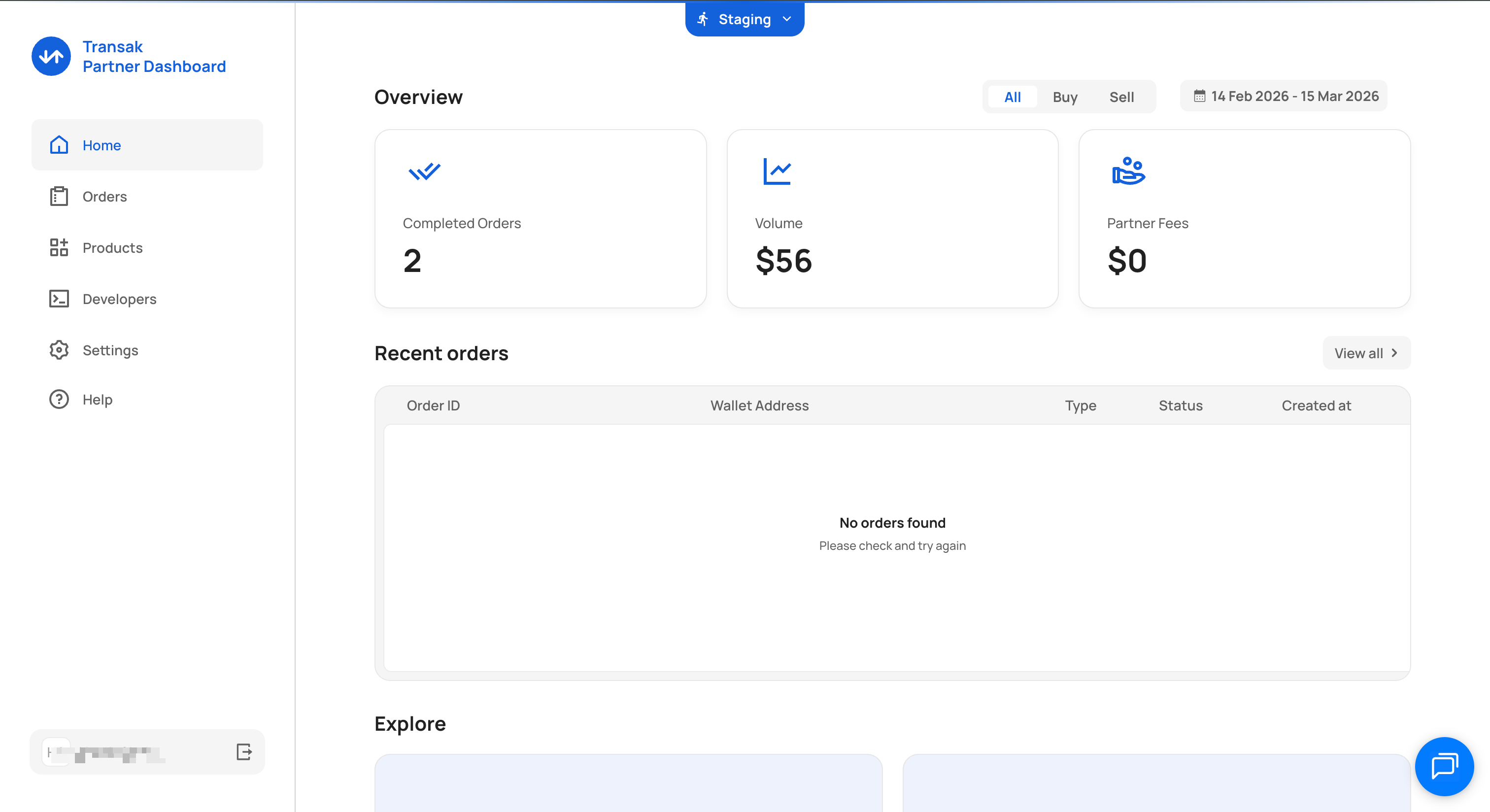 Click **Developers** in the left-hand navigation panel.
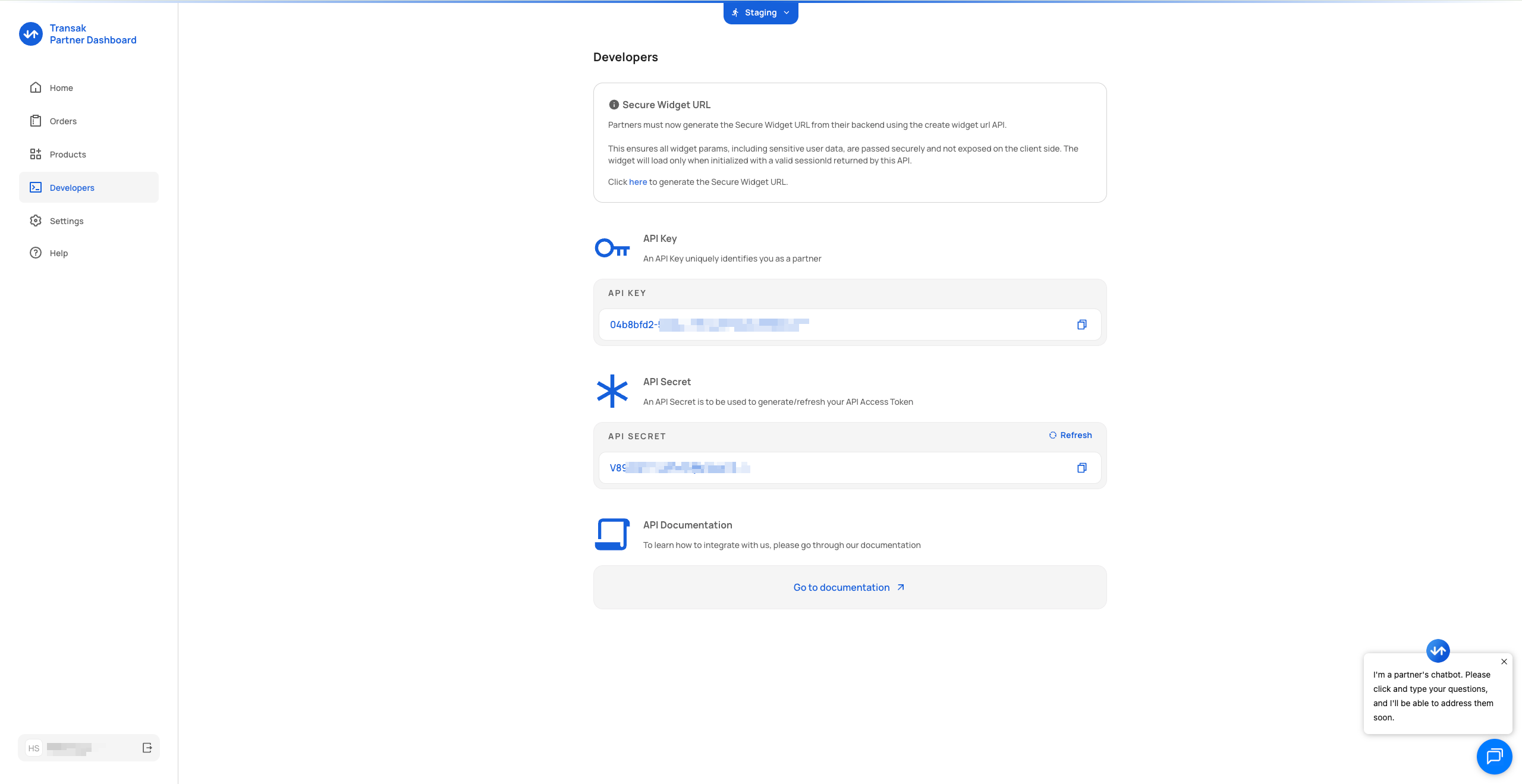 Copy the **API Key** and **API Secret** displayed for the selected environment. Switch environments and repeat if you need both sets of credentials.
Never expose your API secret in client-side code or public repositories. Use it only from a secure backend.