> For a complete page index, fetch https://docs.transak.com/llms.txt

# Widget with API Customization

Transak provides a flexible solution for partners to create a more tailored Transak experience by combining query parameters and APIs to control parts of the user journey within their own application.

Partners can skip screens, prefill key user details, and use the Transak UI only where it is required in the user journey.

## Problem Statement

Widgets are quick to integrate, but they can still create friction when partners want more control over the user journey, branding, and prefilled data.

Here are some of the **key challenges** with a standard hosted widget flow:

<table>
  <tbody>
    <tr>
      <td>
        <strong>
          Extra steps for users
        </strong>

        Users may need to repeat selections or details that your app already knows, which adds avoidable friction to the flow.
      </td>
    </tr>

    <tr>
      <td>
        <strong>
          Limited journey control
        </strong>

        Partners cannot fully shape the user experience.
      </td>
    </tr>

    <tr>
      <td>
        <strong>
          Repeated data entry
        </strong>

        Asking users to re-enter wallet, email, or KYC details can slow conversion and create an inconsistent experience.
      </td>
    </tr>

    <tr>
      <td>
        <strong>
          Higher drop-off risk
        </strong>

        Every additional step can increase abandonment, especially when the partner app could have handled part of the journey upfront.
      </td>
    </tr>
  </tbody>
</table>

## Our Solution

Widget with API Customization helps partners streamline the user journey by combining public APIs and query parameters.

Use Transak's Public APIs to fetch [quotes](/api/public/get-price), [supported fiat currencies](/api/public/get-fiat-currencies), and [supported cryptocurrencies](/api/public/get-crypto-currencies) so your app can collect user choices before launching the widget.

Pass parameters such as `fiatCurrency`, `cryptoCurrencyCode`, `walletAddress`, `email`, `userData`, and other supported fields to reduce the number of screens inside the widget.

Call the [Create Widget URL](/api/public/create-widget-url) API from your backend to generate a secure widget url using Query parameters

**Example Request:**

```bash
curl --request POST \
  --url https://api-gateway-stg.transak.com/api/v2/auth/session \
  --header 'access-token: YOUR_ACCESS_TOKEN' \
  --header 'content-type: application/json' \
  --data '{
  "widgetParams": {
    "apiKey": "YOUR_API_KEY",
    "referrerDomain": "yourdomain.com",
    "fiatCurrency": "ETH", 
    .....
  }
}'
```

Use [Get Order By ID](/api/public/get-order-by-order-id), [Get Orders](/api/public/get-orders), [Webhooks](/features/webhooks), and [WebSockets](/features/websockets) to track the order.

## How does it work?

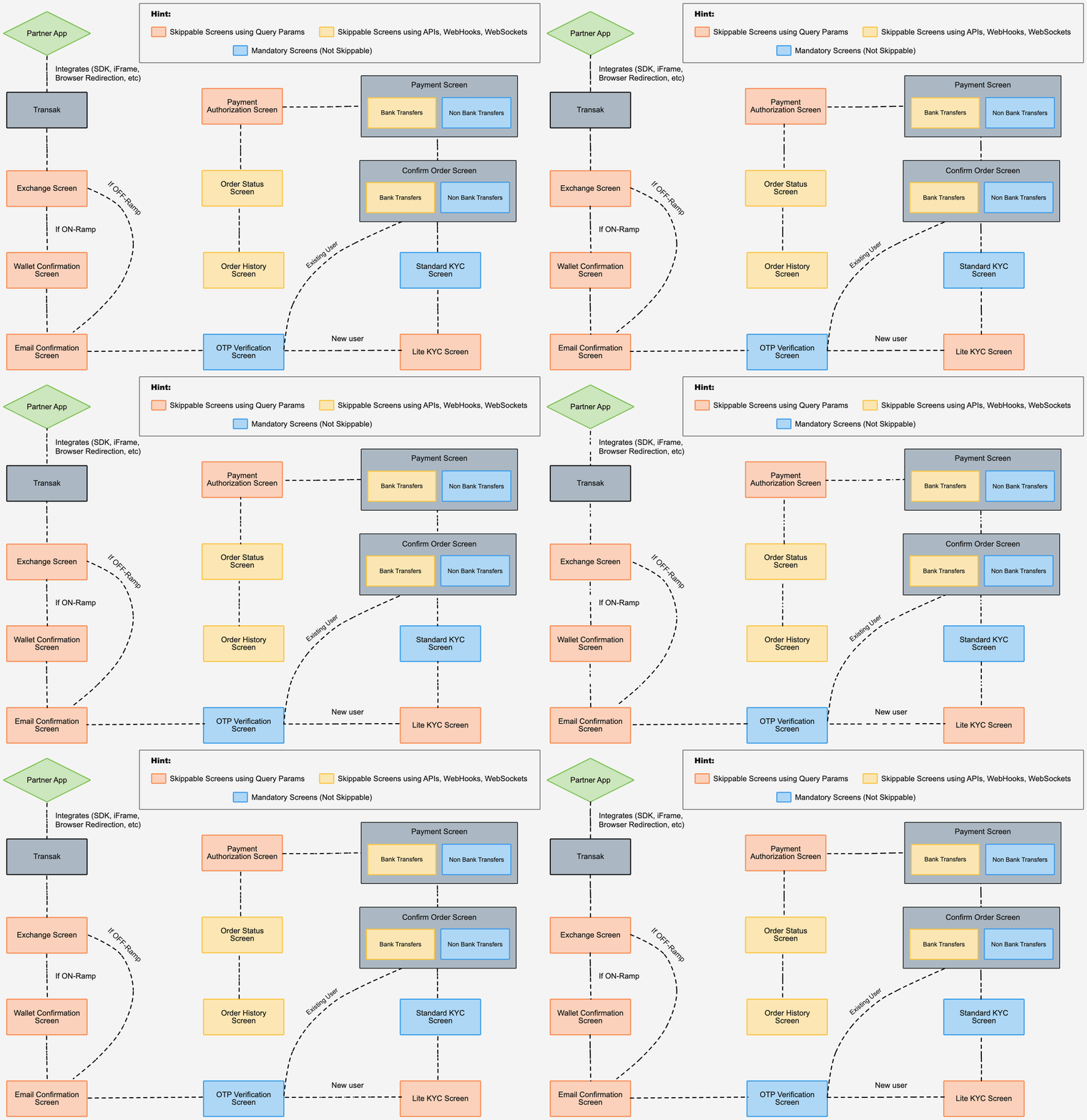
<thead>
  <tr>
    <th>
      Screen
    </th>

    <th>
      Can be skipped?
    </th>
  </tr>
</thead>

<tbody>
  <tr>
    <td>
      Exchange Screen
    </td>

    <td>
      Yes
    </td>
  </tr>

  <tr>
    <td>
      Wallet Confirmation Screen
    </td>

    <td>
      Yes
    </td>
  </tr>

  <tr>
    <td>
      Email Verification Screen
    </td>

    <td>
      Yes
    </td>
  </tr>

  <tr>
    <td>
      OTP Verification Screen
    </td>

    <td>
      No
    </td>
  </tr>

  <tr>
    <td>
      Lite KYC Screen
    </td>

    <td>
      Yes
    </td>
  </tr>

  <tr>
    <td>
      Standard KYC Screen
    </td>

    <td>
      No
    </td>
  </tr>

  <tr>
    <td>
      Confirm Order Screen
    </td>

    <td>
      No
    </td>
  </tr>

  <tr>
    <td>
      Payment Screen
    </td>

    <td>
      No
    </td>
  </tr>

  <tr>
    <td>
      Payment Authorization Screen
    </td>

    <td>
      No
    </td>
  </tr>

  <tr>
    <td>
      Order Status Screen
    </td>

    <td>
      Yes
    </td>
  </tr>

  <tr>
    <td>
      Order History Screen
    </td>

    <td>
      Yes
    </td>
  </tr>
</tbody>

## User Flow

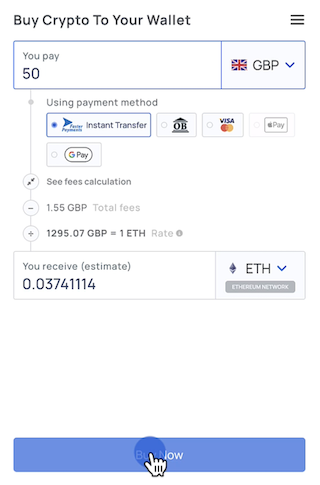
The Exchange Screen allows users to select the fiat amount, crypto asset, network, and payment method.

To skip this step, collect those inputs in your own UI and pass them through `widgetParams`.

<table>
  <tbody>
    <tr>
      <td>
        <strong>Recommended parameters</strong><br /><br />
        `apiKey`, `productsAvailed`, `fiatAmount`, `fiatCurrency`, `cryptoCurrencyCode`, `network`, `paymentMethod`, `hideExchangeScreen`
      </td>
    </tr>

    <tr>
      <td>
        <strong>Useful APIs</strong><br /><br />
        [Get Price](/api/public/get-price), [Get Fiat Currencies](/api/public/get-fiat-currencies), [Get Crypto Currencies](/api/public/get-crypto-currencies)
      </td>
    </tr>
  </tbody>
</table>

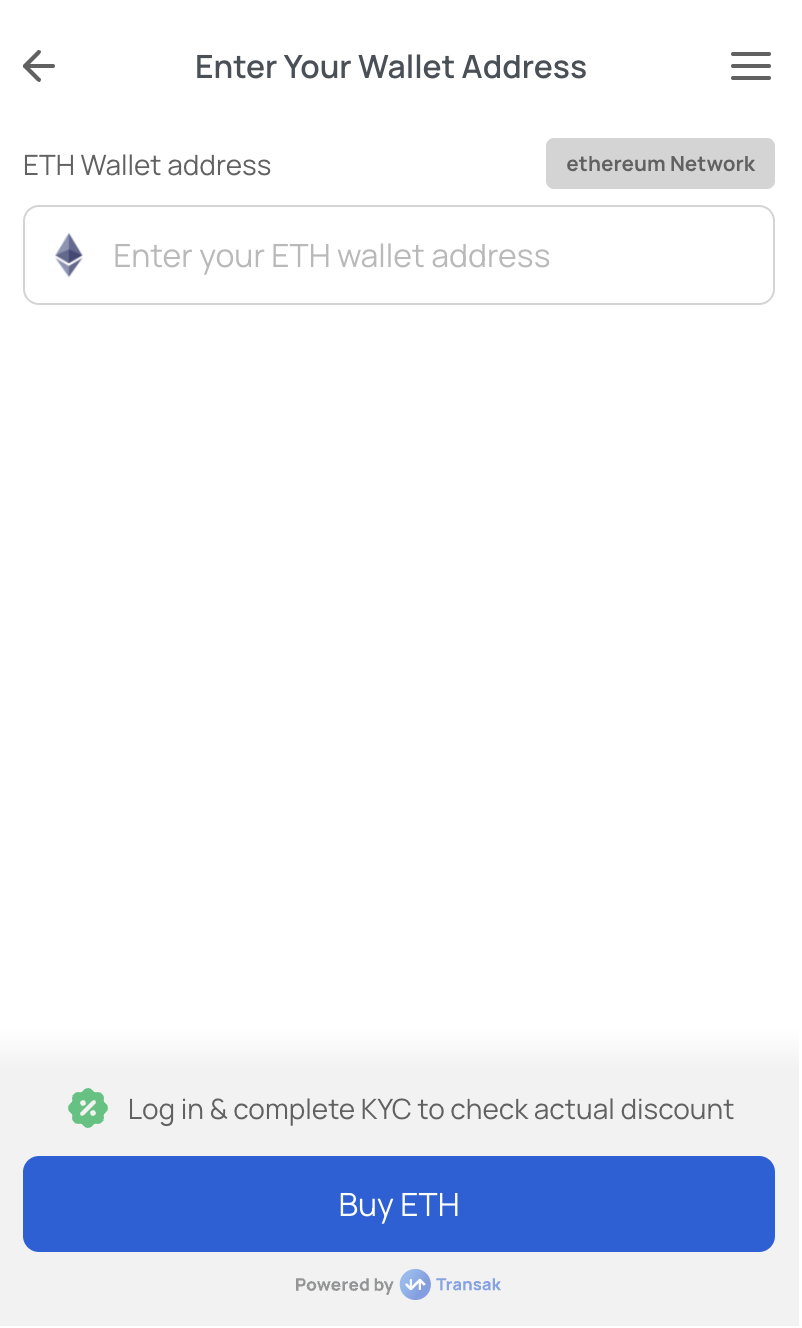
This step confirms the destination wallet for on-ramp transactions.

To skip this step, pass the wallet details through `widgetParams`.

<table>
  <tbody>
    <tr>
      <td>
        <strong>Required parameters</strong><br /><br />
        `walletAddress`, `disableWalletAddressForm=true`
      </td>
    </tr>
  </tbody>
</table>

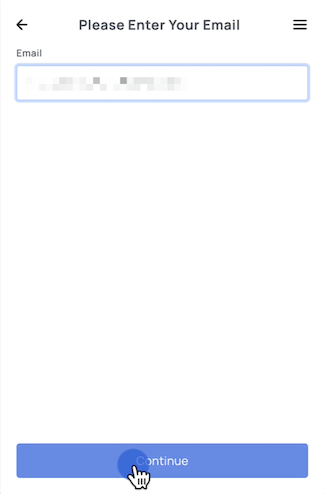
This screen is used to collect the user's email for OTP verification.

To skip this step, pass the user's email through `widgetParams`.

<table>
  <tbody>
    <tr>
      <td>
        <strong>Required parameter</strong><br /><br />
        `email`
      </td>
    </tr>
  </tbody>
</table>

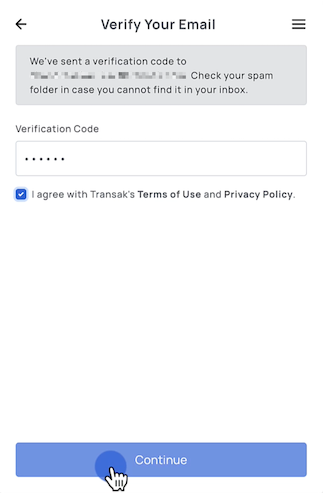
OTP verification is a mandatory step and cannot be skipped.

Prefilling the users email helps streamline the flow, but it does not bypass OTP verification.

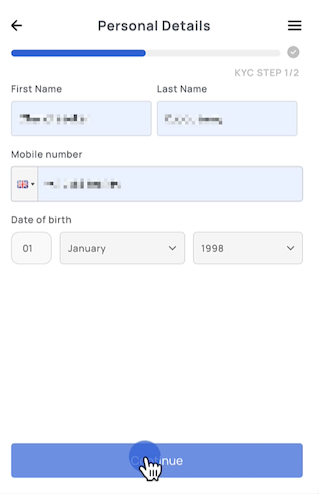
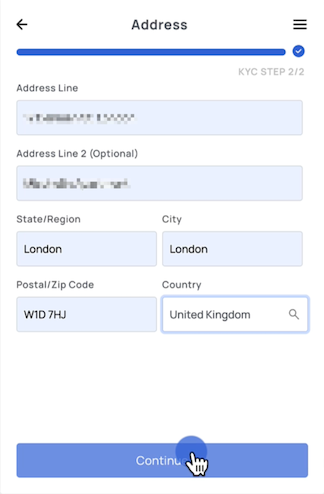
The Lite KYC Screen captures the user's personal and address details.

To skip this step, pass structured `userData` through `widgetParams`.

<table>
  <tbody>
    <tr>
      <td>
        <strong>Required parameter</strong><br /><br />
        `userData`
      </td>
    </tr>
  </tbody>
</table>

**Example**

```json
{
  "firstName": "Satoshi",
  "lastName": "Nakamoto",
  "email": "satoshi.nakamoto@transak.com",
  "mobileNumber": "+15417543010",
  "dob": "1994-08-26",
  "address": {
    "addressLine1": "170 Pine St",
    "addressLine2": "San Francisco",
    "city": "San Francisco",
    "state": "CA",
    "postCode": "94111",
    "countryCode": "US"
  }
}
```

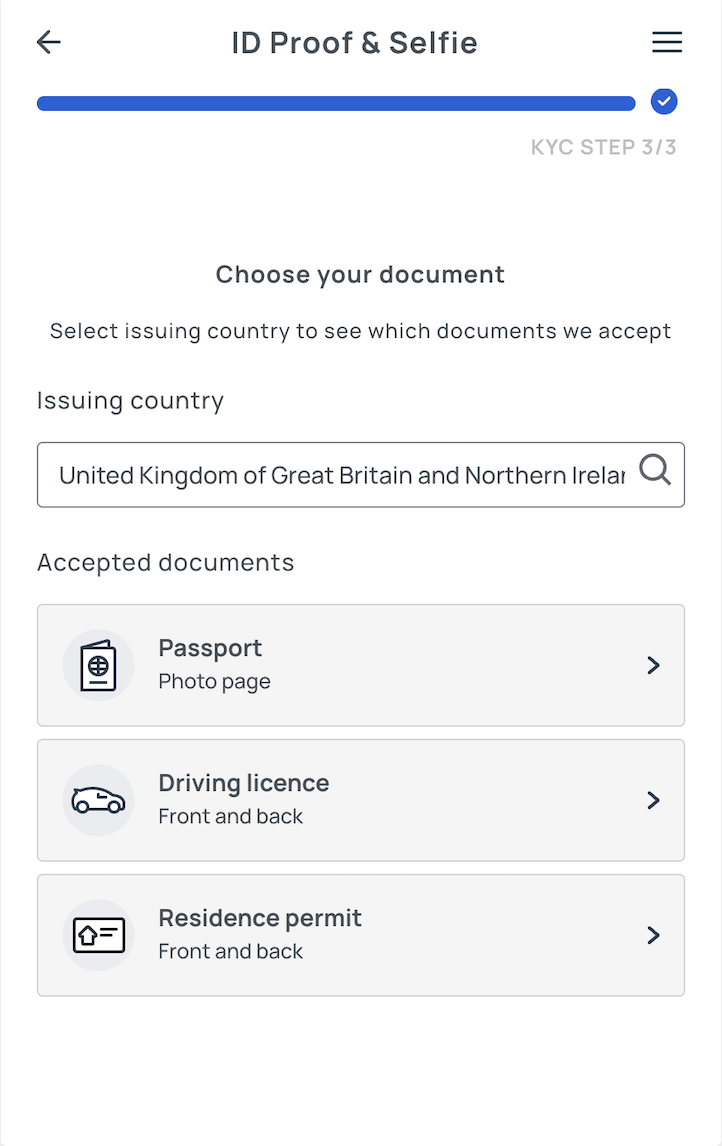
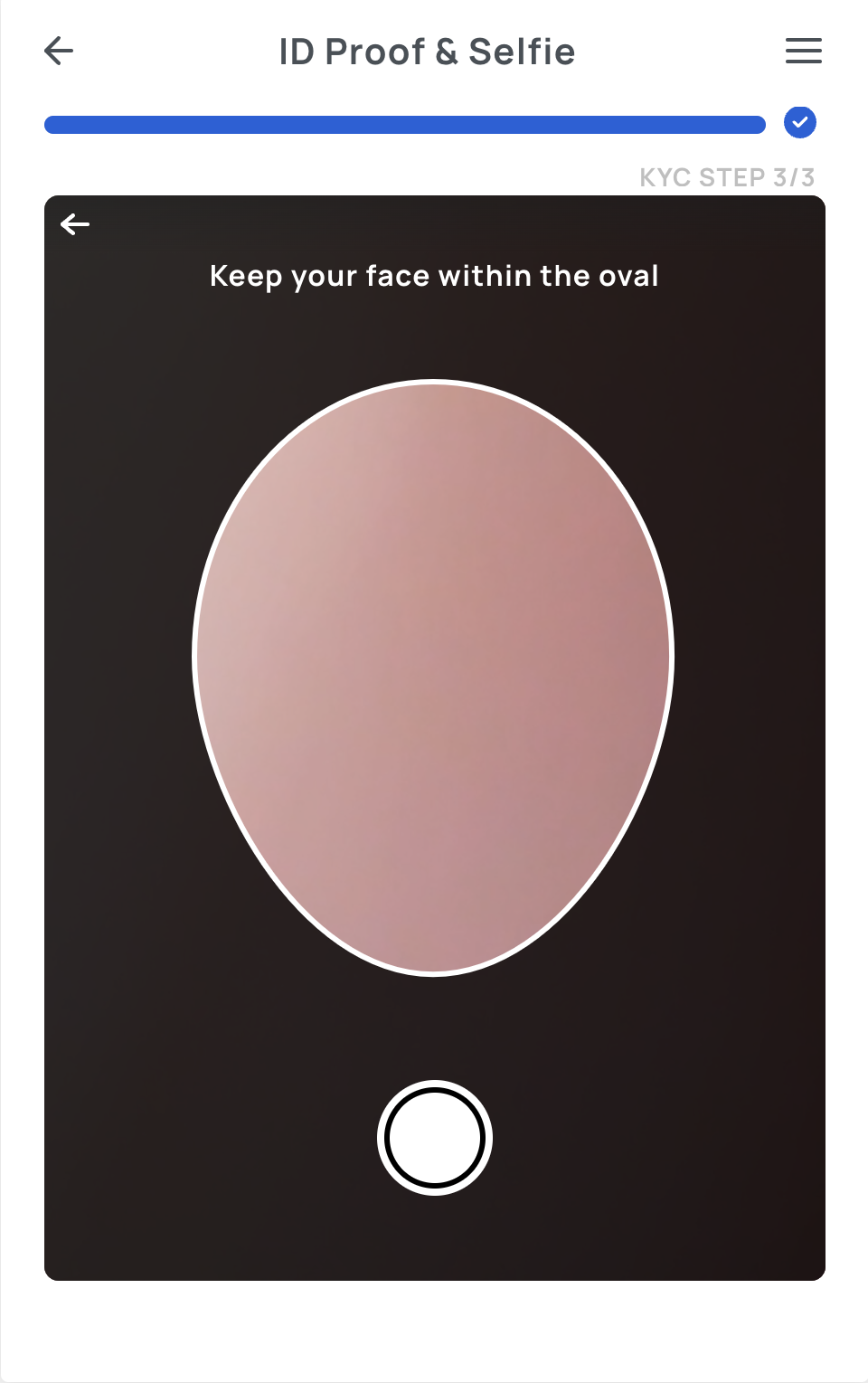
Standard KYC includes document upload and liveness checks.

This step is not skippable in the widget and triggered only when the order value exceeds Lite KYC limits.

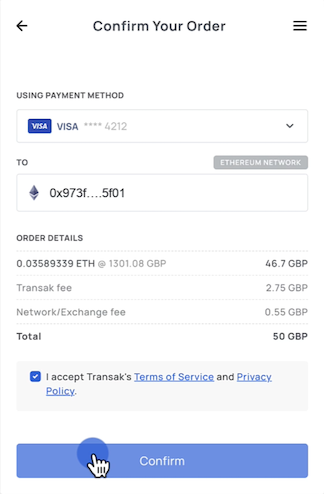
The Confirm Order step displays the final transaction summary before payment.

This step is not skippable in the widget and shown to users before they proceed with the payment.

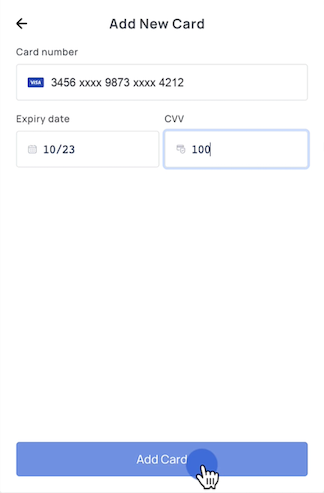
This is where users enter or confirm payment details.

This step is not skippable in the widget.

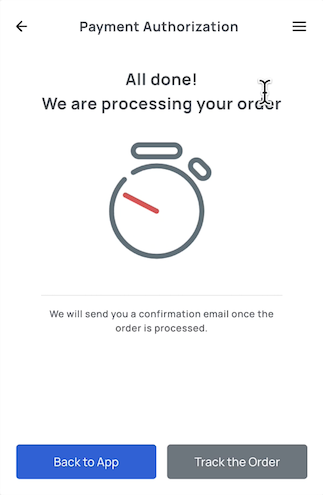
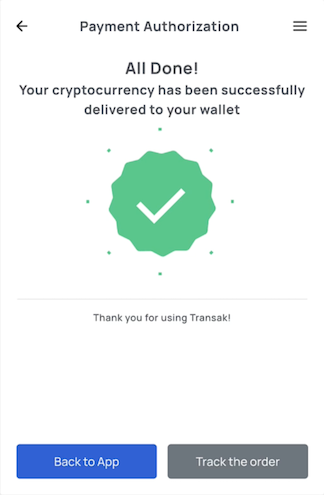
To skip this step, continue the user journey in your own application by listening for the `TRANSAK_ORDER_SUCCESSFUL` event after payment is initiated.

<table>
  <tbody>
    <tr>
      <td>
        <strong>How it works</strong><br /><br />
        Once the event is received, you can close the widget or move users to the next step in your own flow instead of keeping them on the completion screen.
      </td>
    </tr>

    <tr>
      <td>
        <strong>Supported integrations</strong><br /><br />
        [JavaScript SDK](/integration/web/js-sdk), [Android](/integration/mobile/native-android), [iOS](/integration/mobile/native-ios), [React Native](/integration/mobile/react-native)
      </td>
    </tr>
  </tbody>
</table>

To skip this step, display order status updates in your own application instead of relying on the order status screen.

<table>
  <tbody>
    <tr>
      <td>
        <strong>Supported options</strong><br /><br />
        [Get Order By ID](/api/public/get-order-by-order-id), [Webhooks](/features/webhooks), [WebSockets](/features/websockets)
      </td>
    </tr>
  </tbody>
</table>

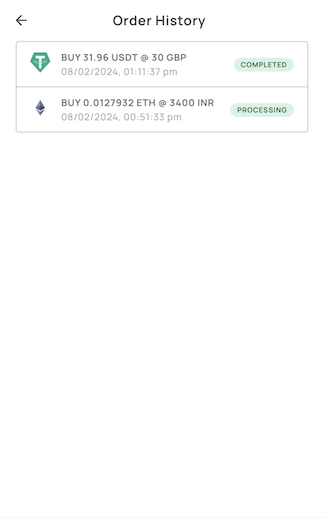
To skip this step, display transaction history in your own application instead of relying on the order history screen.

<table>
  <tbody>
    <tr>
      <td>
        <strong>Supported option</strong><br /><br />
        [Get Orders](/api/public/get-orders)
      </td>
    </tr>
  </tbody>
</table>