Enable RoW users to On/Off Ramp with USD.
Enable RoW users to On/Off Ramp with USD.
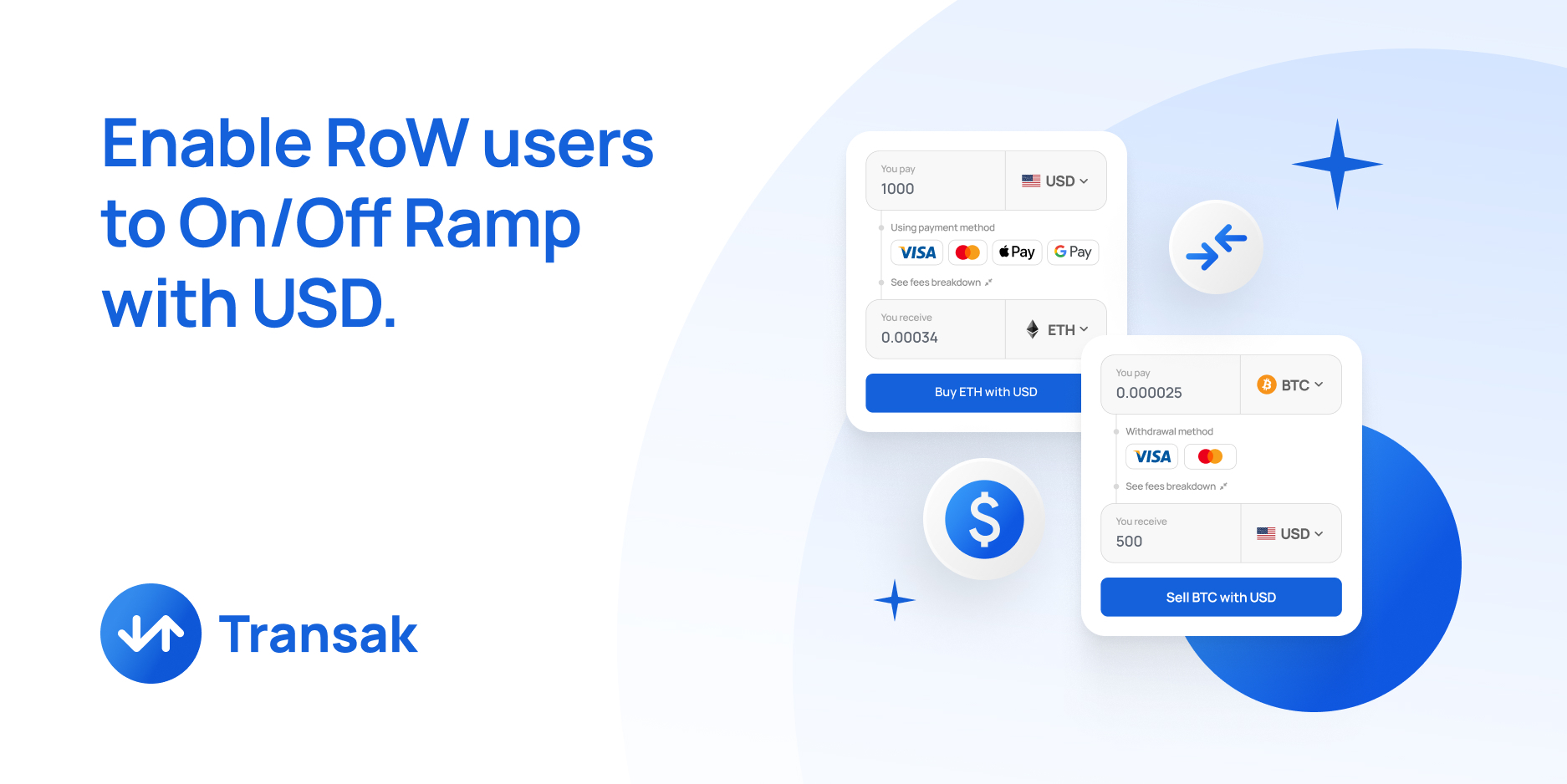
Transak is at the forefront of enabling users worldwide to place orders using the USD fiat currency, thereby breaking down barriers and fostering financial inclusivity.
Bridging the Gap:
For users in regions outside the United Stateswho want to use On/Off Ramp in USD can often be a challenge due to the limited access. This feature allows users from the Transak-supporting countries to seamlessly interact with platforms utilising USD as their primary fiat currency.
The platforms integrating Transak’s can benefit this by allowing users to transact in USDto expand their market reach through 170 cryptocurrencies on 75+ blockchains with 20+ local payment options.
Transak Whale for Higher Transaction Orders
Are you looking to place a high order value from Transak?
Then this feature is for you. Transak has introduced a feature - Transak Whale to fulfil the request of HNIs and Corporates to process orders with higher transaction limits.
Key Features:
Orders with higher transaction limits enables a new flow “Continue to Transak Whale” (i.e 200K GBP)
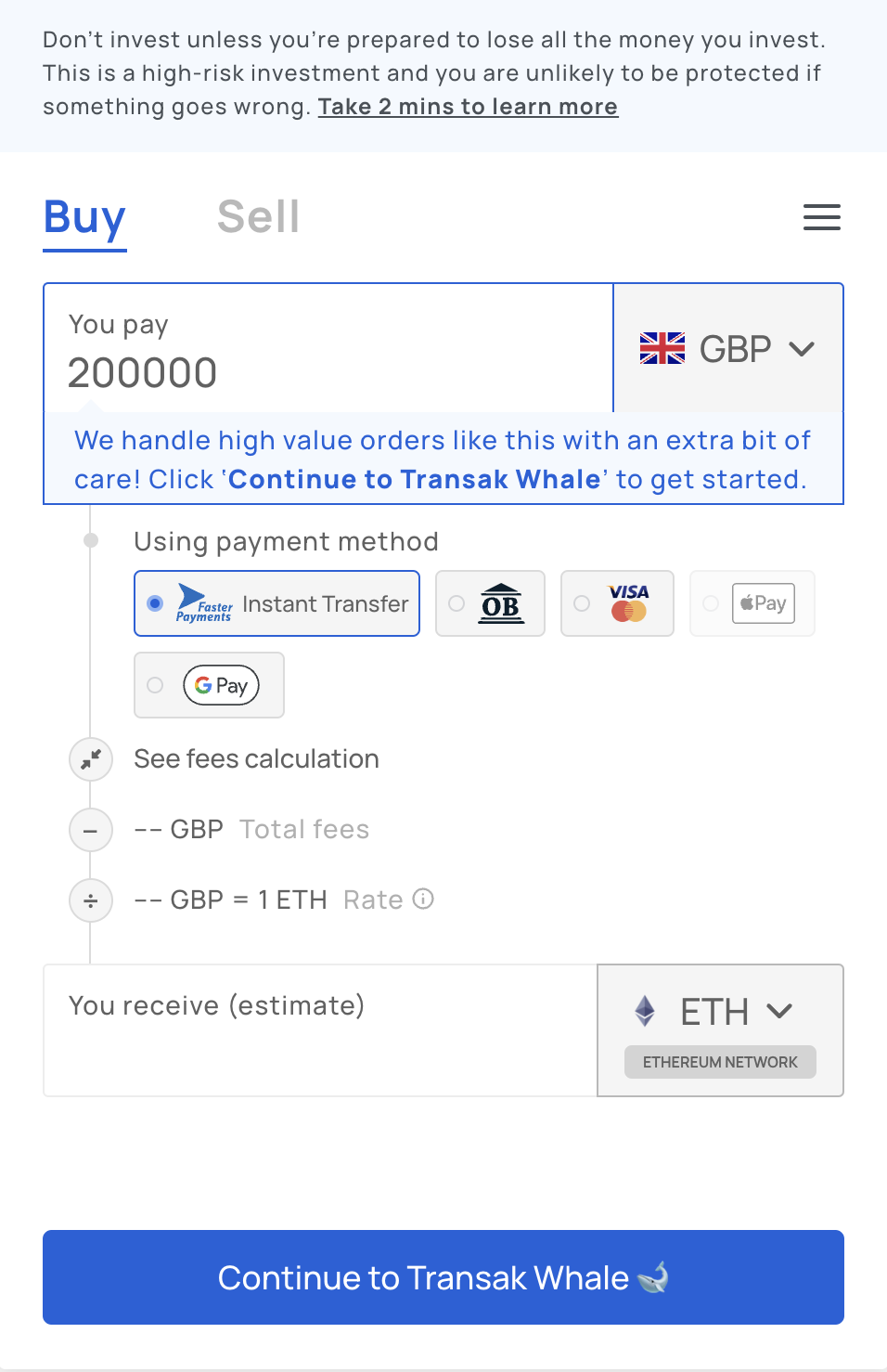
User details are collected to seby clicking the CTA button. An automated email will be sent to guide you through the next steps.
This feature supports On/Off Ramps through Bank Transfers.
On Ramp:
Off Ramp:
Transak's Staging Environment Empowers Testing of Failed Orders and Refunds with Ease!"
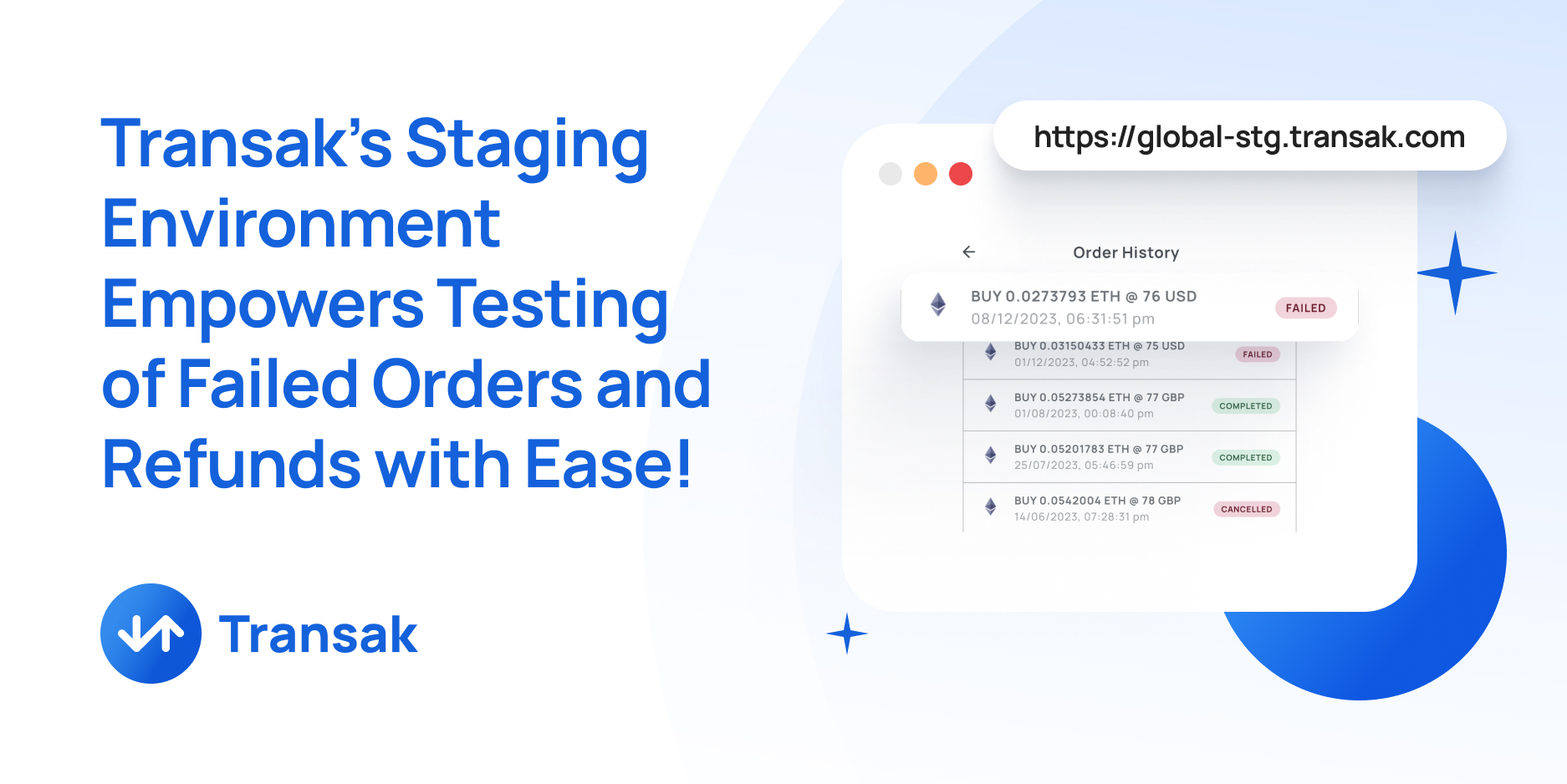
Our partners can now simulate failed and refunded orders in the staging environment, allowing them to experience and handle negative scenarios.
How does this feature work?
Step 1: Add +refund prefix to test refund orders and +failed to test failed orders to your email address.
For Eg: If your Email address is xyz@abc.com , then the refund and failed orders email should be of the below format:
Step 2: Complete payment using Card/Apple Pay/Google Pay or click on I Have Paid in the Transak order flow.
Step 3: Great! Now, the order will be either refunded or failed. The order status flow will then update to REFUNDED for the email address - xyz+refund@abc.com or FAILED for the email address - xyz+failed@abc.com
Hint:
Gmail Plus Addressing: In Gmail, you can add a “+” symbol and any word you want to the end of your email address, and it will still reach your inbox.