π§© How to Create Partner Access Token
This tutorial shows how to create a Partner Access Token. You can find your API key and API secret in your Transak partner dashboard.
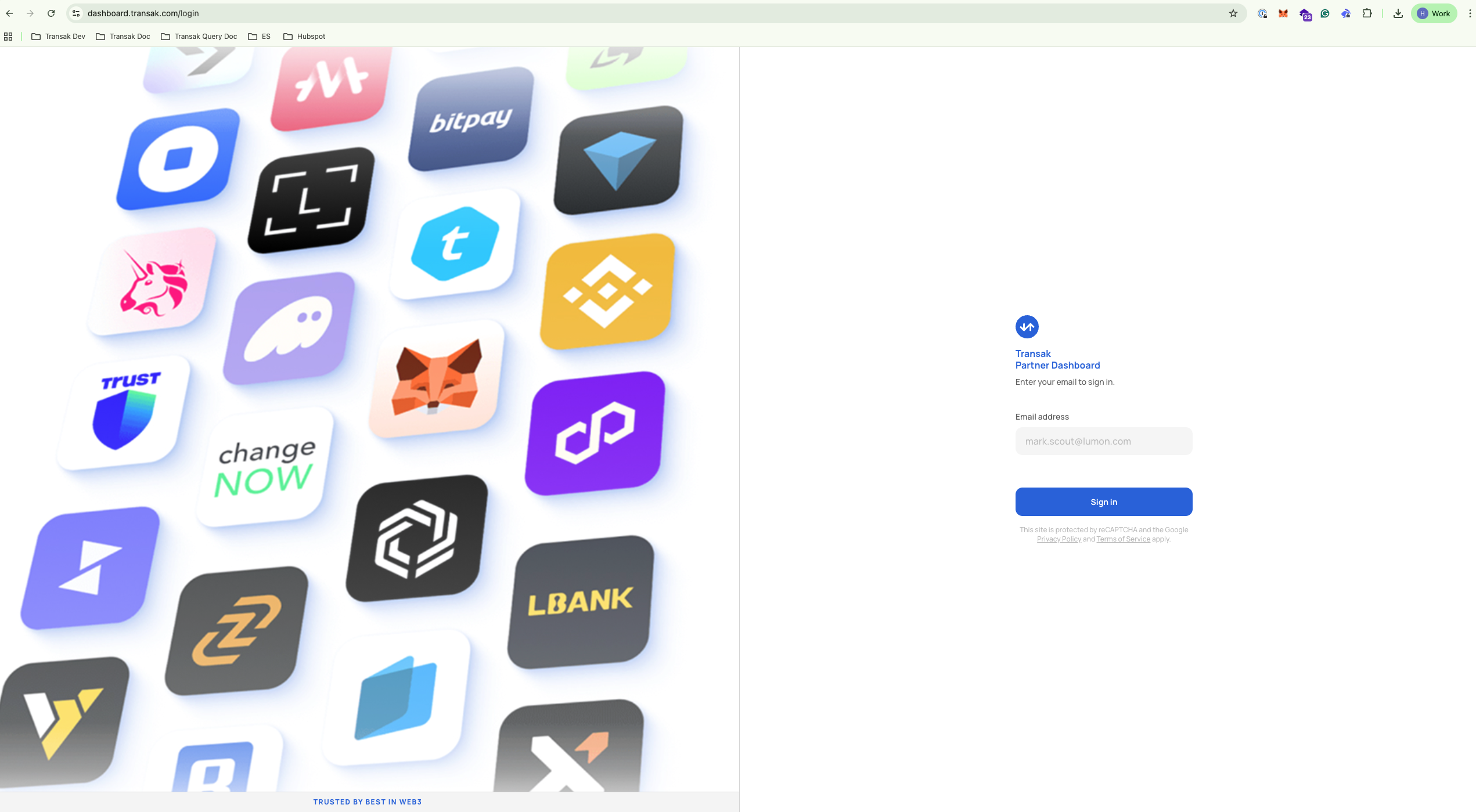
Step 1: Log in to Your Dashboard
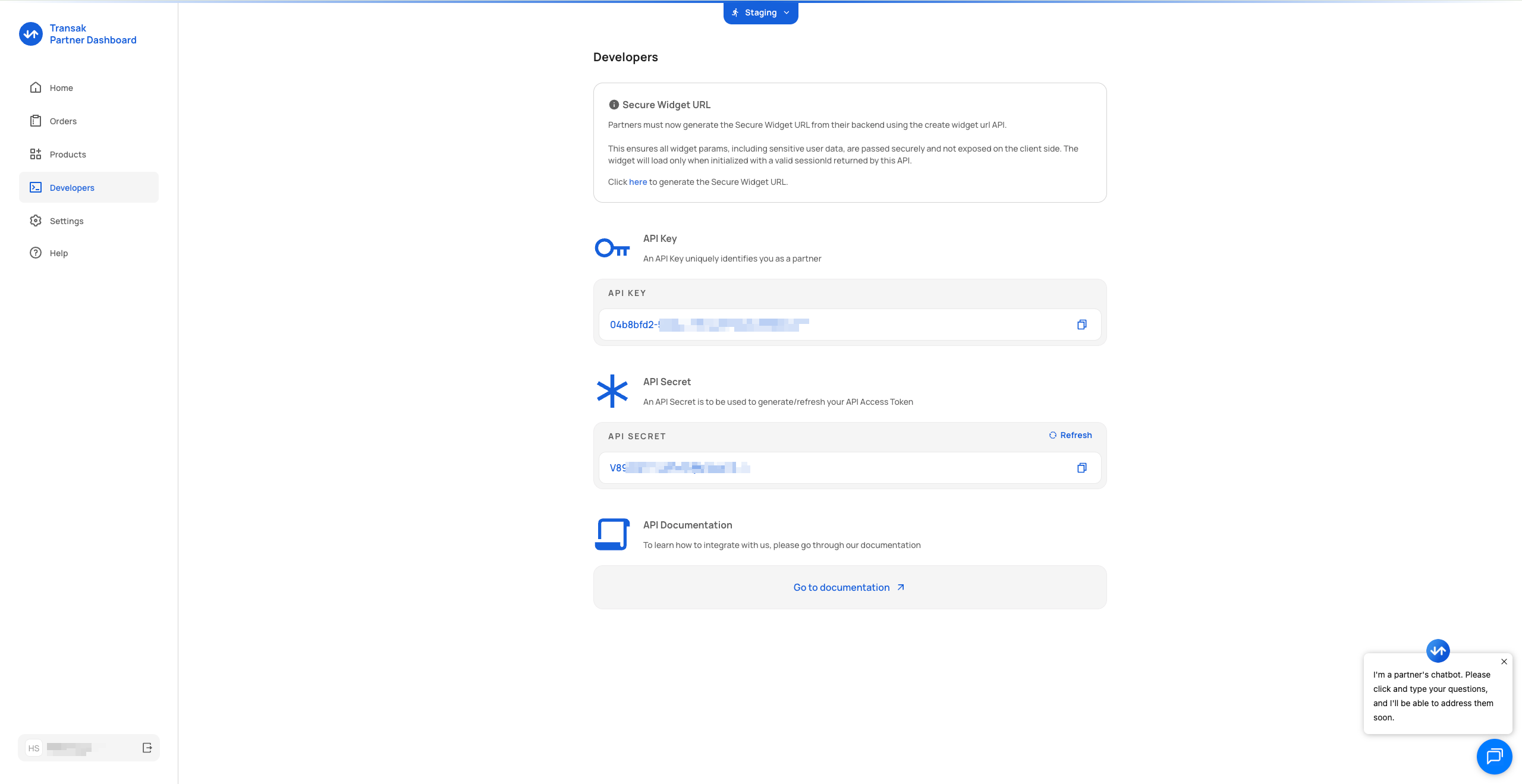
Step 2: Navigate to the Developers Tab on the left-hand panel
Step 3: Copy Your API Credentials
You can see your API key and API secret. Copy both of them as you'll need them for the API request.
Step 4: Call the Refresh Token API
Call the refresh token API endpoint: https://docs.transak.com/update/reference/refresh-access-token
Pass your API key and API secret in the API request. You will receive a newly generated access token with a 7-day expiry.
curl --request POST \
--url https://api-stg.transak.com/partners/api/v2/refresh-token \
--header 'accept: application/json' \
--header 'api-secret: YOUR_API_SECRET' \
--header 'content-type: application/json' \
--data '{"apiKey":"YOUR_API_KEY"}'Response JSON
{
"data": {
"accessToken": "eyJhbI1NiIsInR5cCI6IkpXVCJ9.eyJBUElfZIjoiMDRiOGJmZDItNTQ1YS00YjU1LWFkNzQtMjY0OTQ5NmFlMTI3IiwiaWF0IjoxNzcwMzczMTM0LCJleHAiOjE3NzA5Nzc5MzR9.95zFcIfGY-YLwbah37-YyNqLL62KURoz_jUcCLfhP74",
"expiresAt": 1770977934
}
}Updated 1 day ago