

How to Create a Partner Access Token

Generate a short-lived access token using your API key and secret from the Transak partner dashboard

View as Markdown

A Partner Access Token is required to authenticate calls to Transak’s partner APIs. You generate it by calling the Refresh Token endpoint with your API key and secret — it expires after 7 days.
1

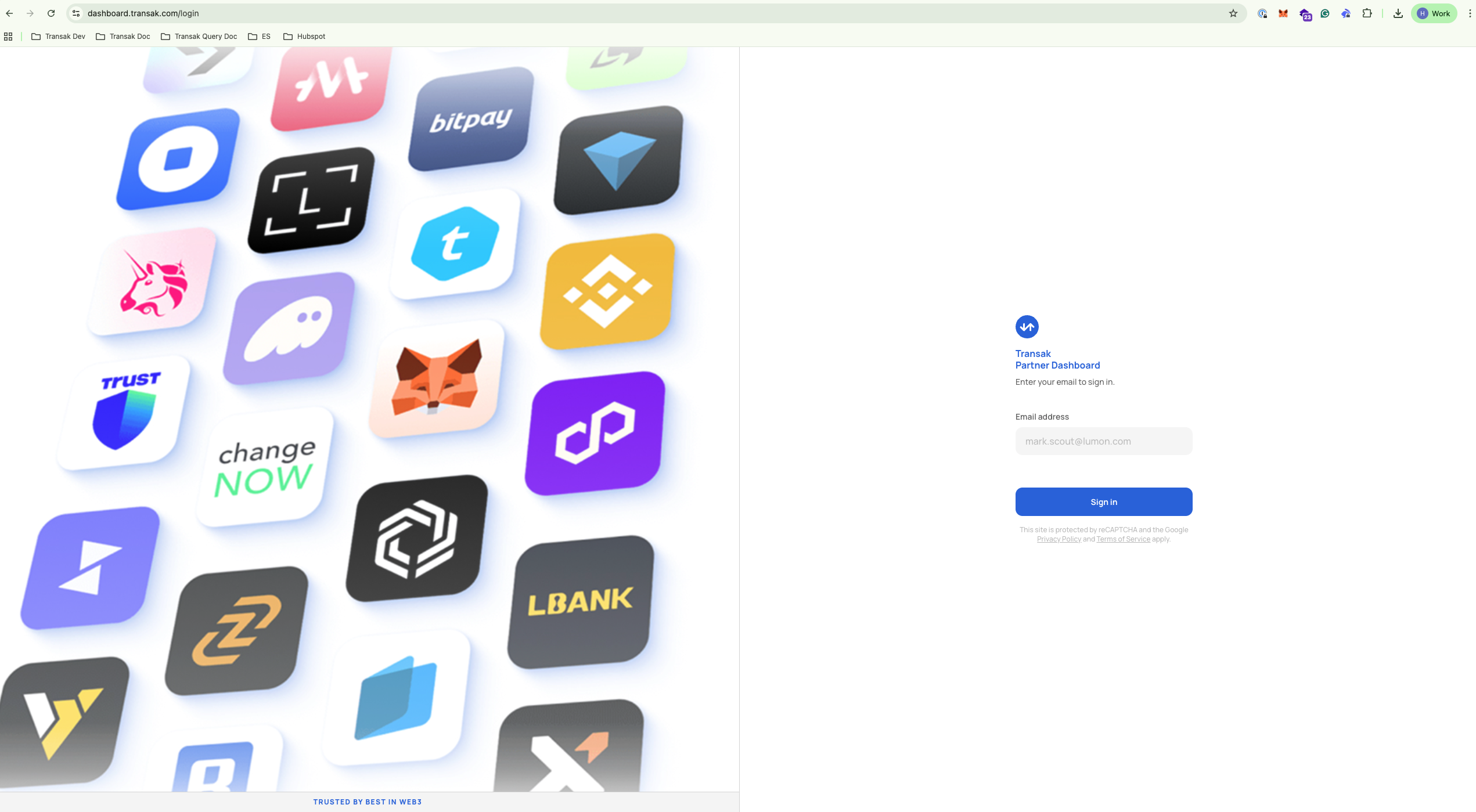
Log in to your dashboard

Go to dashboard.transak.com and sign in to your partner account.

Transak partner dashboard login screen
2

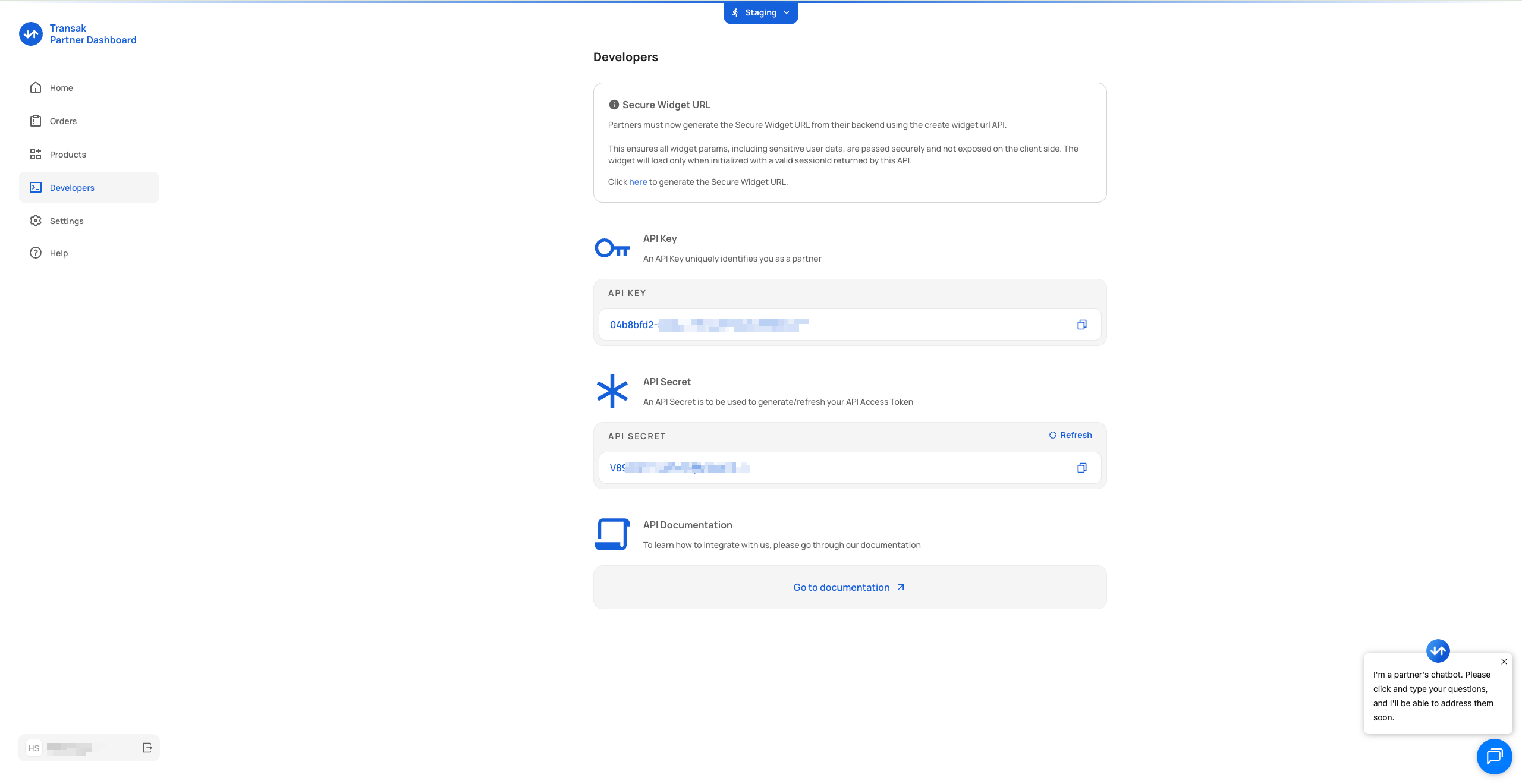
Open the Developers tab

Click Developers in the left-hand navigation panel.

Developers tab in the Transak partner dashboard
3

Copy your API credentials

Your API Key and API Secret are shown on this page. Copy both — you’ll need them in the next step.

Never expose your API secret in client-side code or public repositories. Always make this call from a secure backend.

4

Call the Refresh Token API

Make a POST request to the Refresh Token endpoint, passing your API secret as a header and your API key in the request body.

$curl --request POST \
> --url https://api-stg.transak.com/partners/api/v2/refresh-token \
> --header 'accept: application/json' \
> --header 'api-secret: YOUR_API_SECRET' \
> --header 'content-type: application/json' \
> --data '{"apiKey":"YOUR_API_KEY"}'

A successful response returns a JWT accessToken valid for 7 days:

1{
2 "data": {
3 "accessToken": "eyJhbI1NiIsInR5cCI6IkpXVCJ9.eyJBUElfZIjoiMDRiOGJmZDItNTQ1YS00YjU1LWFkNzQtMjY0OTQ5NmFlMTI3IiwiaWF0IjoxNzcwMzczMTM0LCJleHAiOjE3NzA5Nzc5MzR9.95zFcIfGY-YLwbah37-YyNqLL62KURoz_jUcCLfhP74",
4 "expiresAt": 1770977934
5 }
6}
accessToken
string

JWT token to include as a Bearer token in subsequent API requests.

expiresAt
number

Unix timestamp (seconds) indicating when the token expires.