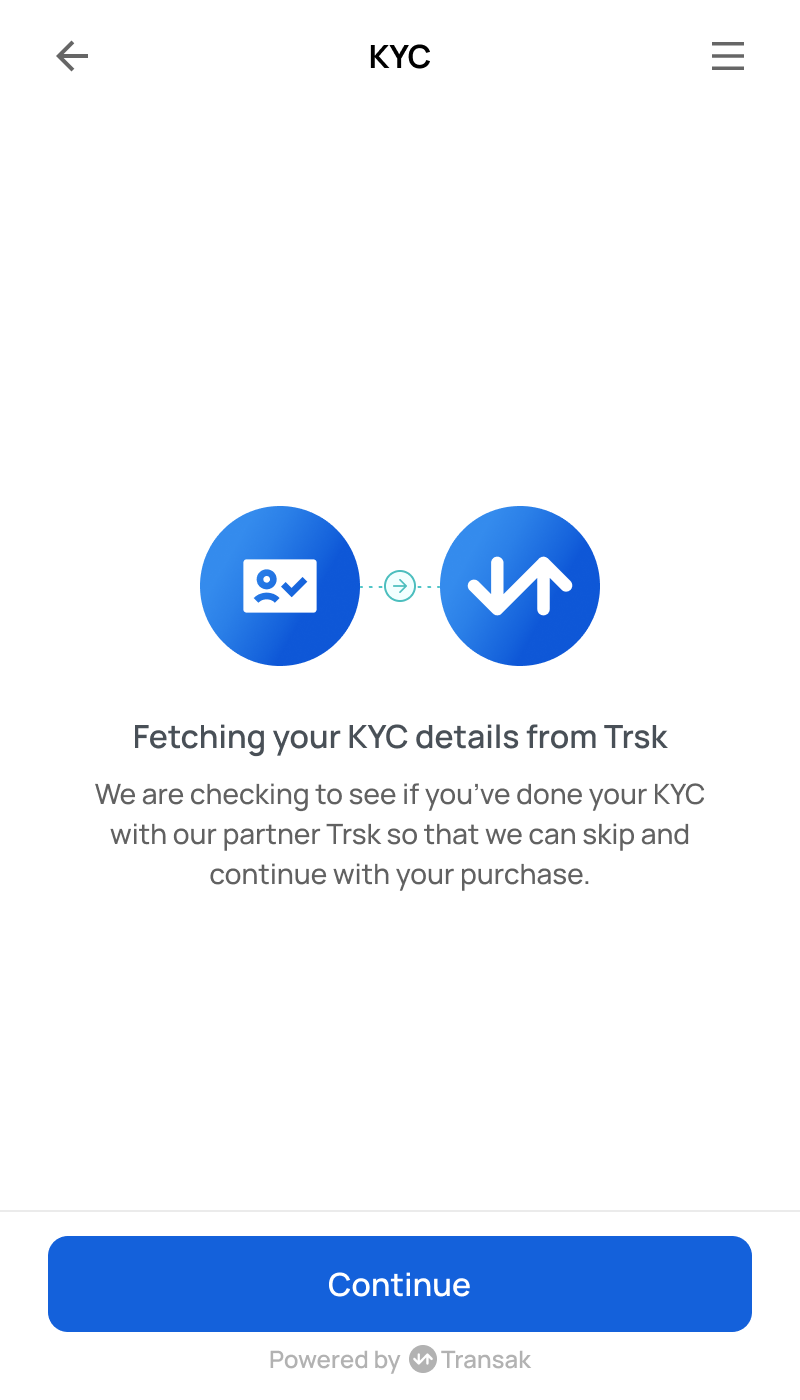
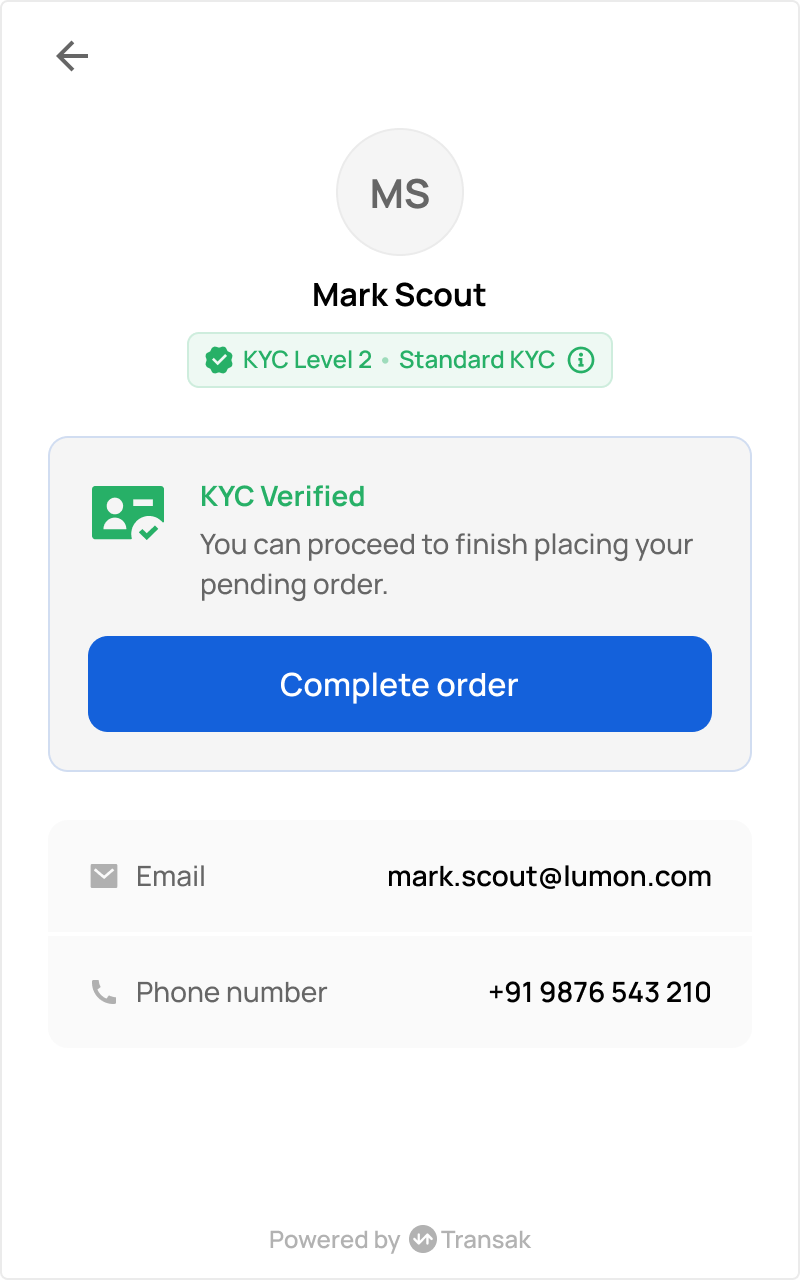
KYC Reliance
KYC Reliance lets partners reuse a user’s existing, already-completed KYC verification instead of asking the user to verify again with Transak. When a user has been verified, whether through a provider like Sumsub or directly by the partner, that verified data is shared with Transak so the user skips redundant KYC. This reduces drop-off, speeds up onboarding, and keeps a single, consistent verification across your platform and Transak.
Transak supports two approaches to KYC Reliance:
Watch: KYC Reliance and its Types
A short walkthrough of KYC Reliance and its two approaches: using Sumsub and using API.
KYC Comparison
KYC Reliance using API (Recommended)
KYC Reliance using API lets you submit KYC your platform has already completed (via Sumsub, Onfido, or any provider), so end-users don’t repeat KYC for Transak. Transak validates the submission and relies on your KYC instead of re-running it, cutting friction and drop-off while meeting Transak’s compliance requirements.
Our Solution
How to integrate?
Submit user details (profile, address, purpose, and ID Document details)
Call the Identity Details API with a single combined payload.
This should include the following data:
Personal Details (required)
PURPOSE OF USAGE (required)
TIN Details (optional)
Use the same allowed purposeList values as existing API contract.
Country-specific tax ID details are required only when applicable, for example US_SSN for the United States.
Submit identity documents
Call the Document Details API with this below fields:
idNumber field is Optional only for PROOF_OF_RESIDENCE document type. For all other document types, idNumber is required.
Submit biometrics (selfie and liveness)
Call the Biometrics Details API to submit the user’s biometric verification media.
Both values must be base64-encoded and sent as data URIs. See Supported formats for the accepted file types.
Example: data:image/png;base64,<base64_encoded_data>
Either both or any other can be submitted for selfie and liveness to complete the KYC submission.
Supported Formats
Supported Document IDs
Field Validation
Personal & Address Fields
Tin Details
How to encode images and video as Base64
All document images, selfies, and liveness media should be sent as Base64-encoded strings.
- The encoded value must be a single continuous string (no line breaks or spaces).
- Ensure the full file is encoded — do not truncate the string.
Encode a file as Base64 (example snippets)
Node.js
Python
Java
Go
PHP
How does it work?
.png "KYC Reliance Using API")
Current Limitations
API Overview
API Errors
API Errors Codes
KYC Reliance using Sumsub
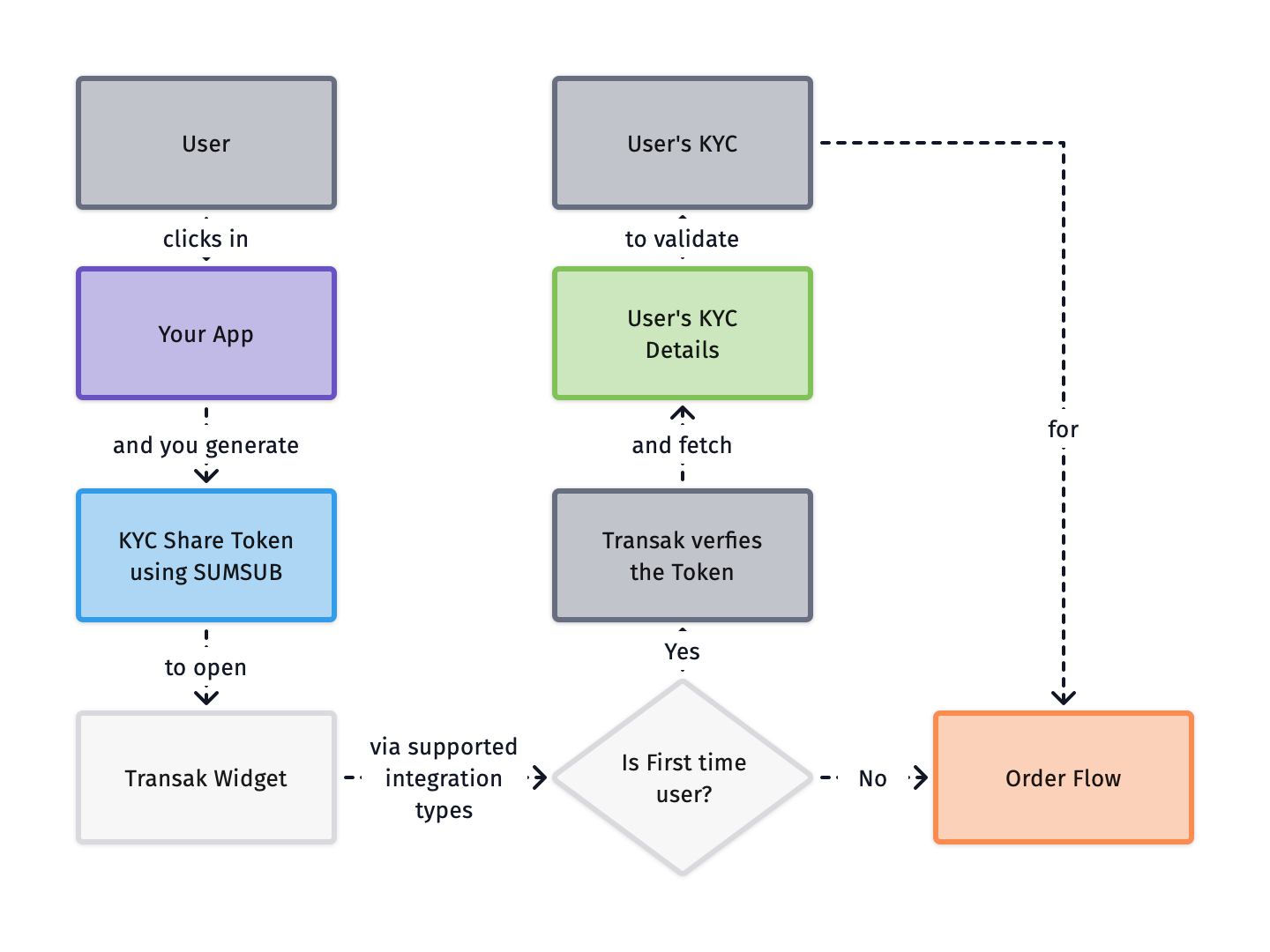
KYC Reliance using Sumsub allows partners to reuse their existing Sumsub KYC data with Transak, eliminating the need for users to complete verification again.
How does it work?
Mandatory Fields
For seamless user onboarding, ensure the following fields are validated in Sumsub and included in the shared token:
Submitting SSN via Sumsub
For US users, the SSN must be set on the TIN field of the Sumsub applicant, info.tin or fixedInfo.tin how ever Partner want to sets.
Current Limitations
How to integrate?
Sumsub Configurations
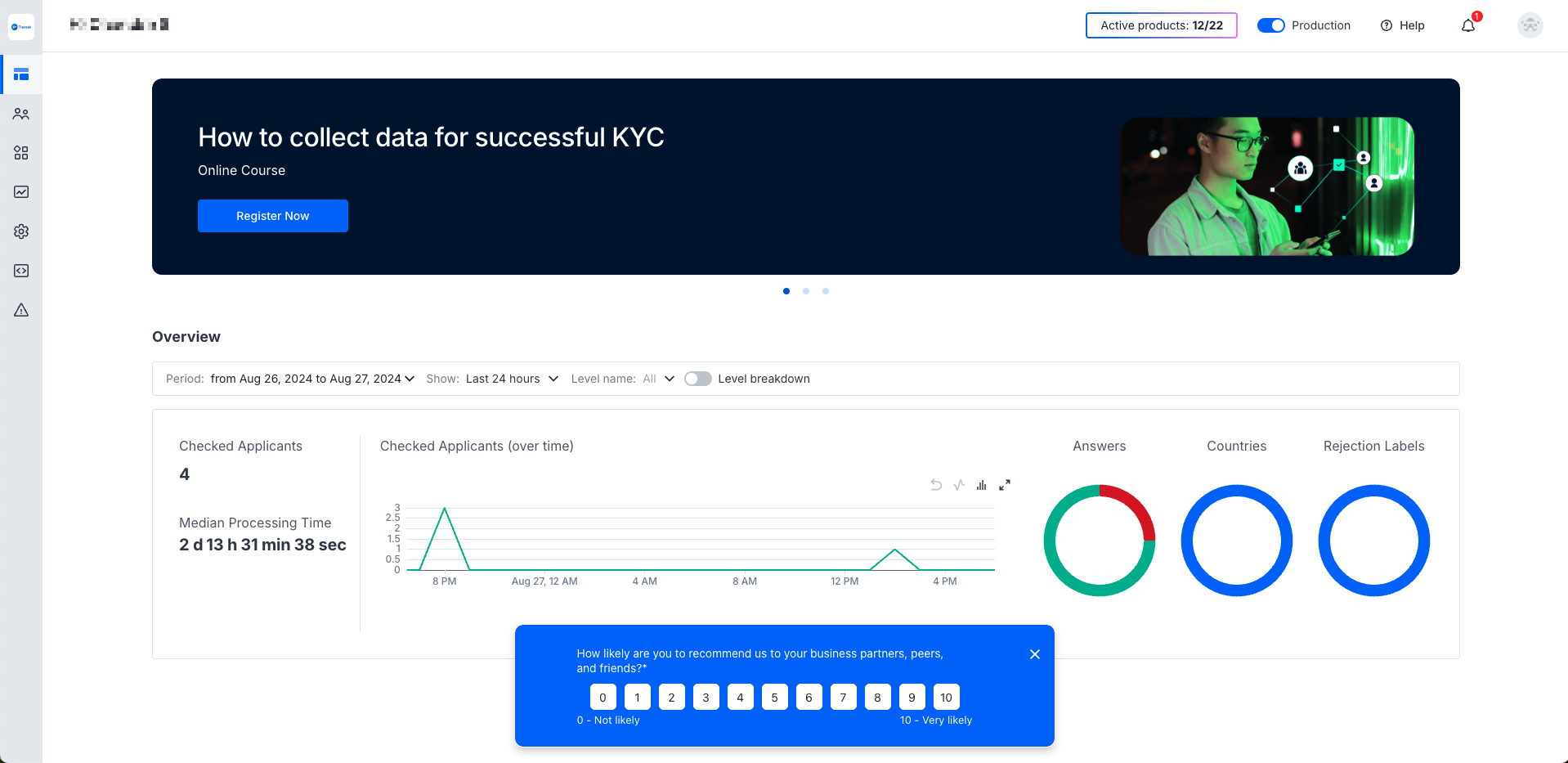
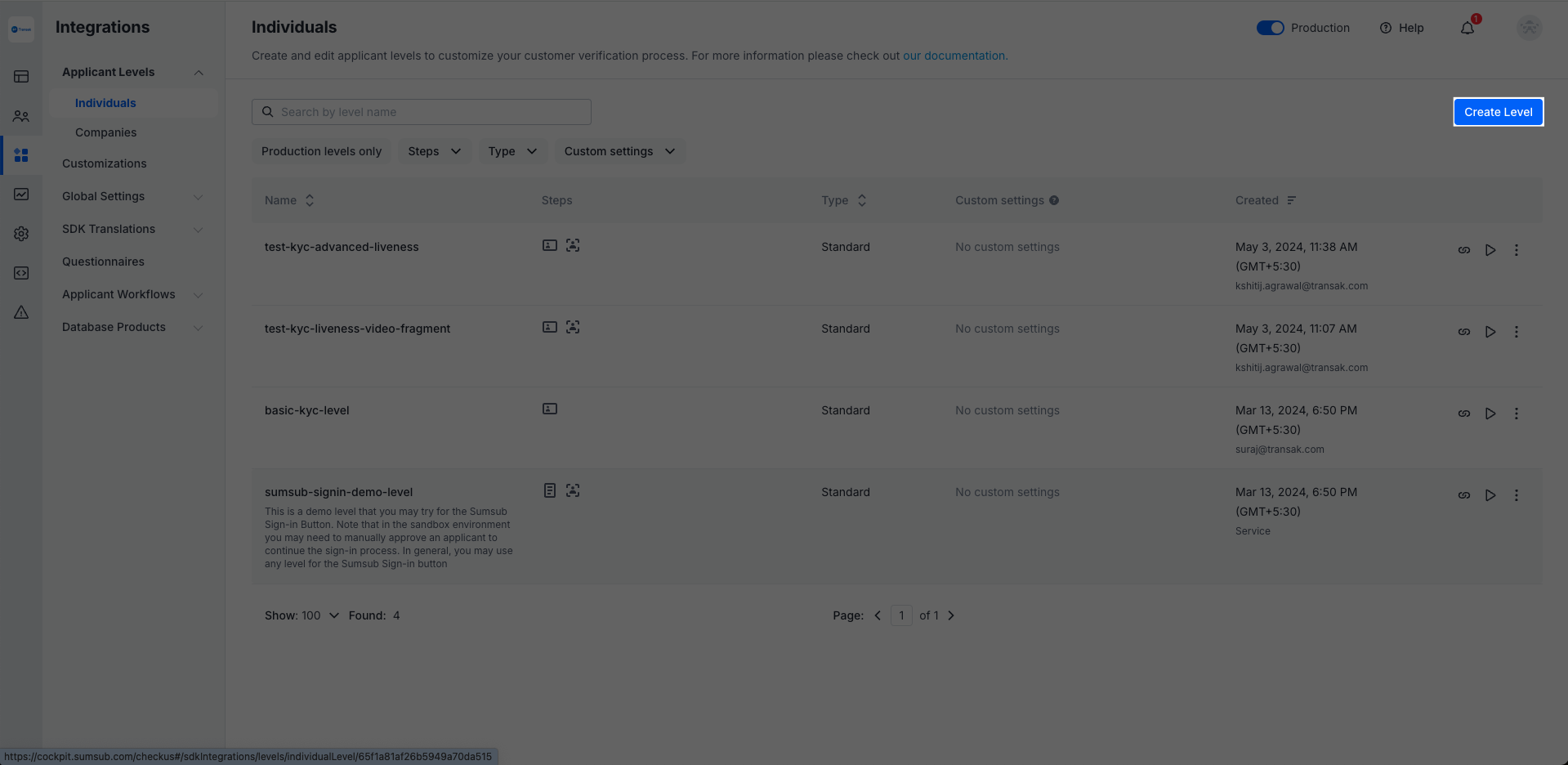
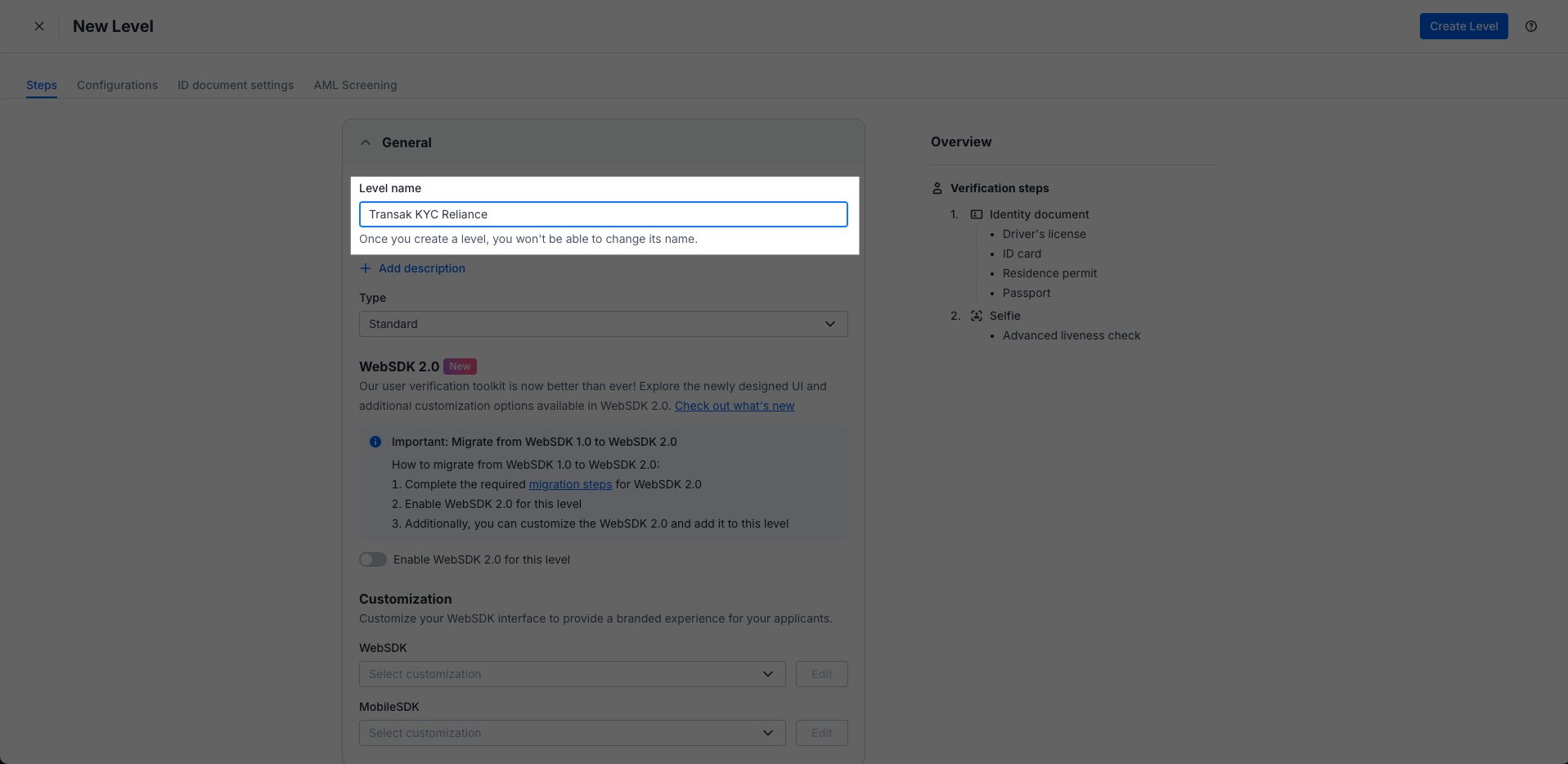
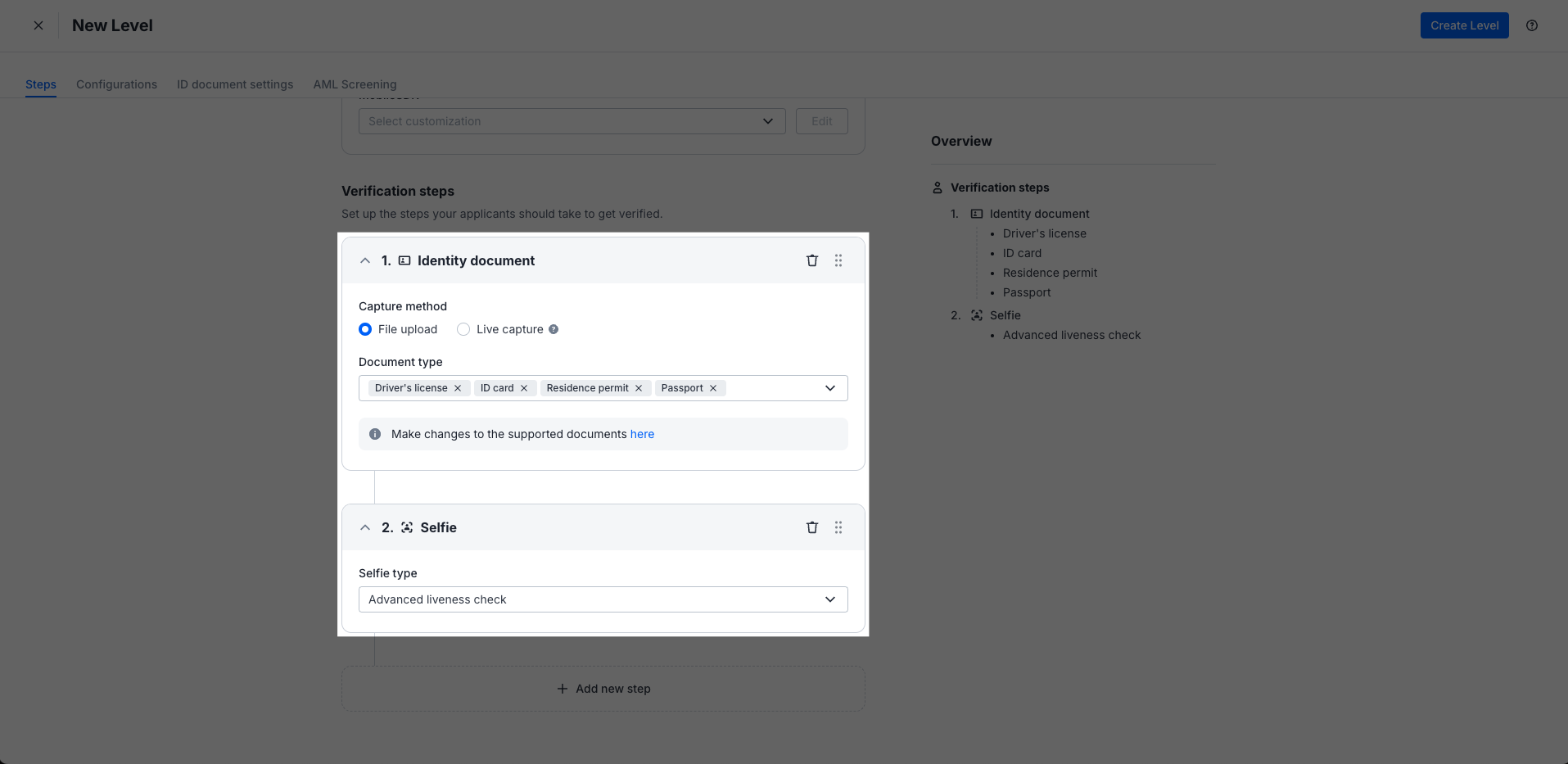
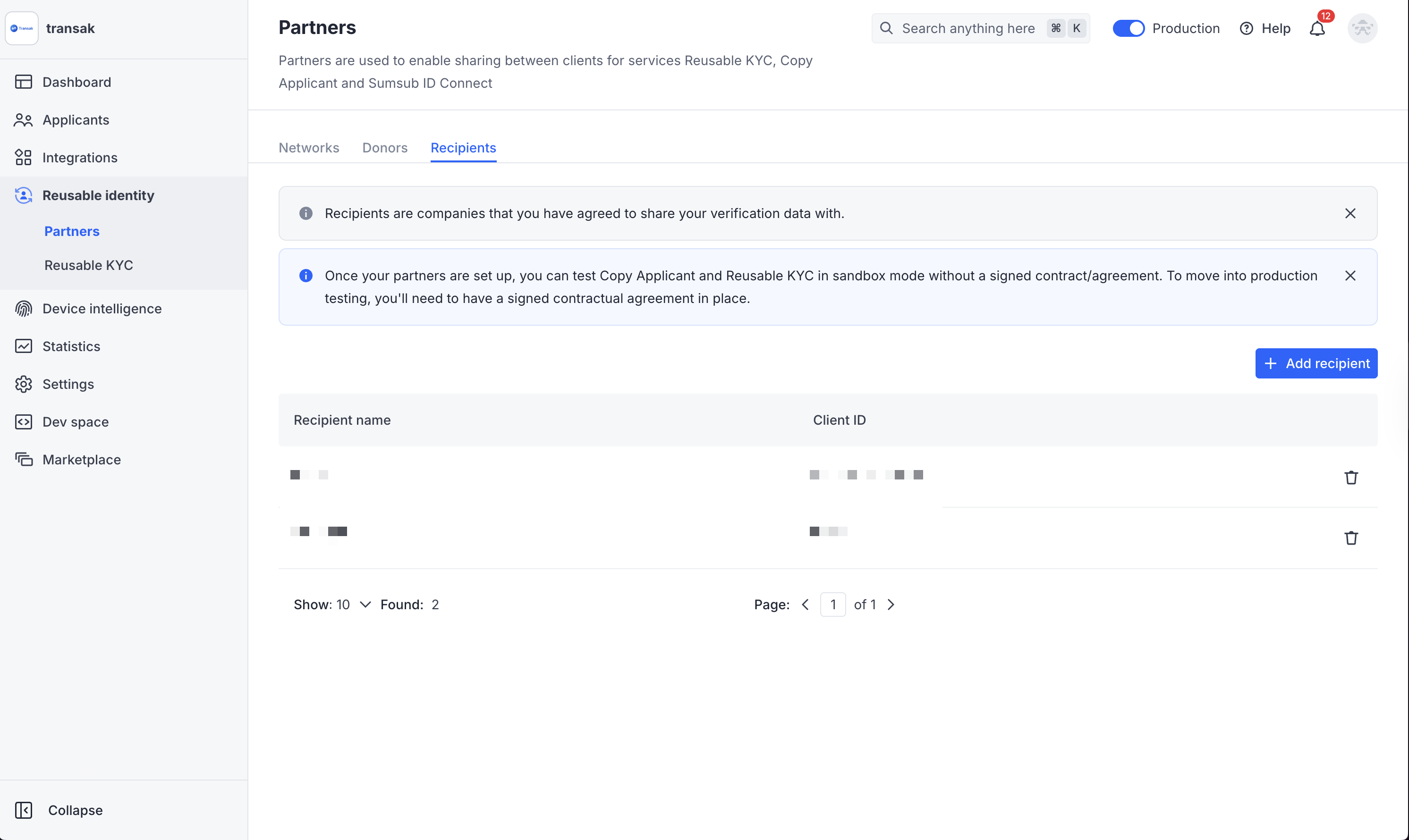
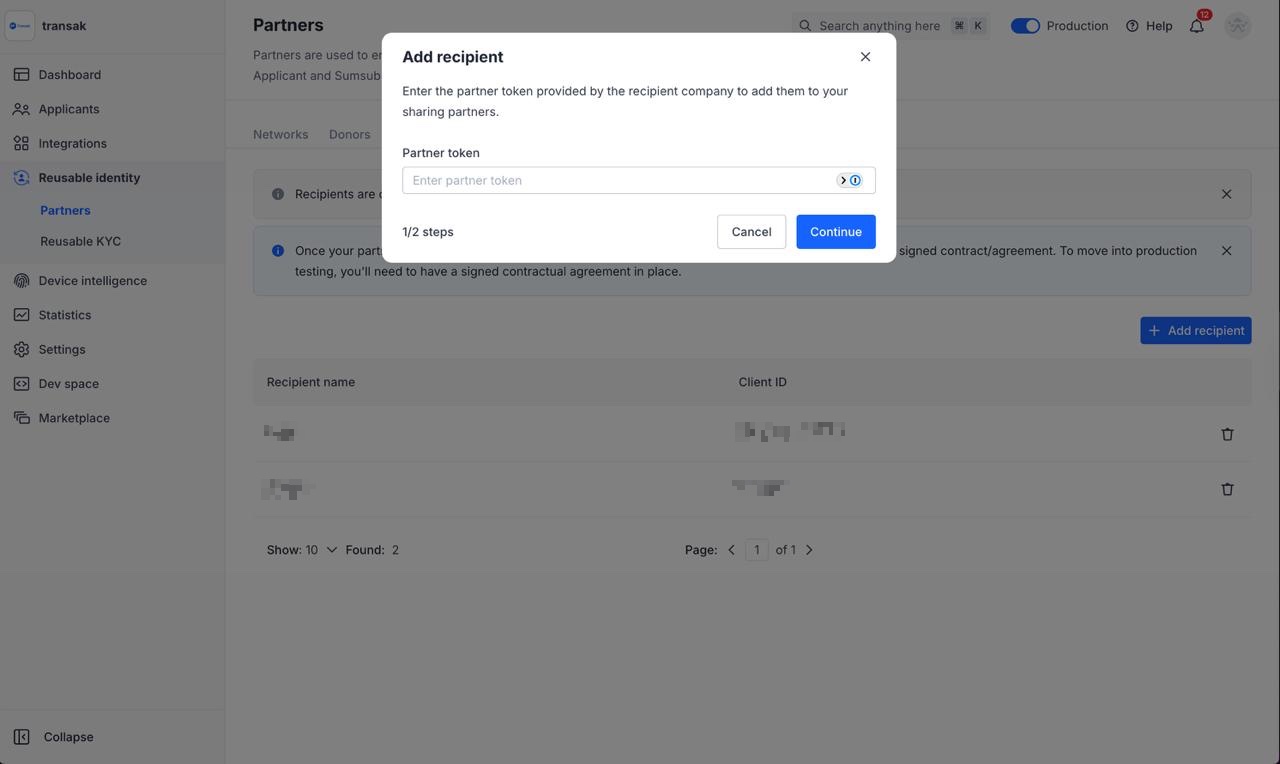
Integration Options
Integration Steps
The steps below cover generating a Sumsub KYC share token and passing it to Transak.