How To Create a Partner Dashboard Account
Create your partner dashboard account and get your staging and production API keys
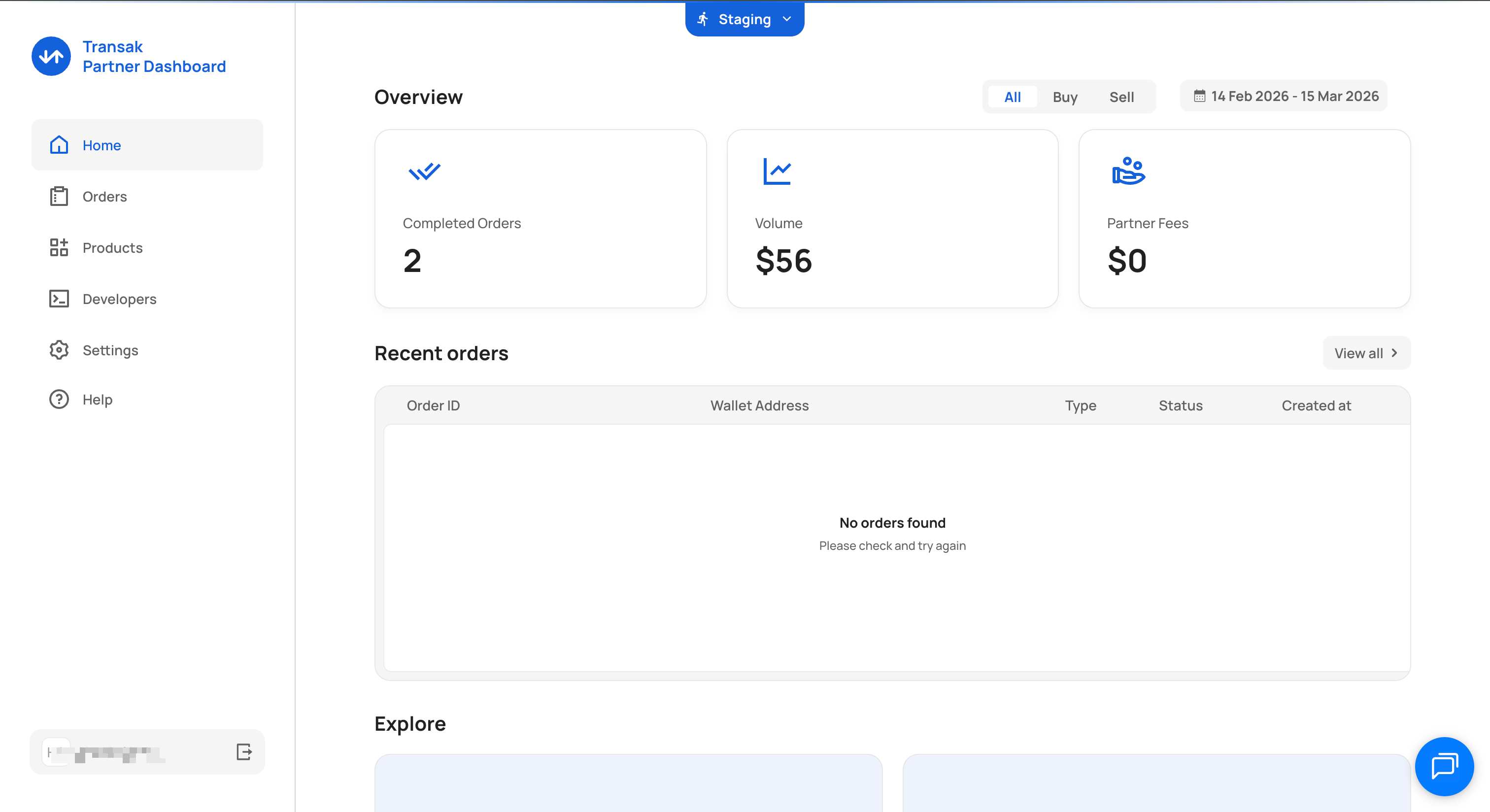
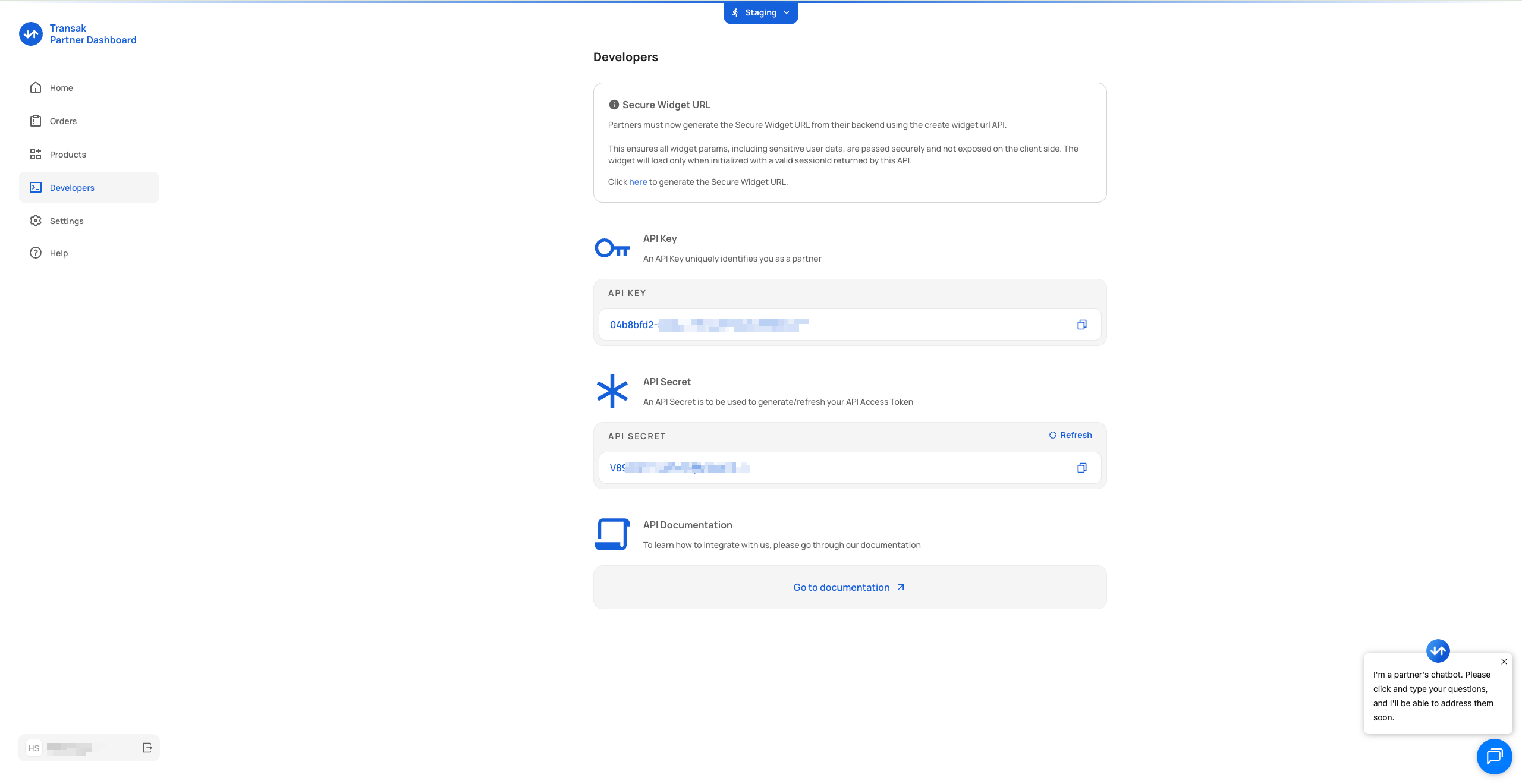
A Transak Partner Dashboard account is the starting point for every integration. Once created, you get your staging API key immediately and unlock your production API key after KYB approval.
A corporate email address to sign up at the Partner Dashboard.
Sign up for a Partner Dashboard account
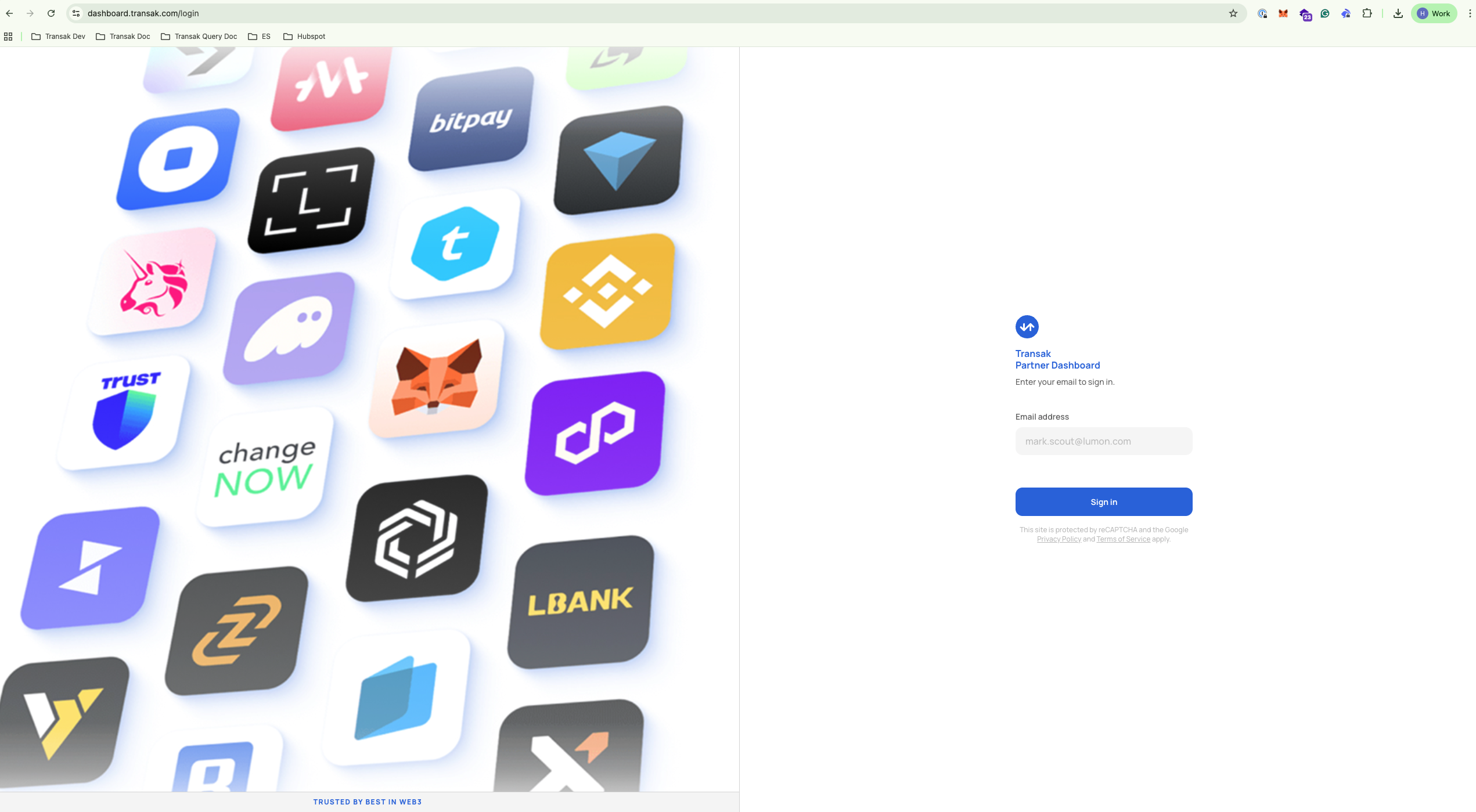
Go to dashboard.transak.com and sign up using your corporate email address.
Submit KYB to unlock production access
Submit your business verification at forms.transak.com/kyb using the same email address as your partner account.
KYB approval is required to use your production API key. Your staging API key is available immediately.