
Skip to navigation

KYC Reliance using Sumsub (Widget)

Pass a user's Sumsub KYC share token to the Transak widget on Web or in a Mobile WebView
View as Markdown

Before you start

  1. Set up Sumsub as described in Sumsub Configurations.
  2. Generate the user’s Sumsub KYC share token. See How to Share Sumsub KYC with Transak.

Integration options

Load the Transak widget with any of these integration methods:

User Flow Demo

1

Load the Widget

Initialize the widget with the appropriate query parameters using any integration method.

Load the Widget
2

Email Verification

Enter your email address and verify using the OTP sent to your inbox. Proceed upon successful verification.

Email Verification
3

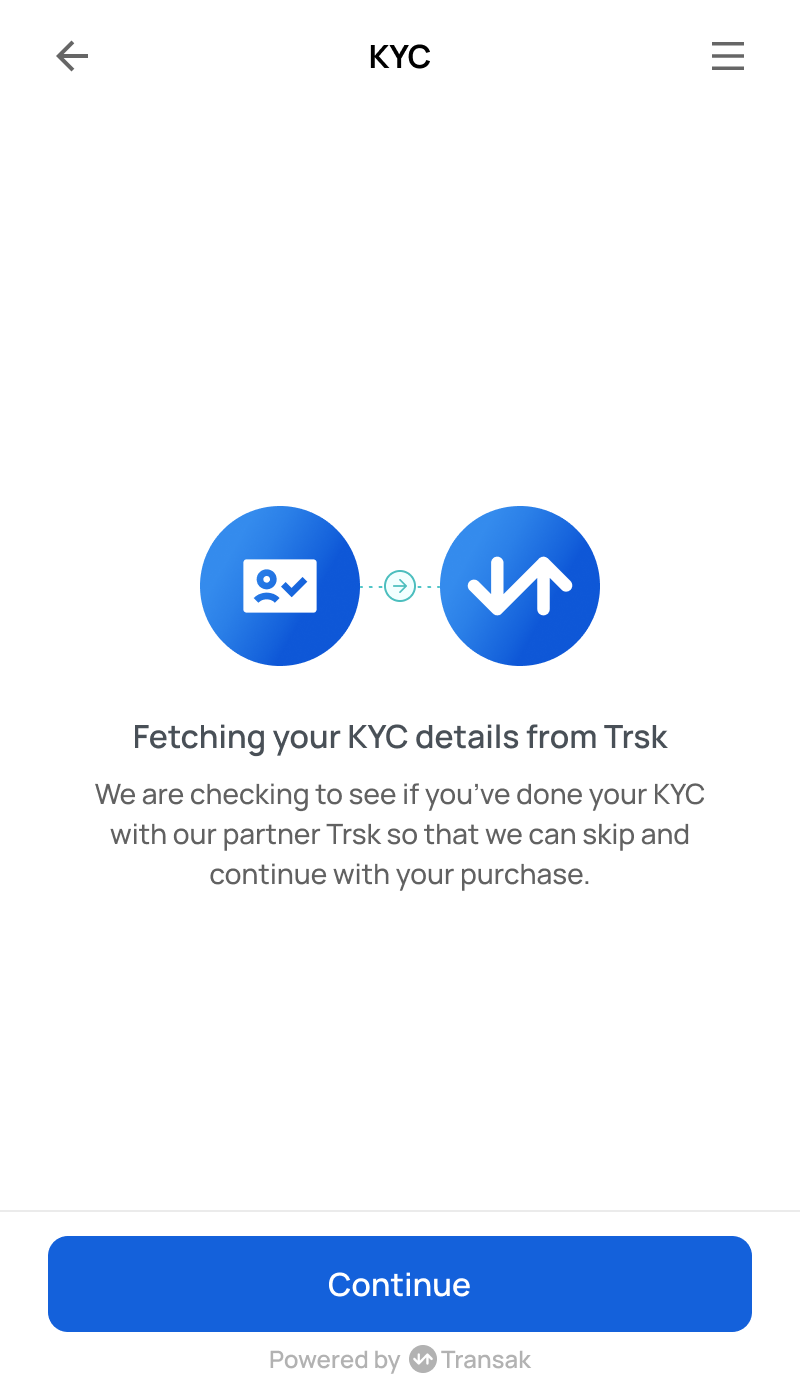
KYC Data Fetching

The system fetches KYC data using the shared token from Sumsub.

KYC Data Fetching
4

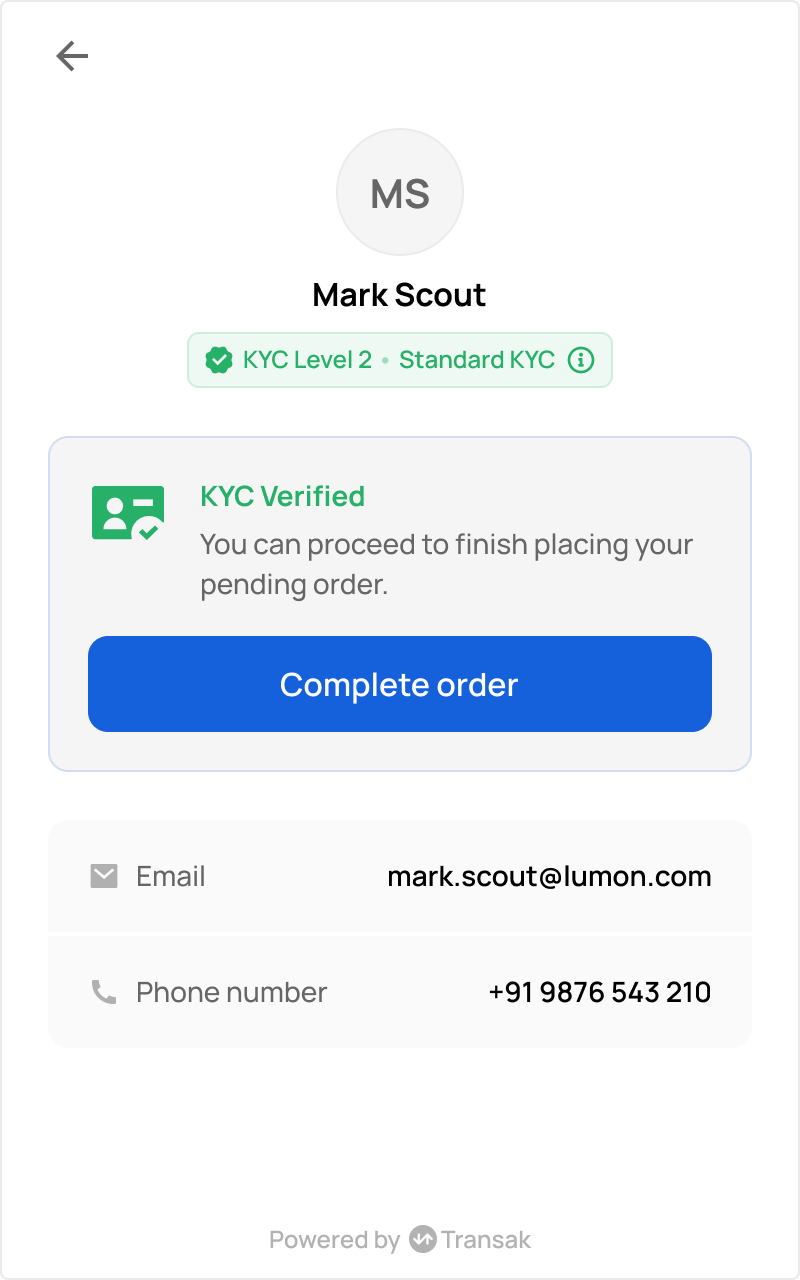
Order Placement

Transak has secured the KYC data. The user is ready to place an order instantly.

Order Placement